pre-release

Most music apps treat your library as a list. Legato treats it as a graph.

A local-first player that gives each recording, artist, album, and label its own wiki-style article, linked to the rest of your library. Open a track's article and you might learn its engineer worked on three other records you own, or that two artists you never connected share a producer.

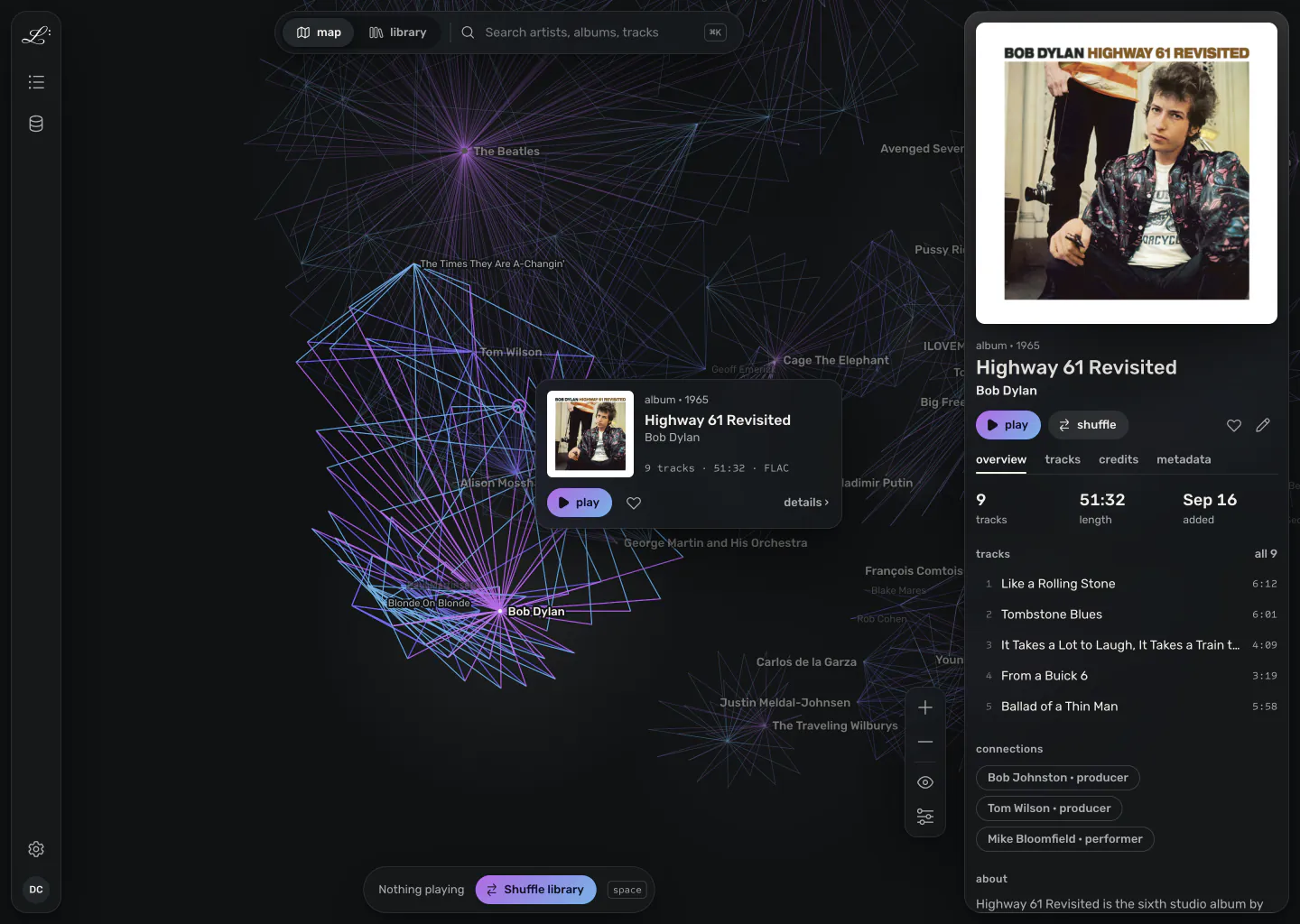
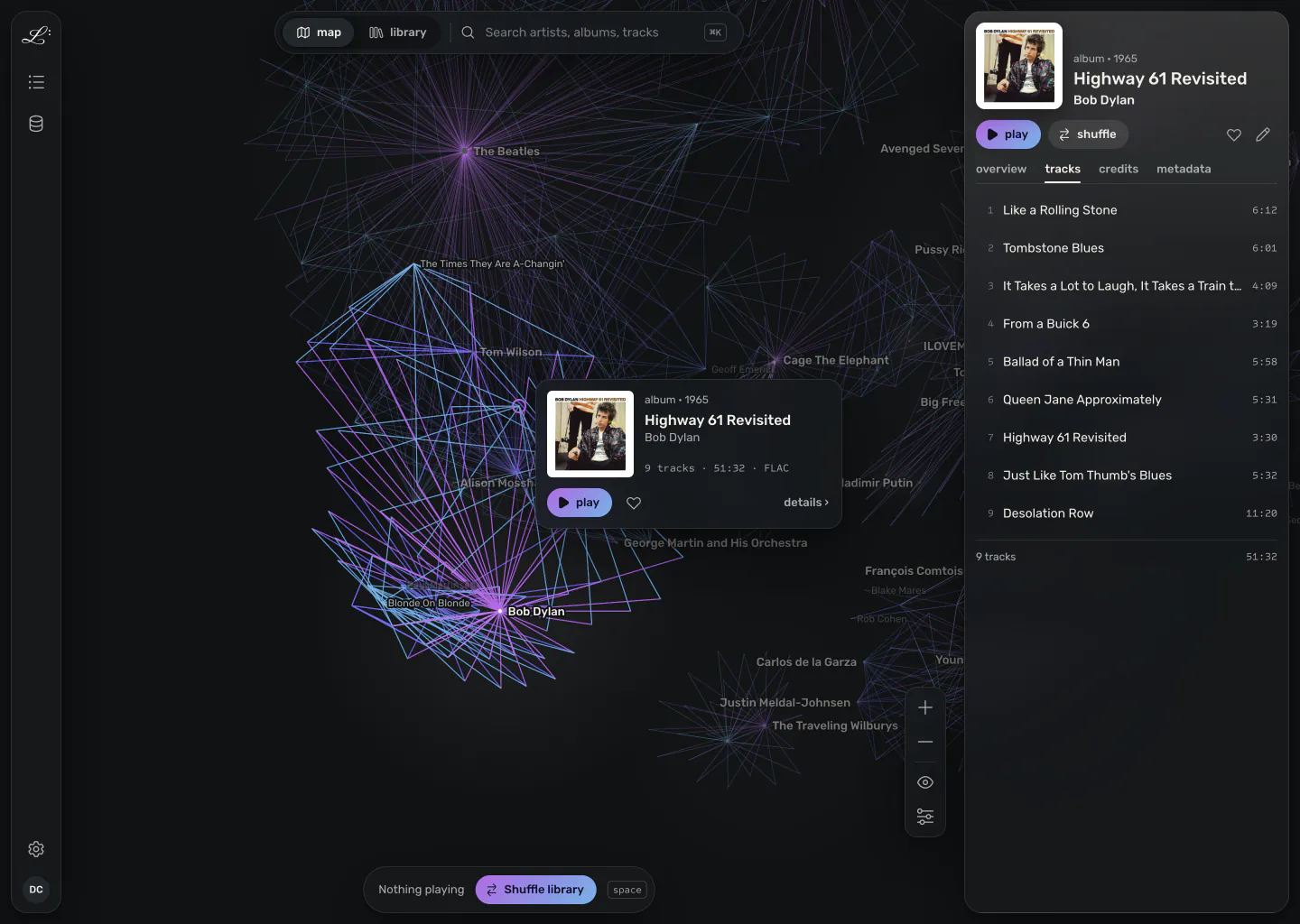
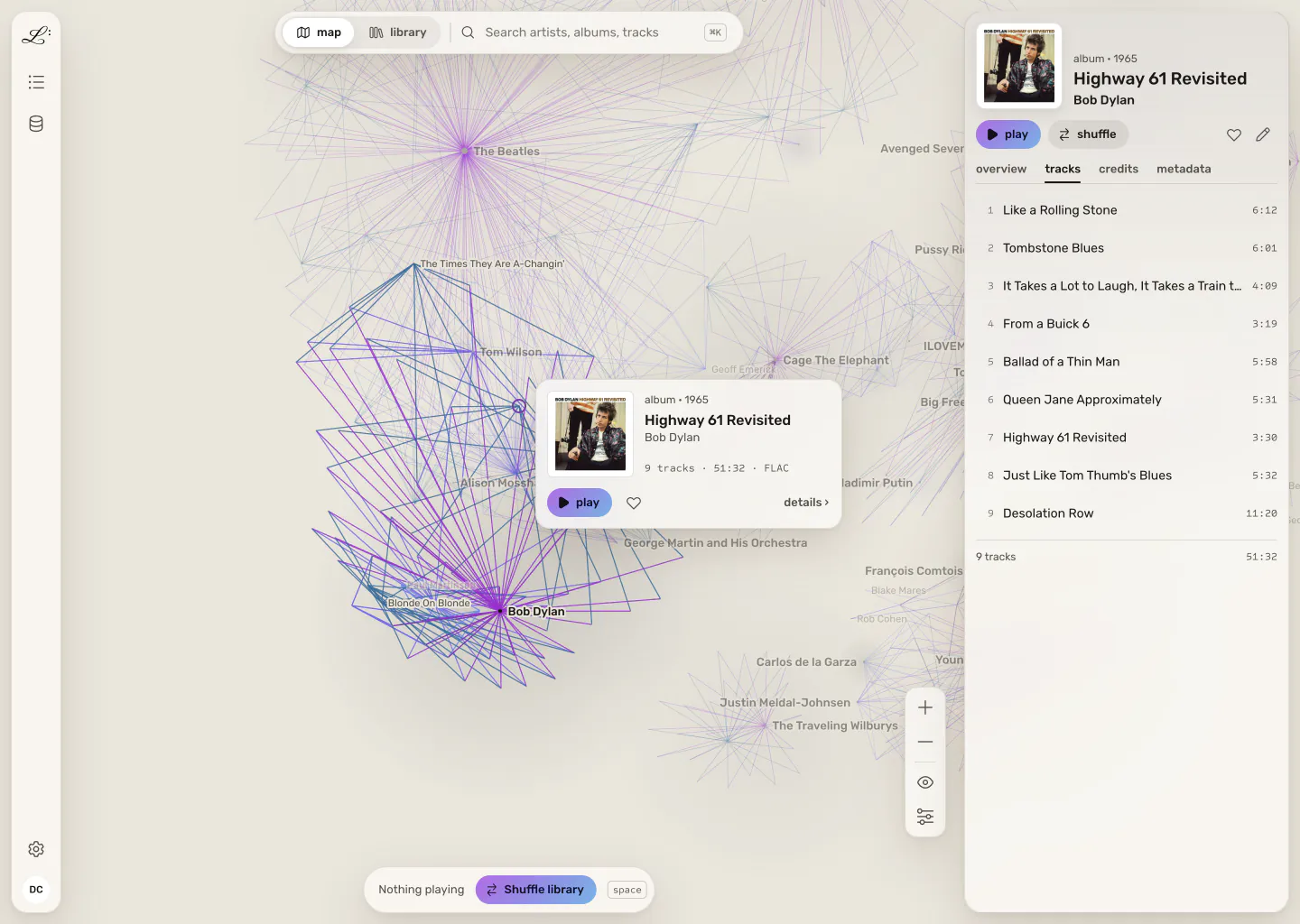
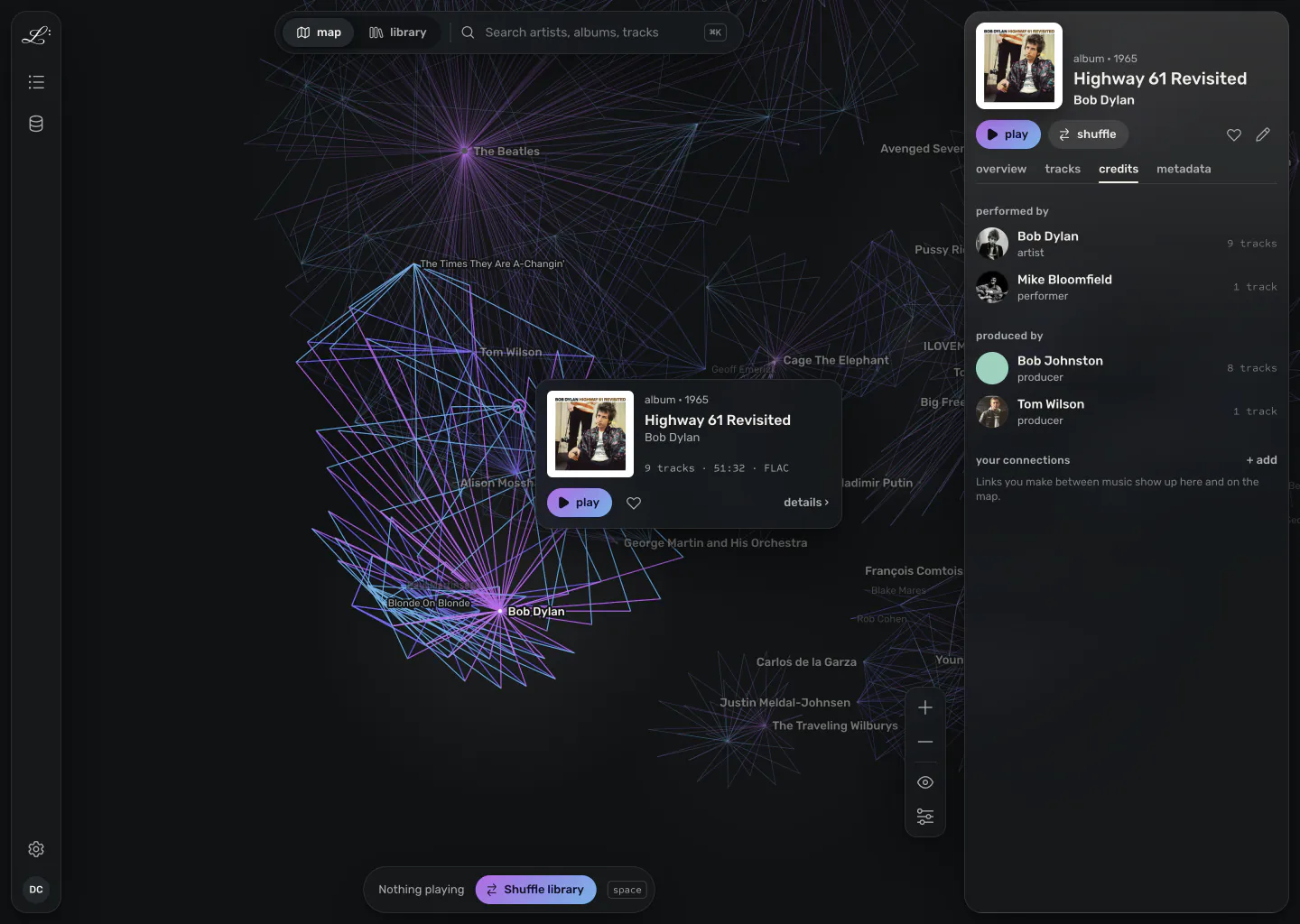
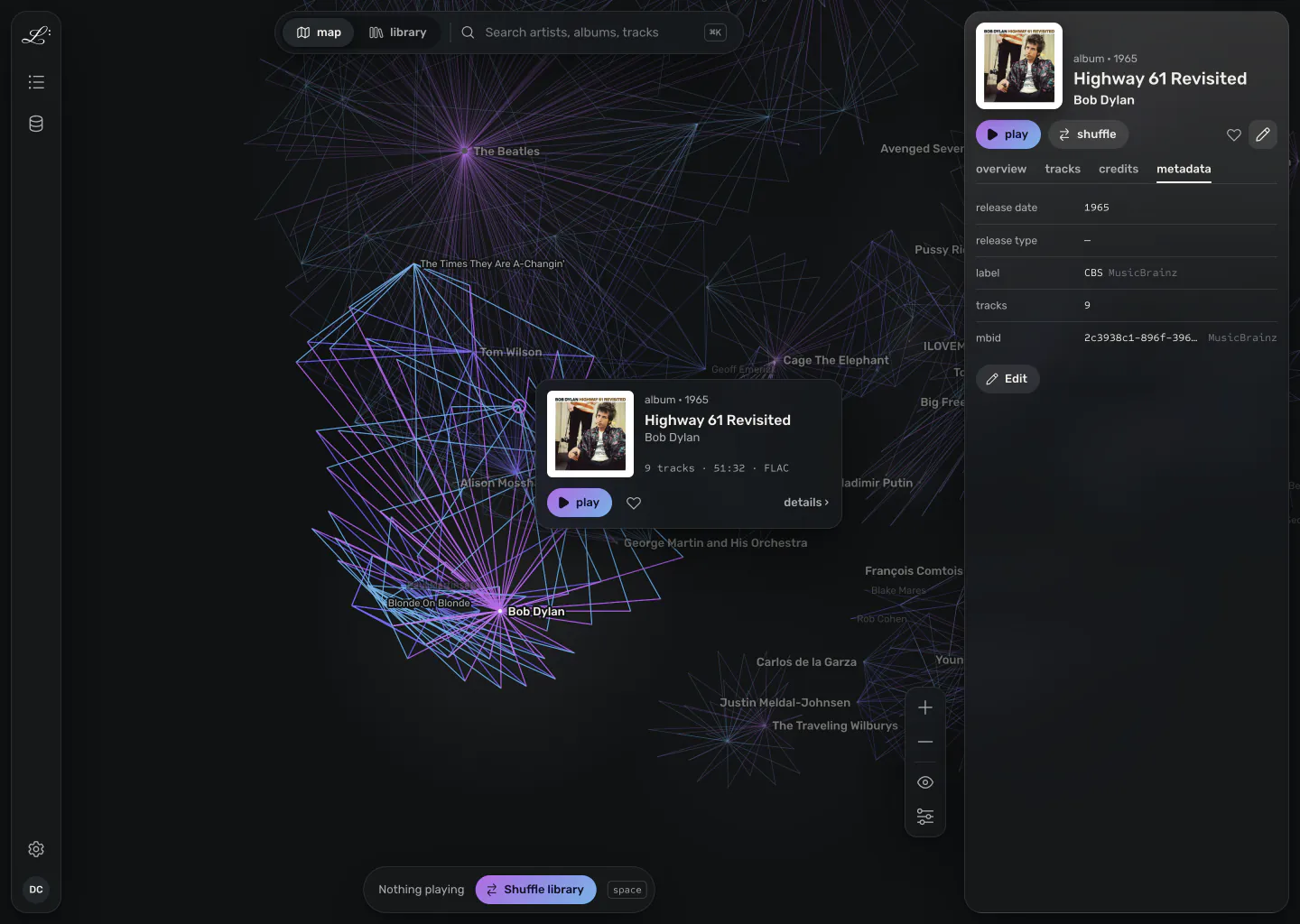
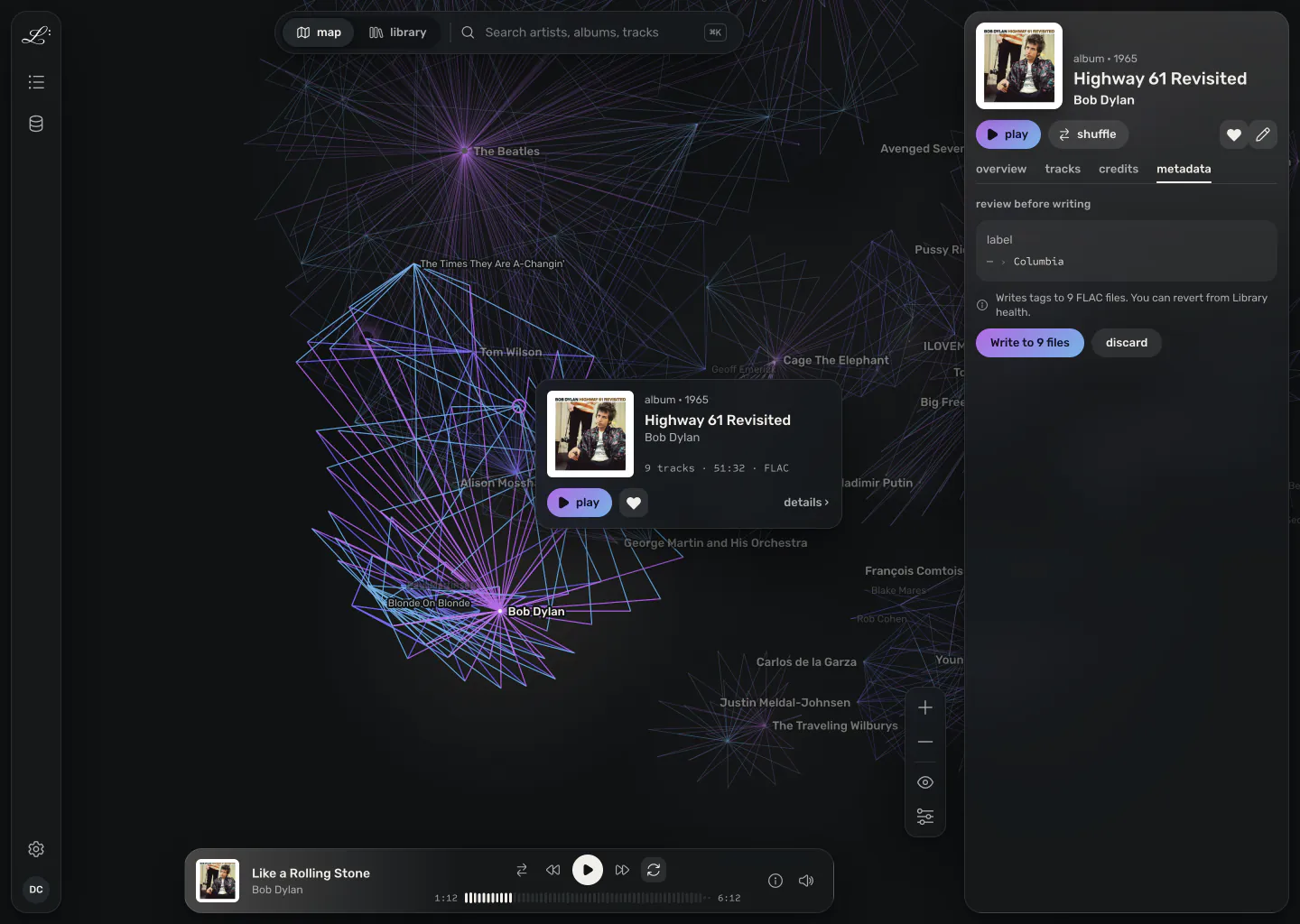
Legato's map with Highway 61 Revisited selected. Its connections stay lit on the graph, a preview card sits beside it, and its article is open on the right with the track list and its links to two producers and a performer. Legato's map with Highway 61 Revisited selected. Its connections stay lit on the graph, a preview card sits beside it, and its article is open on the right with the track list and its links to two producers and a performer.

the map

Browse by association

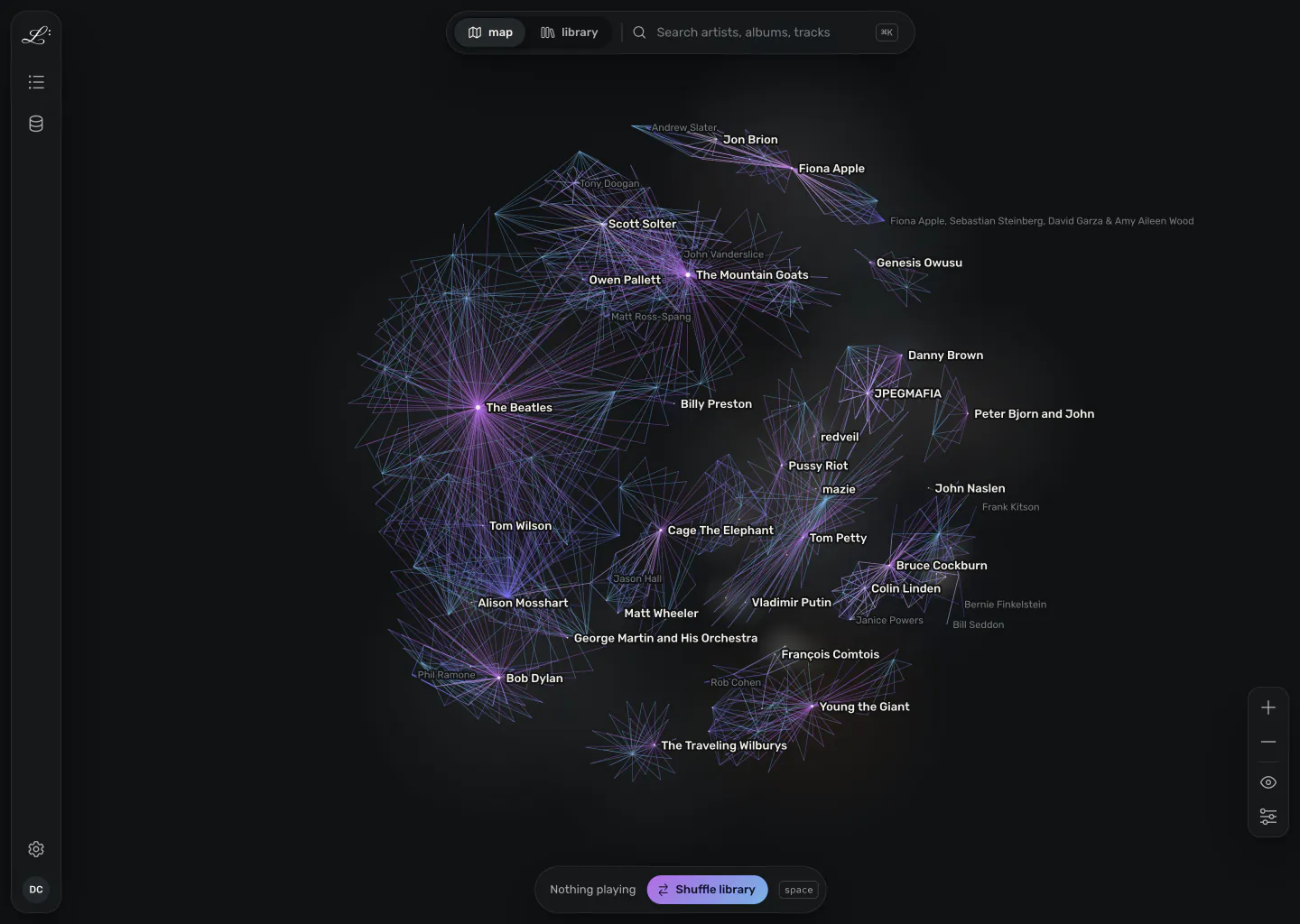
The map is a live, force-directed graph of your library. Recordings, artists, releases, labels, and producers sit where their connections pull them.

The map shows the clusters and gaps in your library, and the corners that take up more of it than you realised.

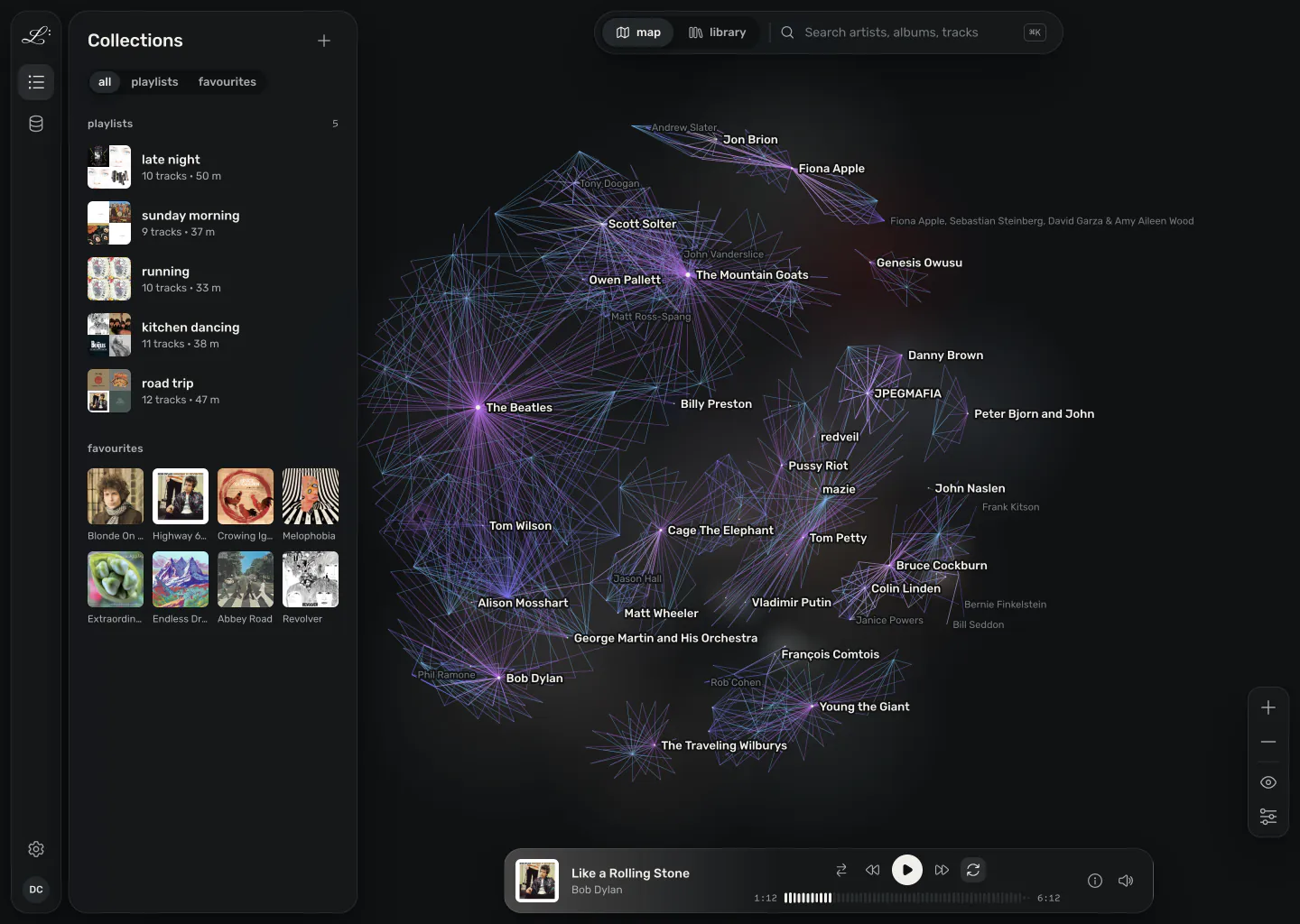
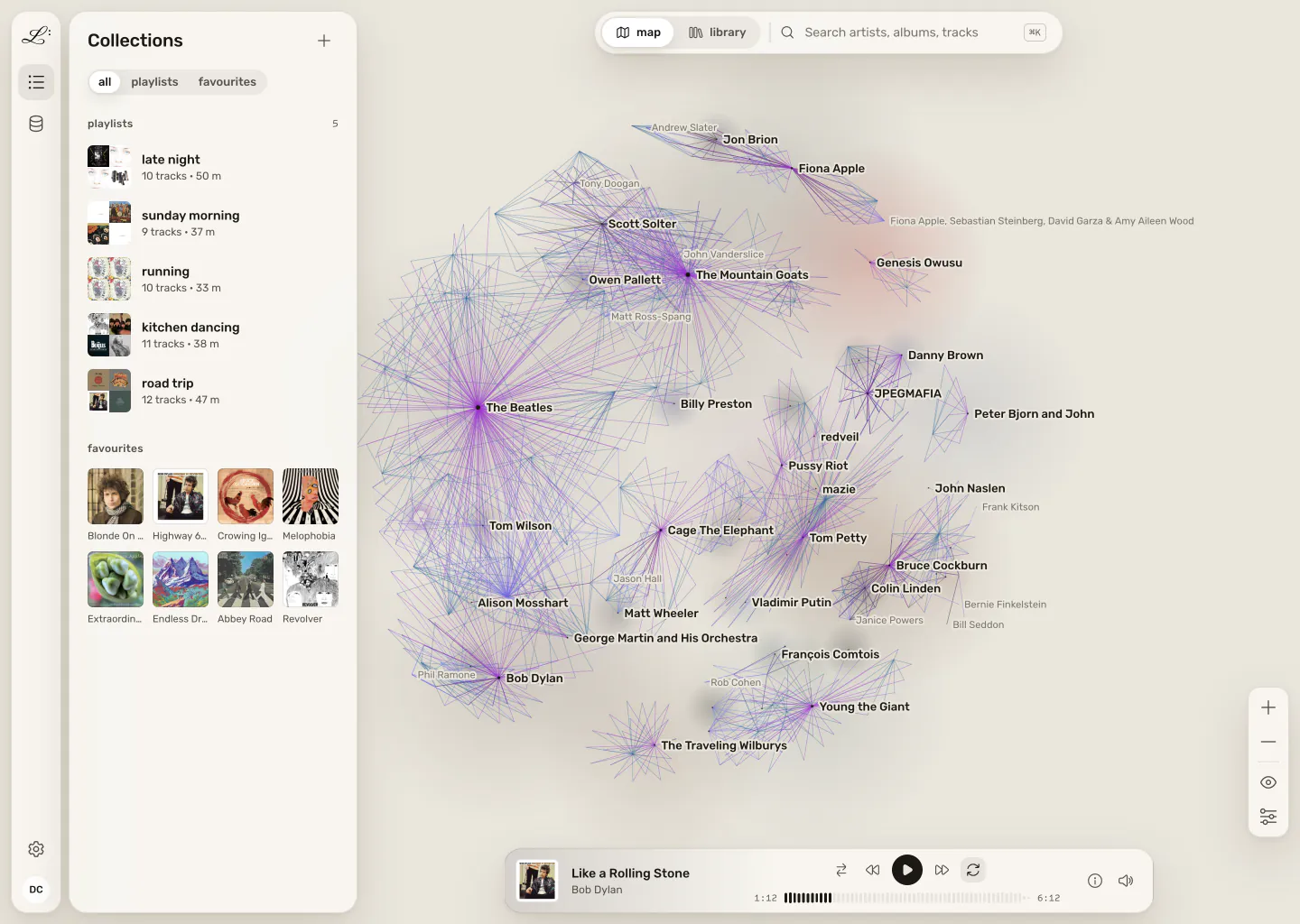
The whole map at rest. The Beatles, Bob Dylan, The Mountain Goats, Tom Petty and other artists each sit at the centre of a cluster of their releases and recordings, with producers and players such as Tom Wilson and Jon Brion between them. The whole map at rest. The Beatles, Bob Dylan, The Mountain Goats, Tom Petty and other artists each sit at the centre of a cluster of their releases and recordings, with producers and players such as Tom Wilson and Jon Brion between them.
The map at rest, with artist labels.
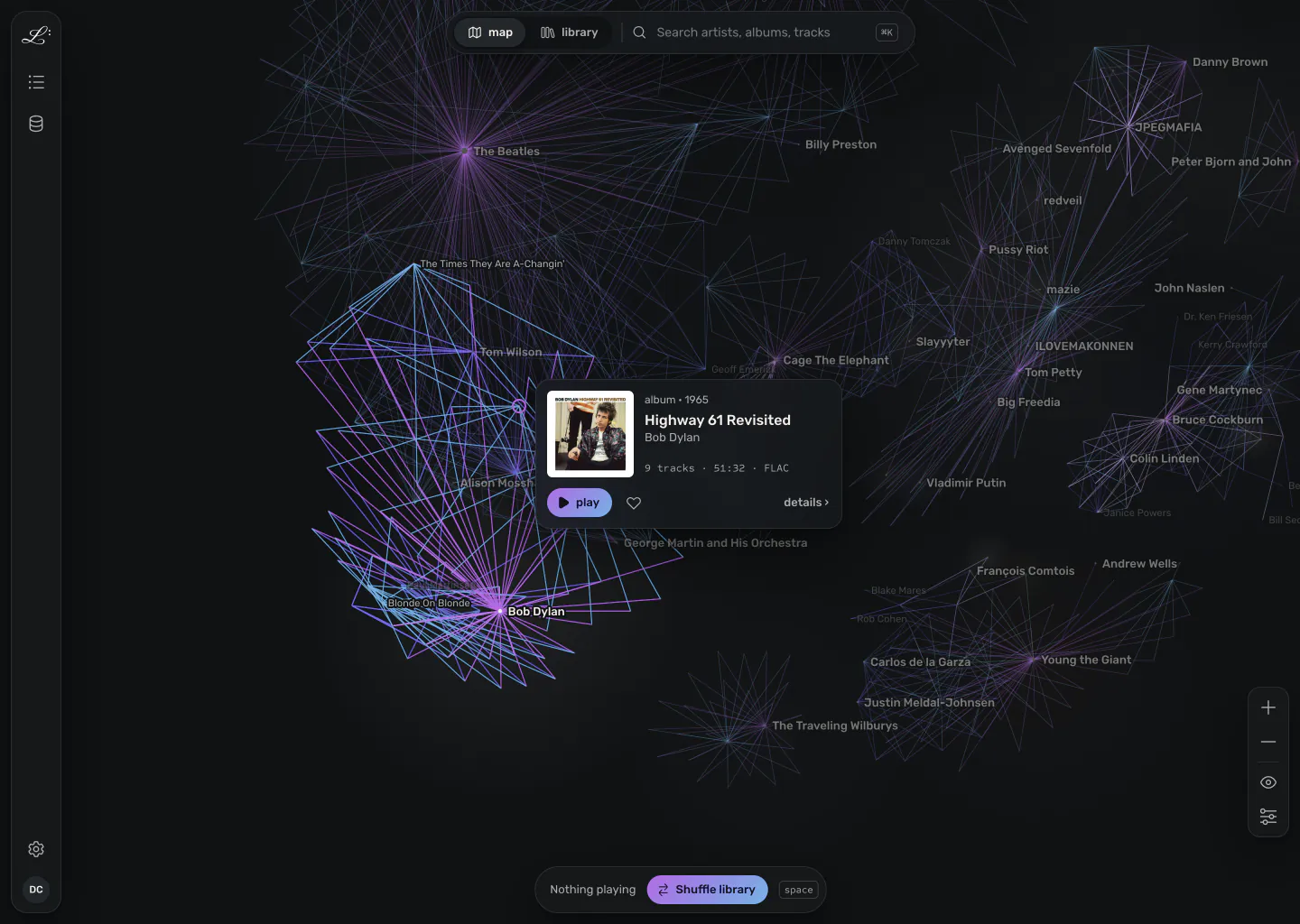
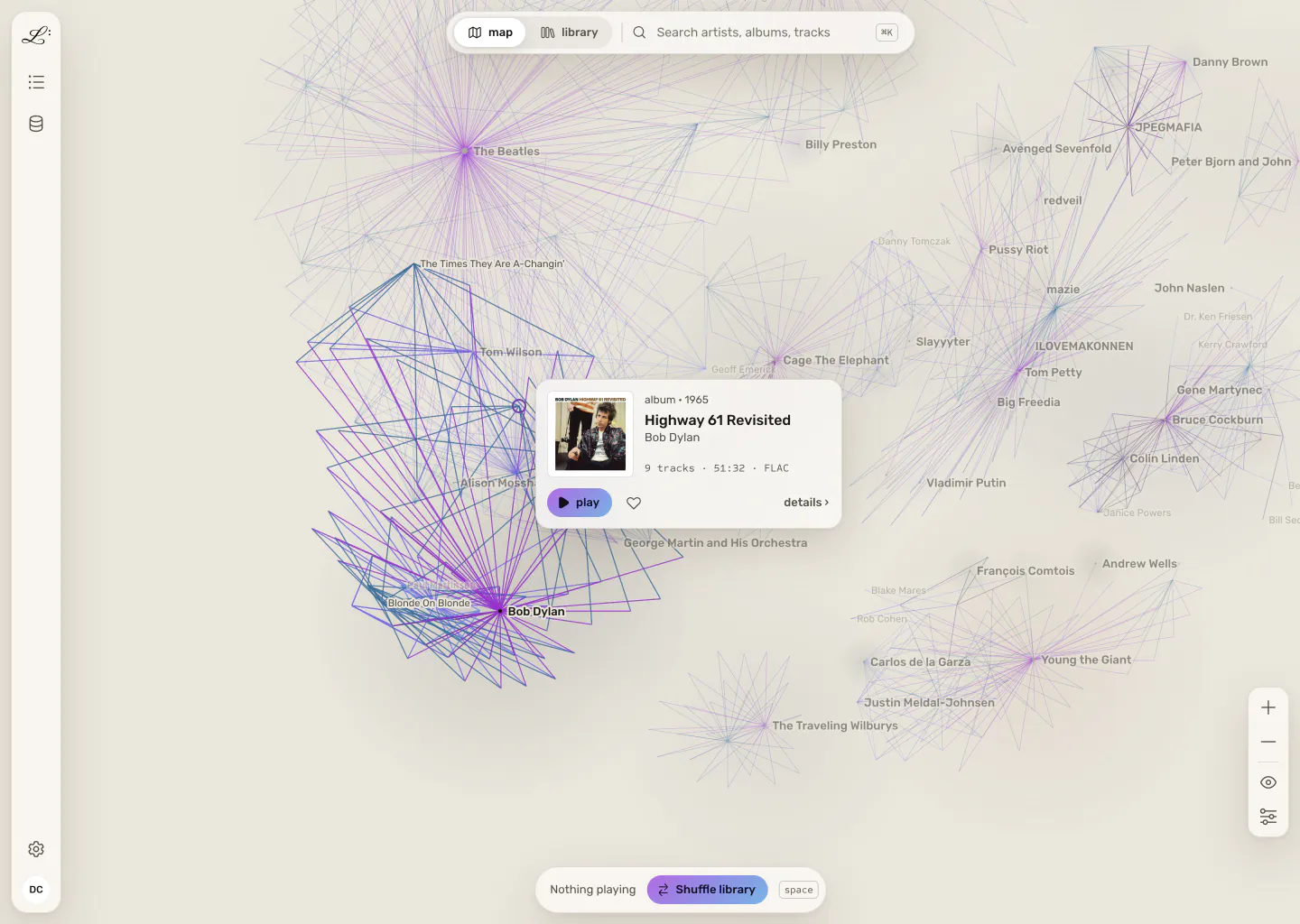
The map with Highway 61 Revisited selected. Its card opens over the album, its links to Bob Dylan's other records stay lit, and every other cluster fades. The map with Highway 61 Revisited selected. Its card opens over the album, its links to Bob Dylan's other records stay lit, and every other cluster fades.
Select a record Its neighbourhood comes forward and the rest of the map steps back.
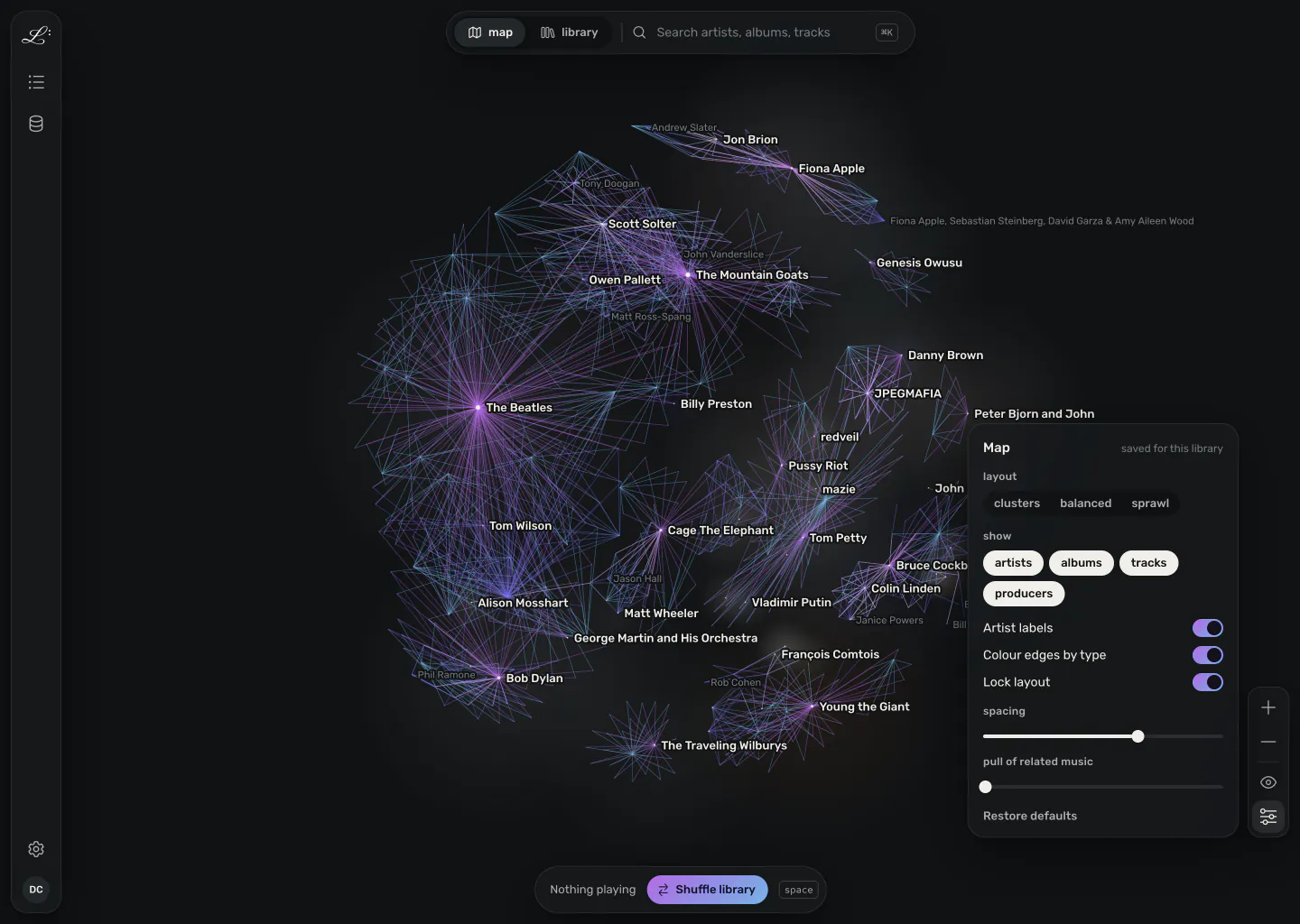
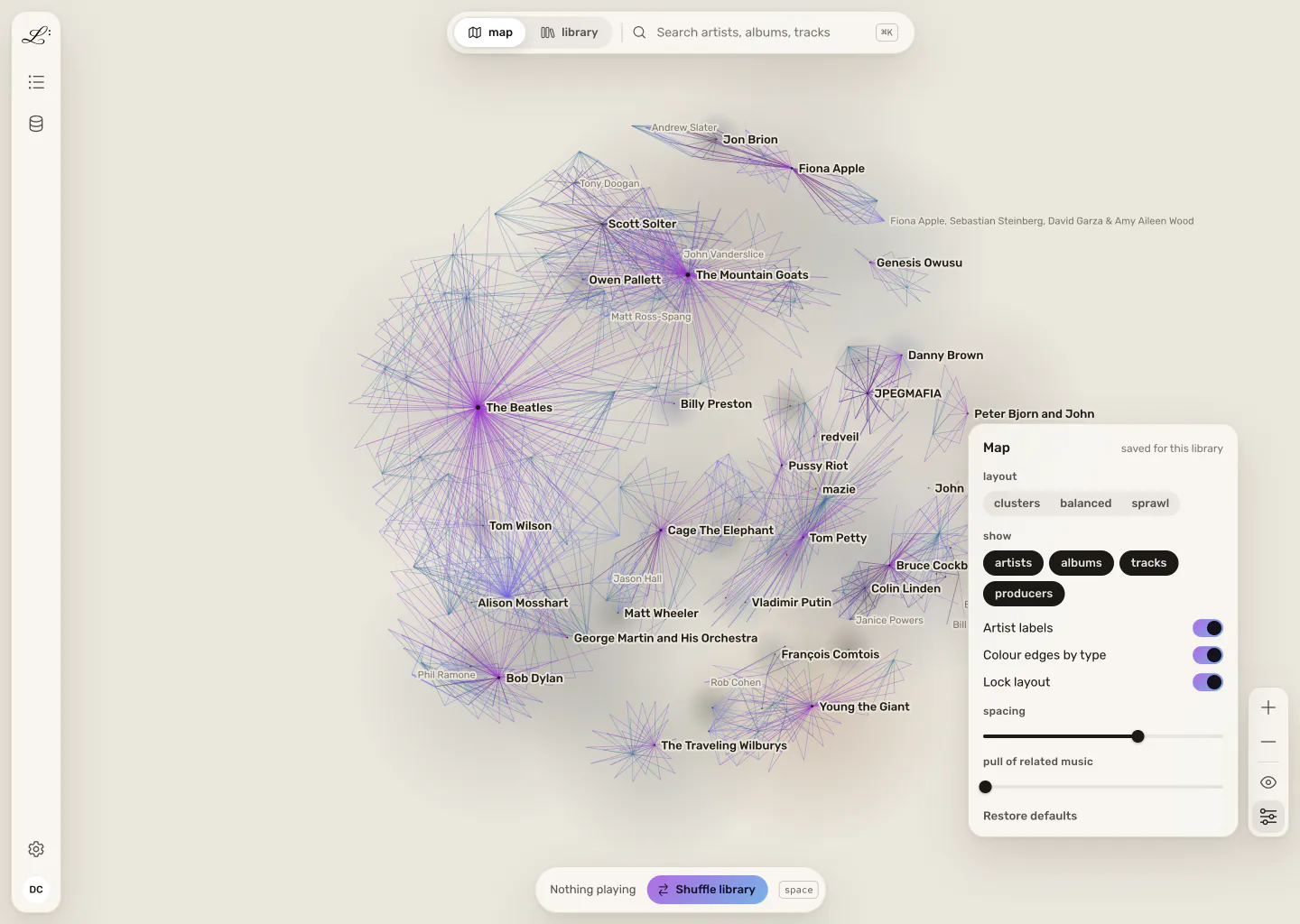
The map options panel open beside the map's zoom controls, with a layout preset, which node types to show, artist labels, edge colours by type, layout lock, spacing, and the pull of related music. The map options panel open beside the map's zoom controls, with a layout preset, which node types to show, artist labels, edge colours by type, layout lock, spacing, and the pull of related music.
Map options Map settings live on the map, next to what they change.

the article

Read your records like an encyclopedia

Click a node and Legato opens its article. Releases, recordings, and credits each link to their own articles, so you find connections by reading.

The overview of Highway 61 Revisited's article: track count, length and date added, the first five tracks, and its connections to Bob Johnston and Tom Wilson as producers and Mike Bloomfield as performer. The overview of Highway 61 Revisited's article: track count, length and date added, the first five tracks, and its connections to Bob Johnston and Tom Wilson as producers and Mike Bloomfield as performer.

the library

A plain library when you want one

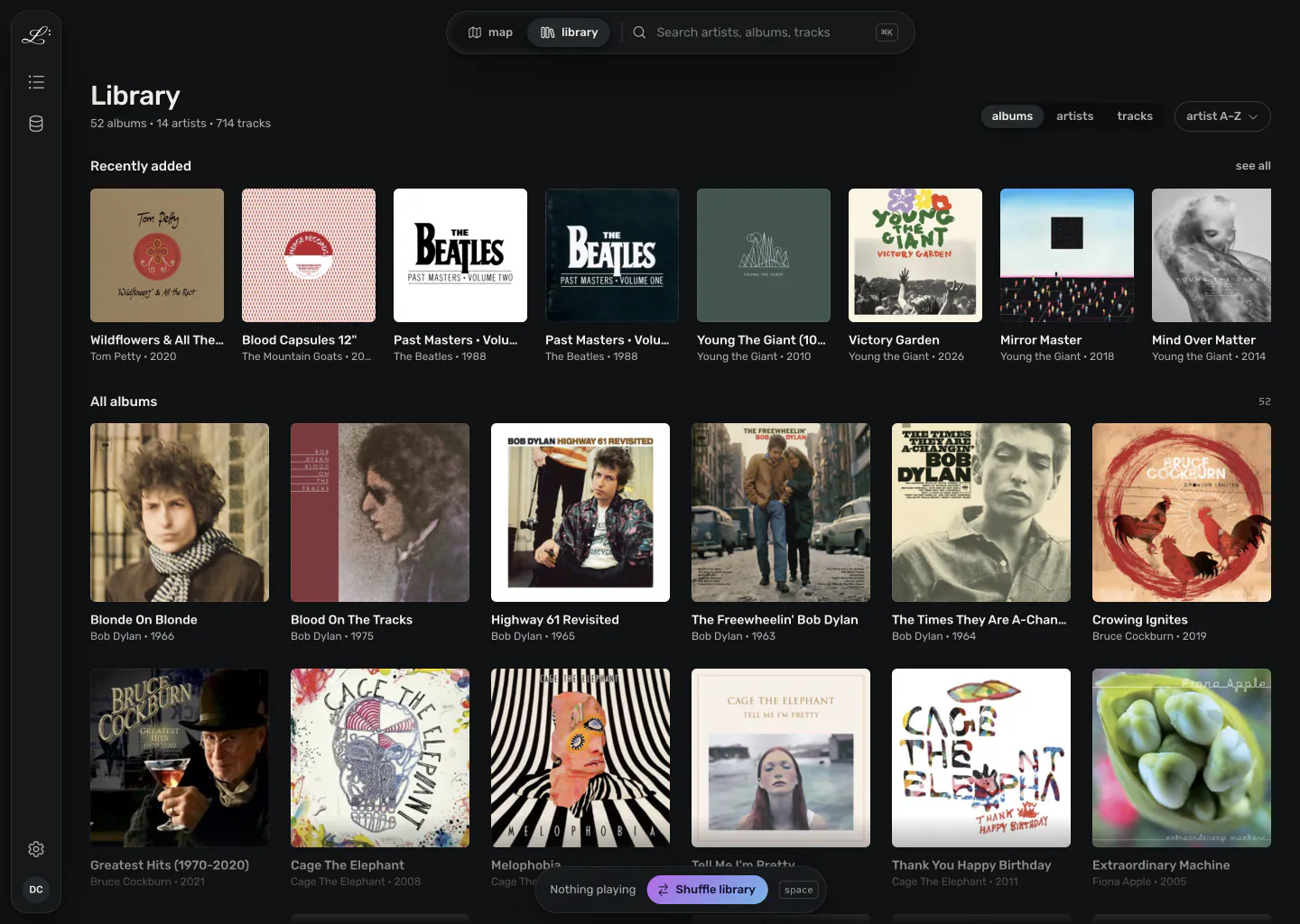
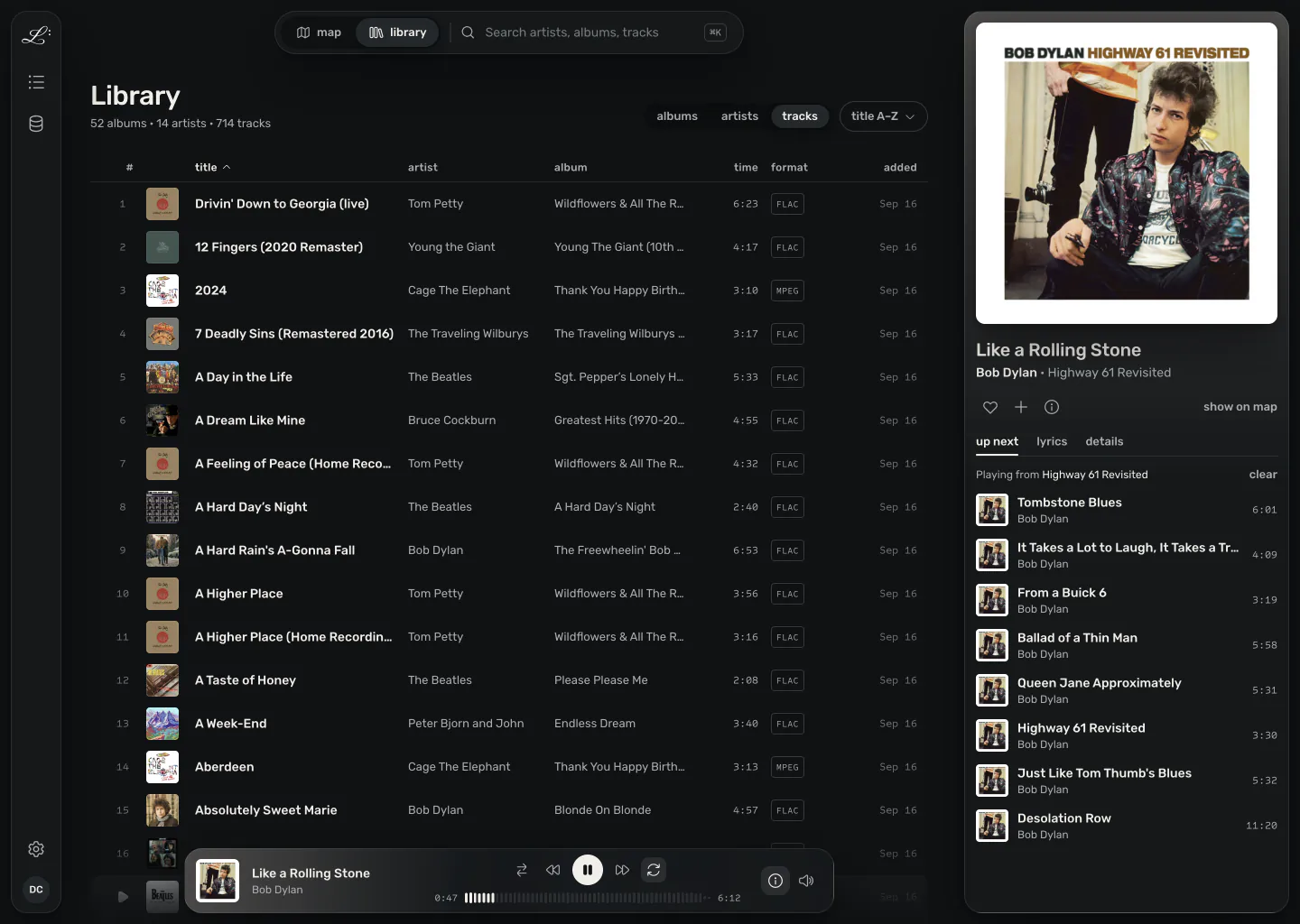
Some nights you want to pick an album and press play. Next to the map sits an ordinary album grid and track table that stays fast at thirty thousand albums. Both share one search and selection, so switching views keeps your place.

The library view as an album grid, with a recently added shelf above all albums. The library view as an album grid, with a recently added shelf above all albums.
Albums A cover grid with a recently added shelf.
The library view as a track table with title, artist, album, length, format and date added, and the play queue open on the right. The library view as a track table with title, artist, album, length, format and date added, and the play queue open on the right.
Tracks A sortable track table, with the queue open beside it.

Search from anywhere

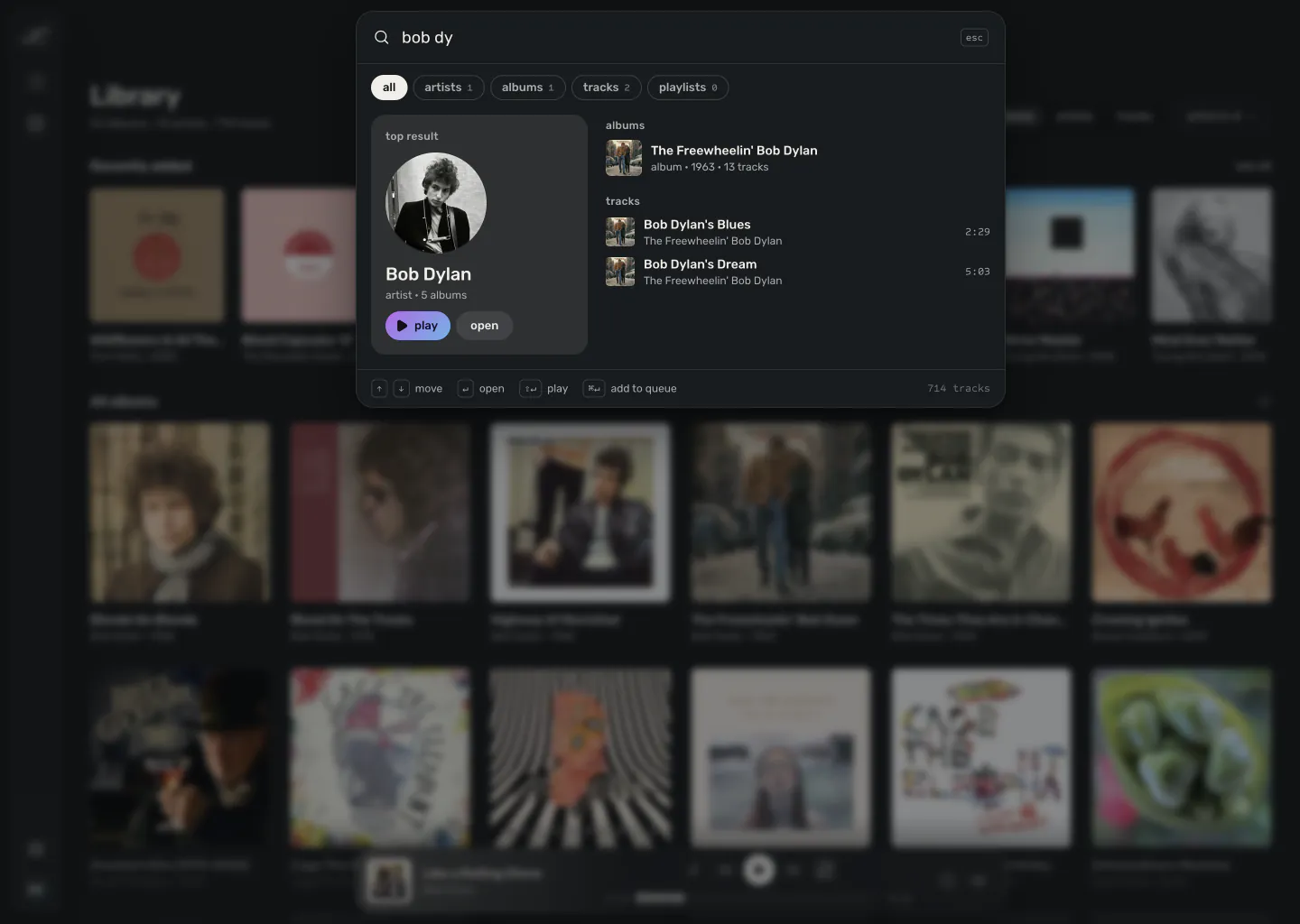
Search sits next to the map/library switch at the top of every screen, and ⌘K opens it from anywhere.

Search open over the library with a partial query. Bob Dylan is the top result, followed by a matching album and tracks. Search open over the library with a partial query. Bob Dylan is the top result, followed by a matching album and tracks.

collections

Favourites, playlists, and what's playing

Favourites and playlists share one list, and existing playlists import into it. The player stays docked on every screen; open it for the queue and lyrics.

The Collections panel beside the map, listing five playlists above a grid of favourite albums. The Collections panel beside the map, listing five playlists above a grid of favourite albums.
Collections
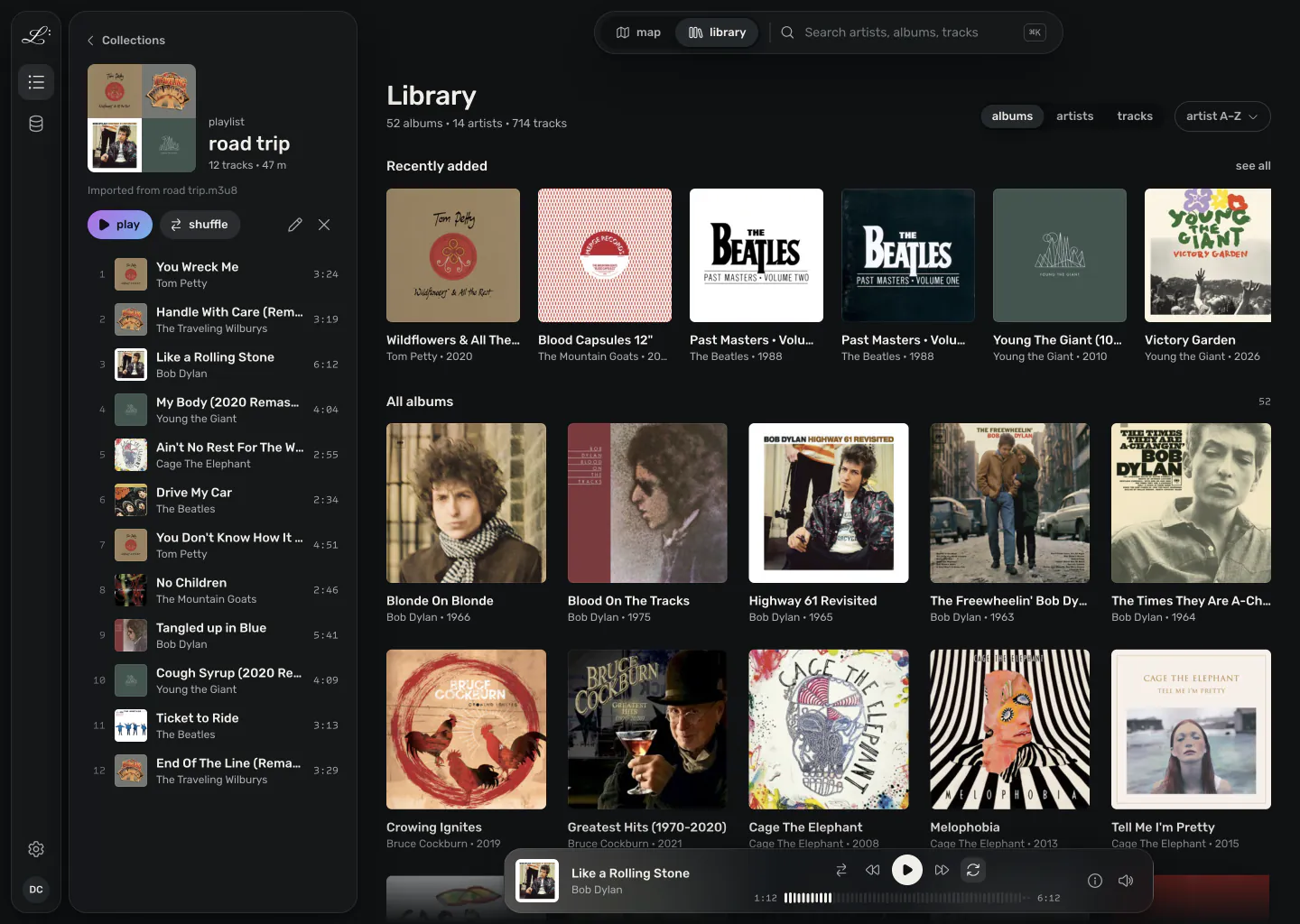
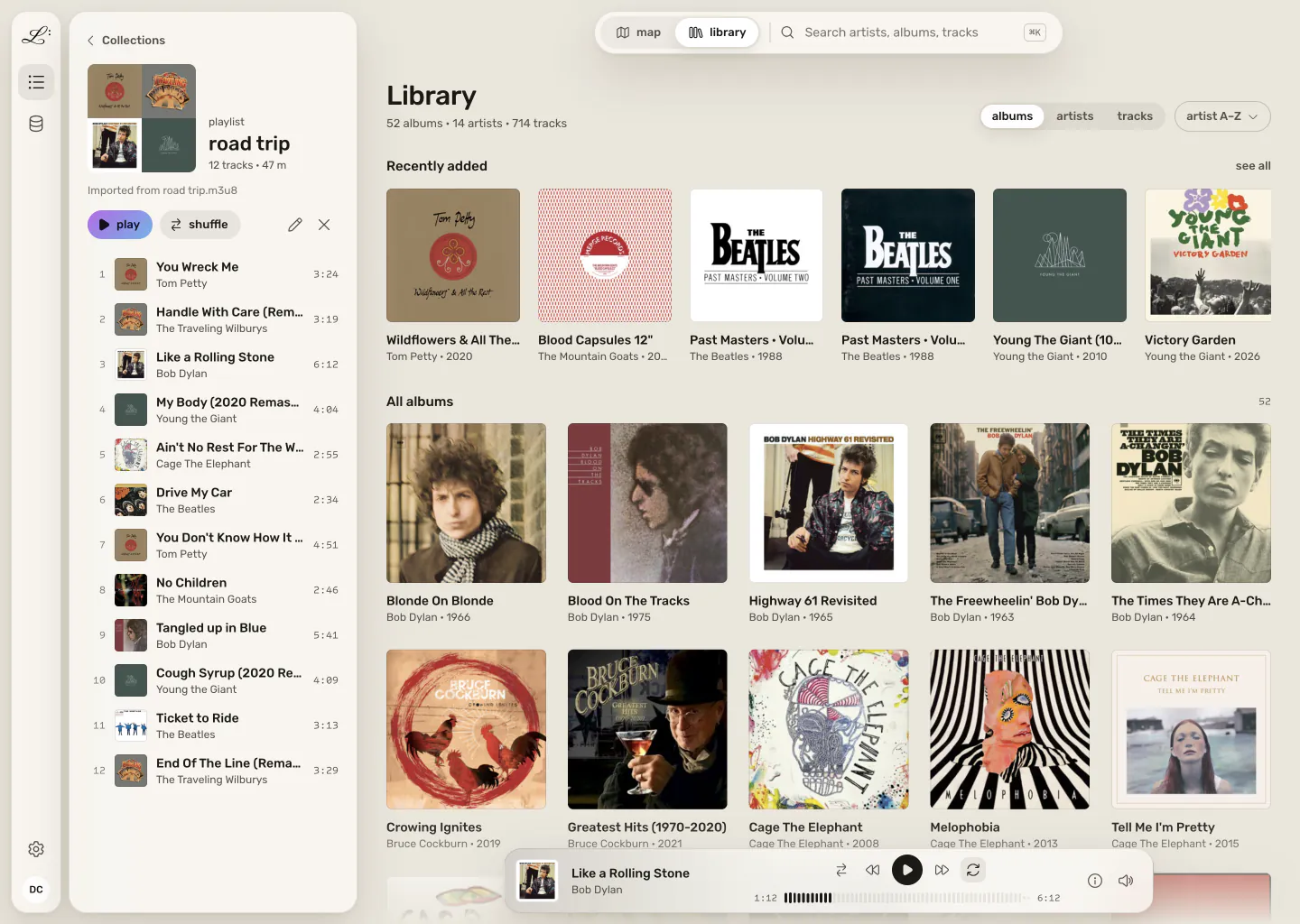
A playlist called road trip, imported from an m3u8 file, open beside the library with its tracks in order. A playlist called road trip, imported from an m3u8 file, open beside the library with its tracks in order.
A playlist
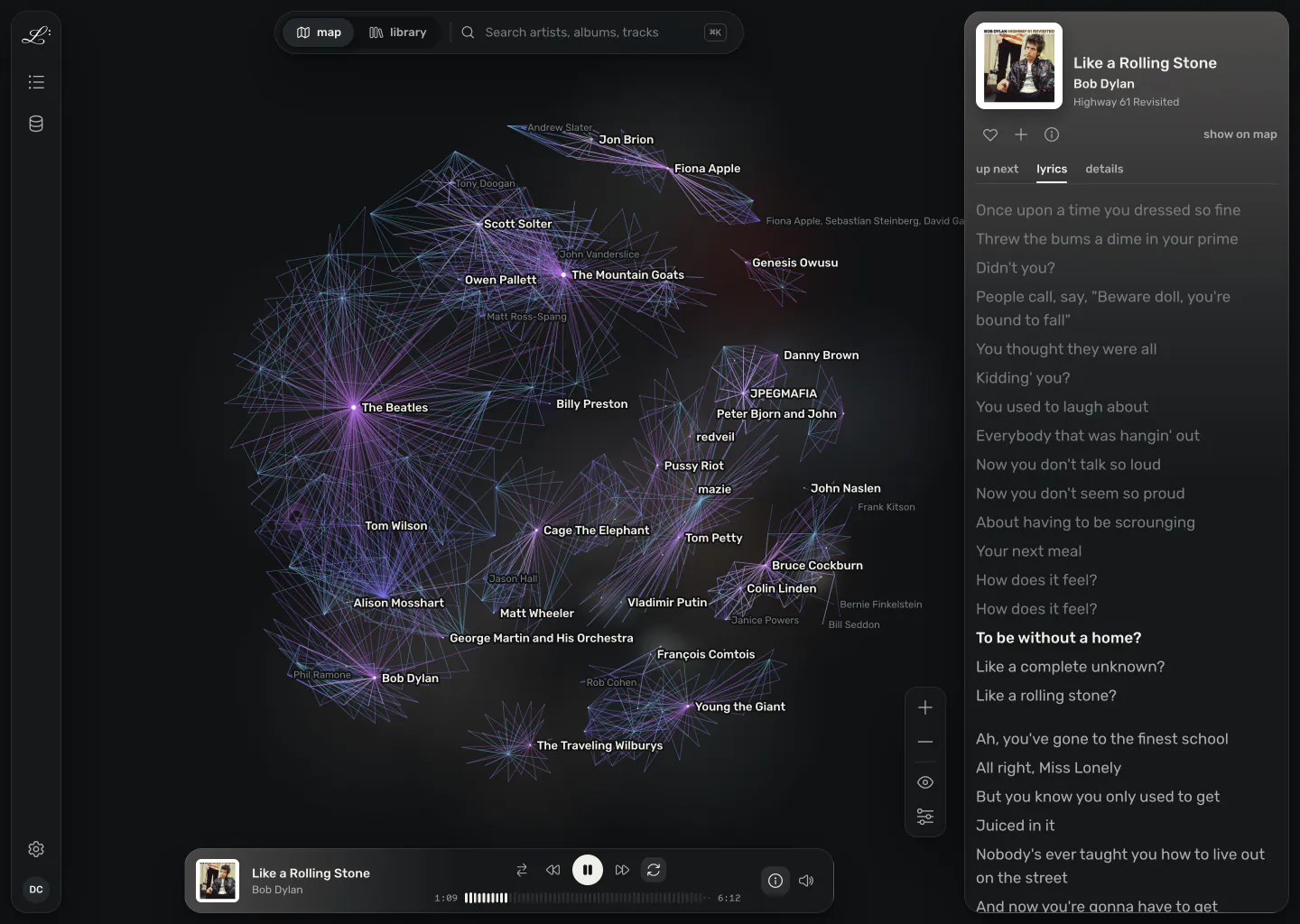
The now playing panel open beside the map, showing the current track with its lyrics, the current line highlighted. The now playing panel open beside the map, showing the current track with its lyrics, the current line highlighted.
Now playing, with lyrics

library health

Fix your metadata in place

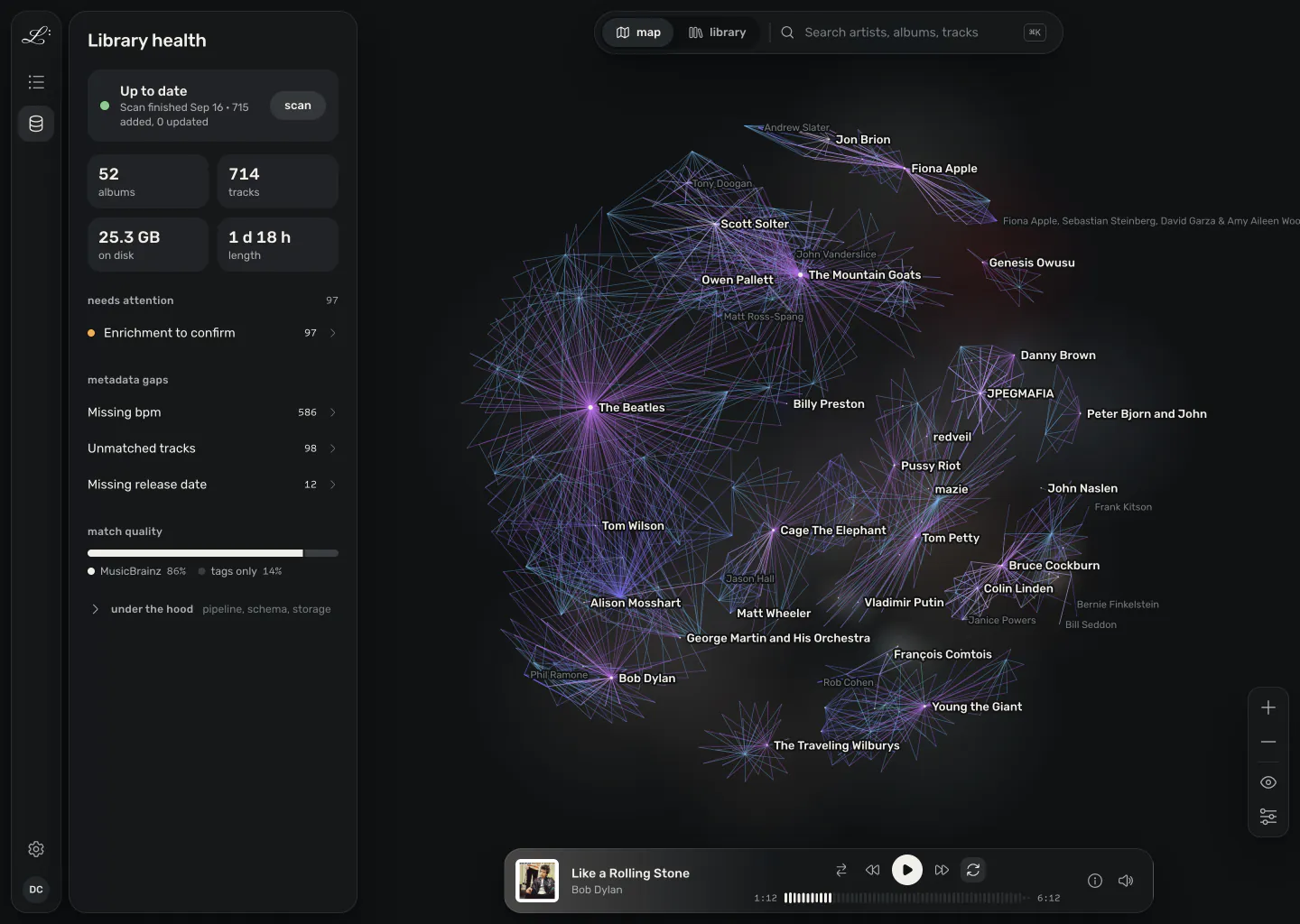
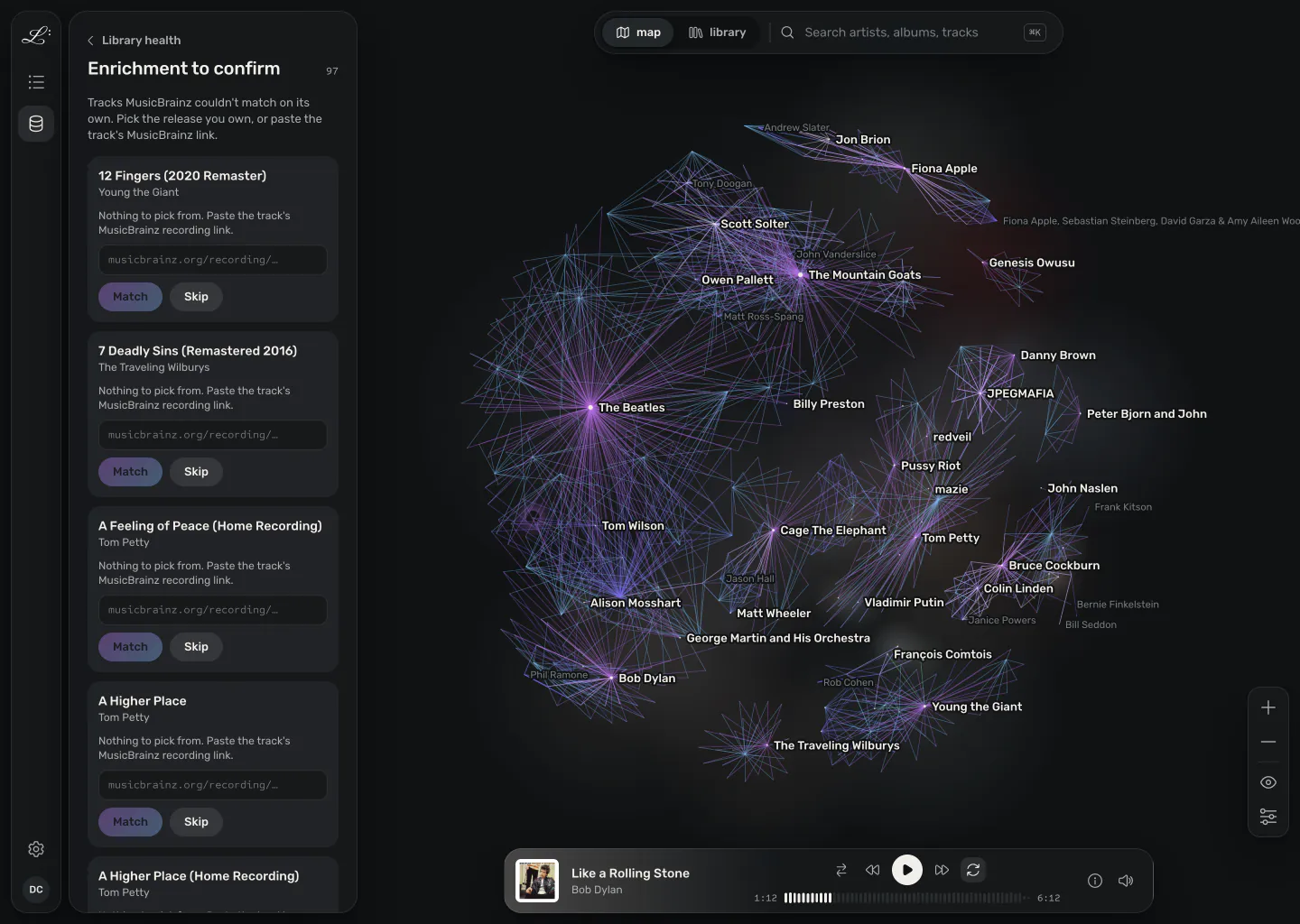
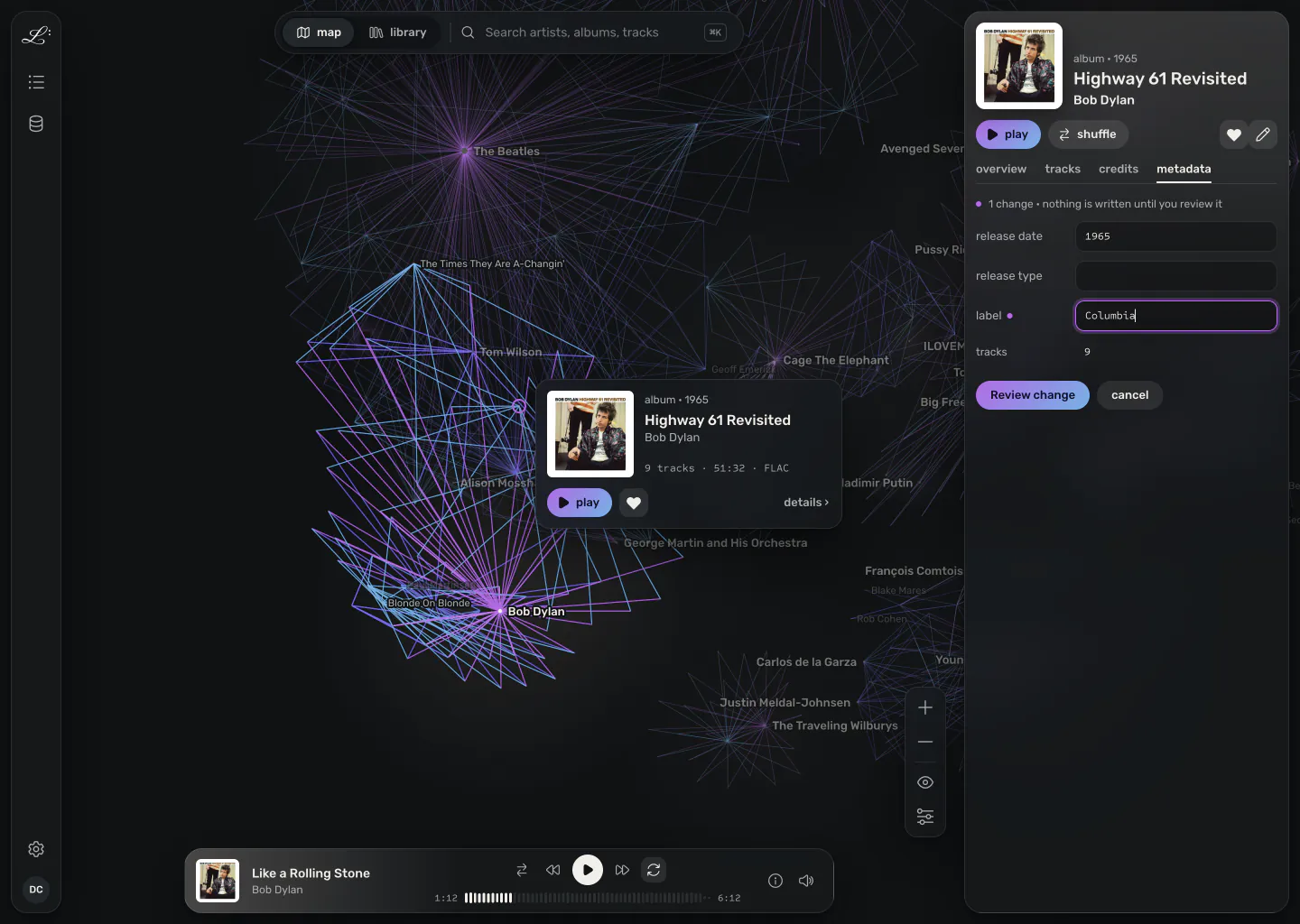
Legato flags missing and conflicting tags, and you fix them on the map itself, without a separate tagging app.

The Library health panel: the last scan, library totals, what needs attention, counts of metadata gaps, and how many tracks matched MusicBrainz. The Library health panel: the last scan, library totals, what needs attention, counts of metadata gaps, and how many tracks matched MusicBrainz.

themes

Ink or paper

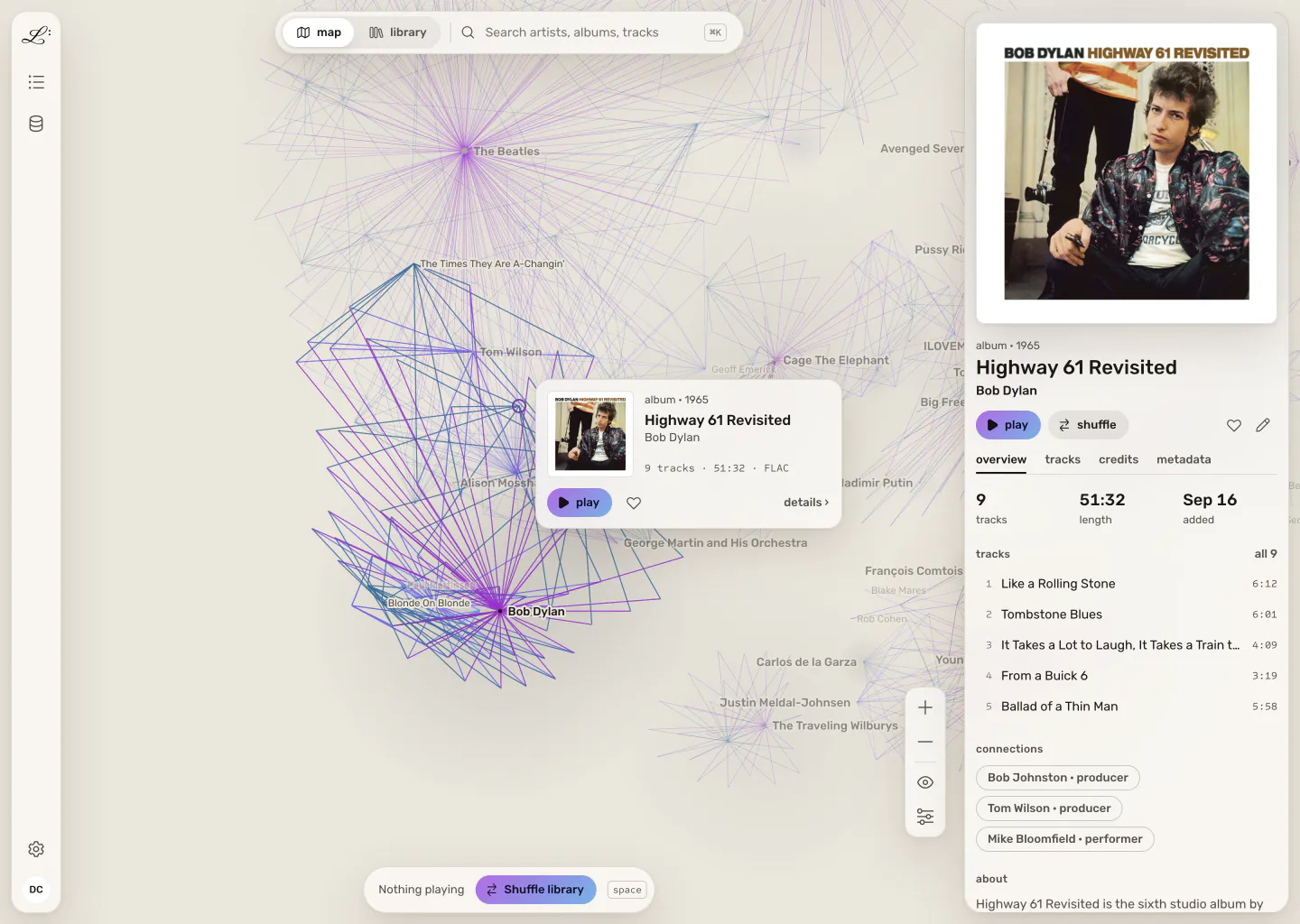
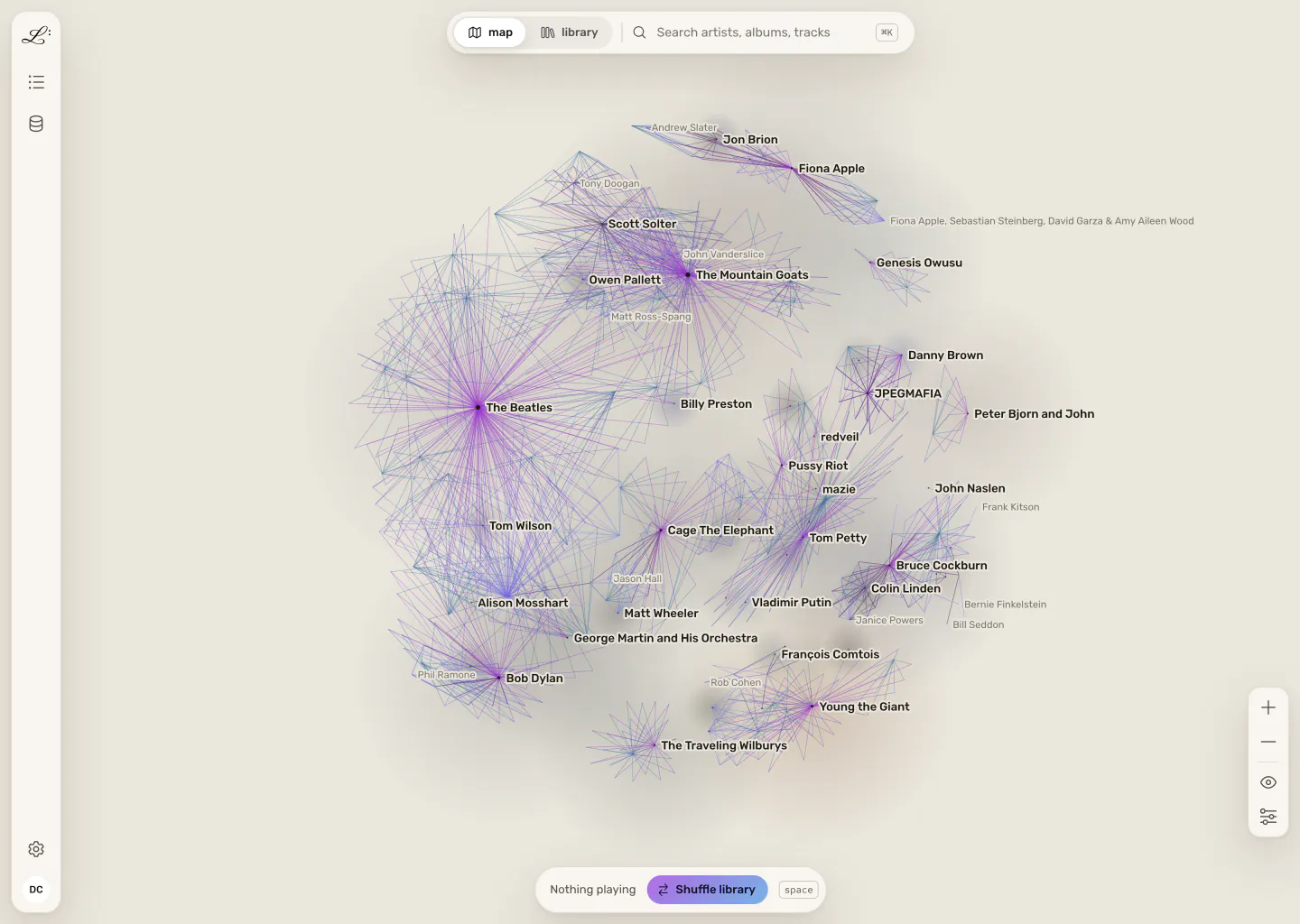
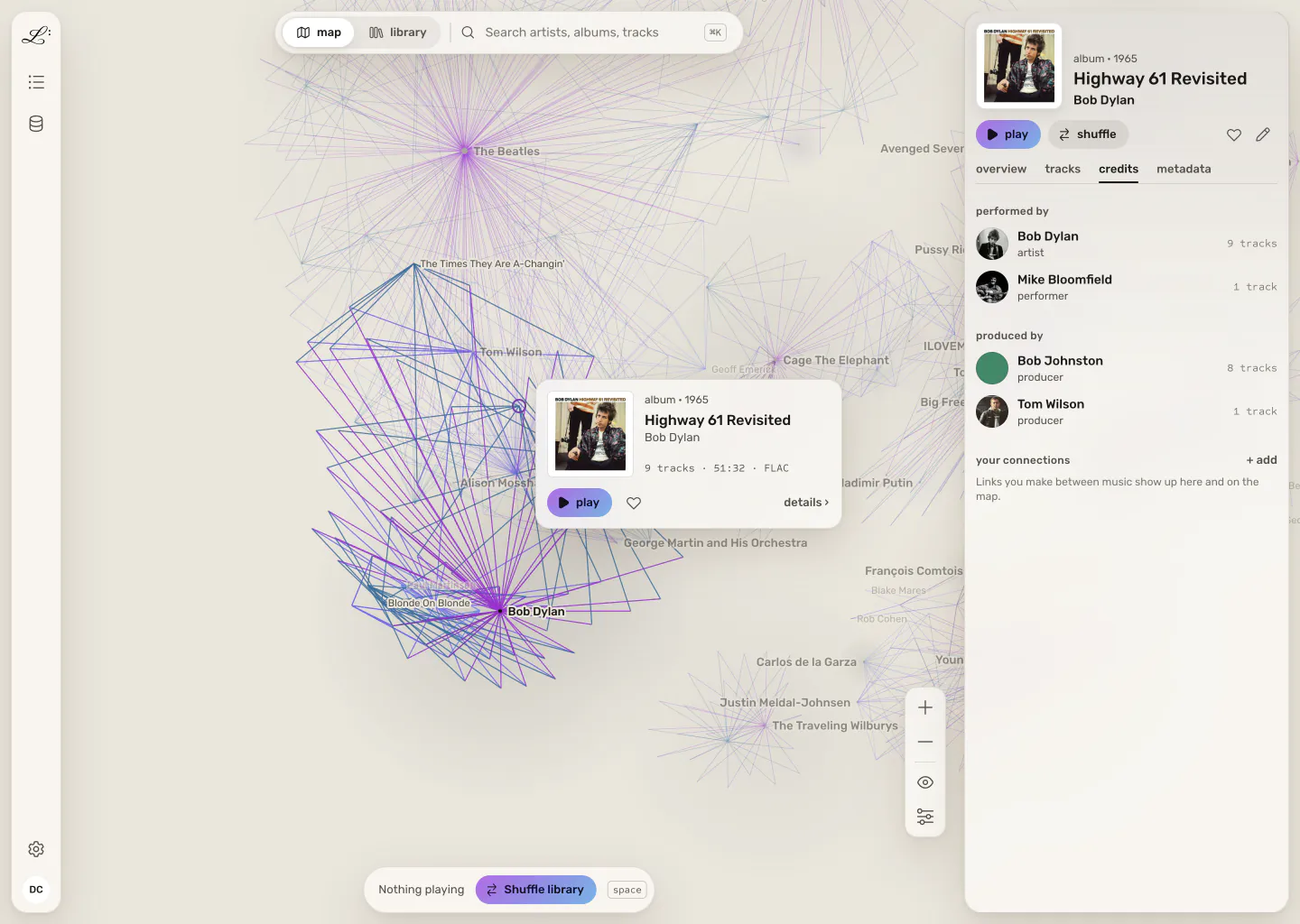
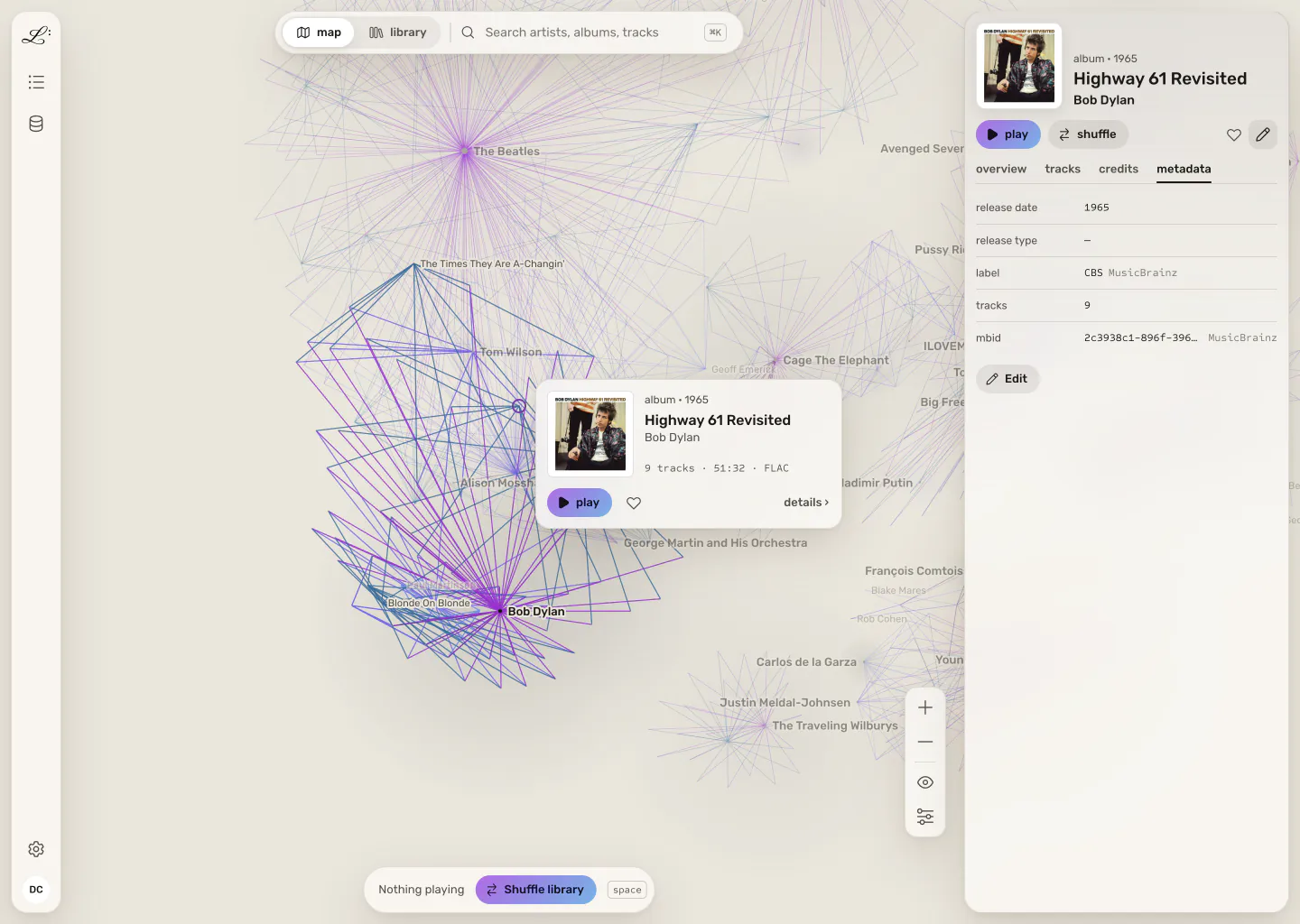
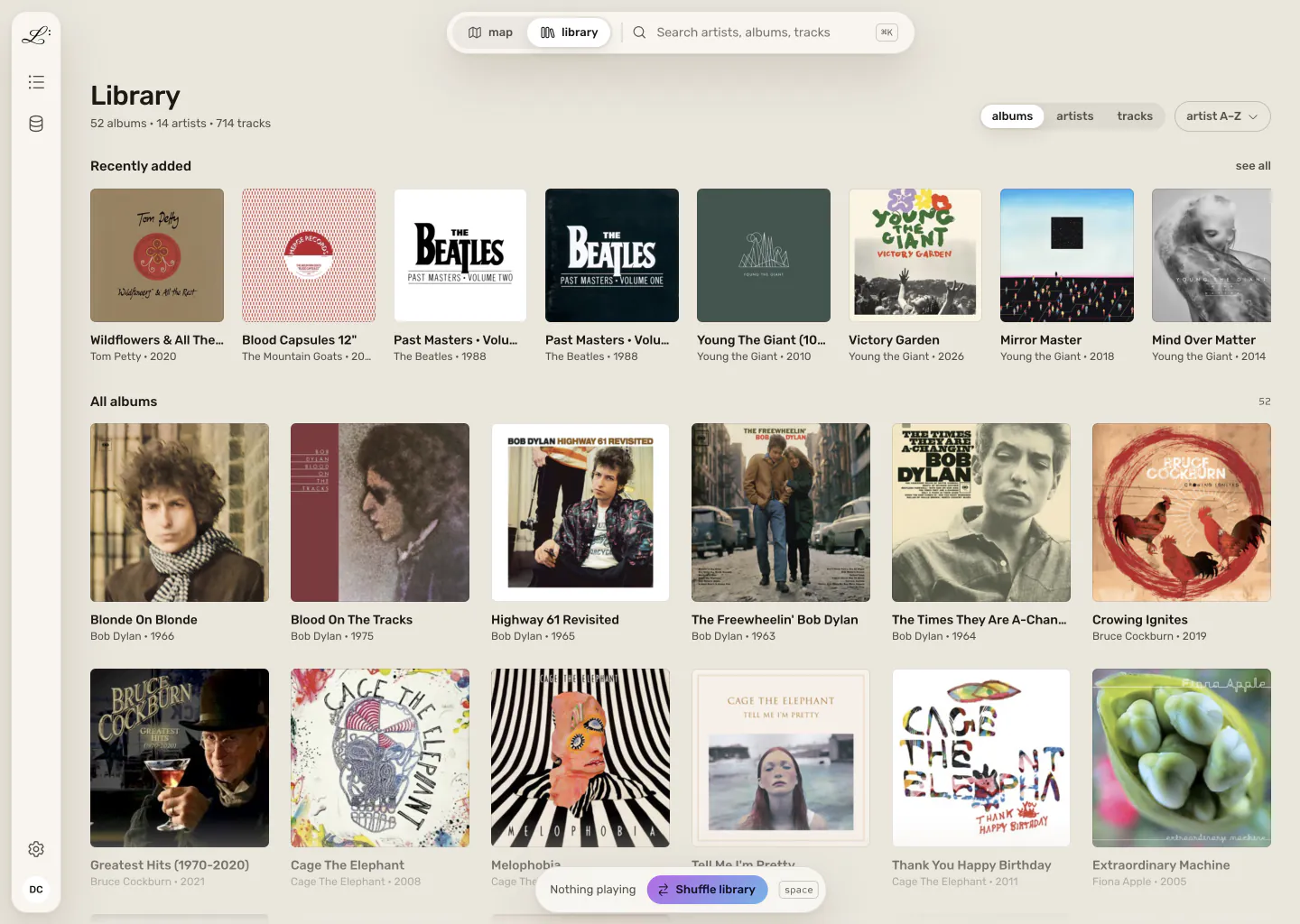
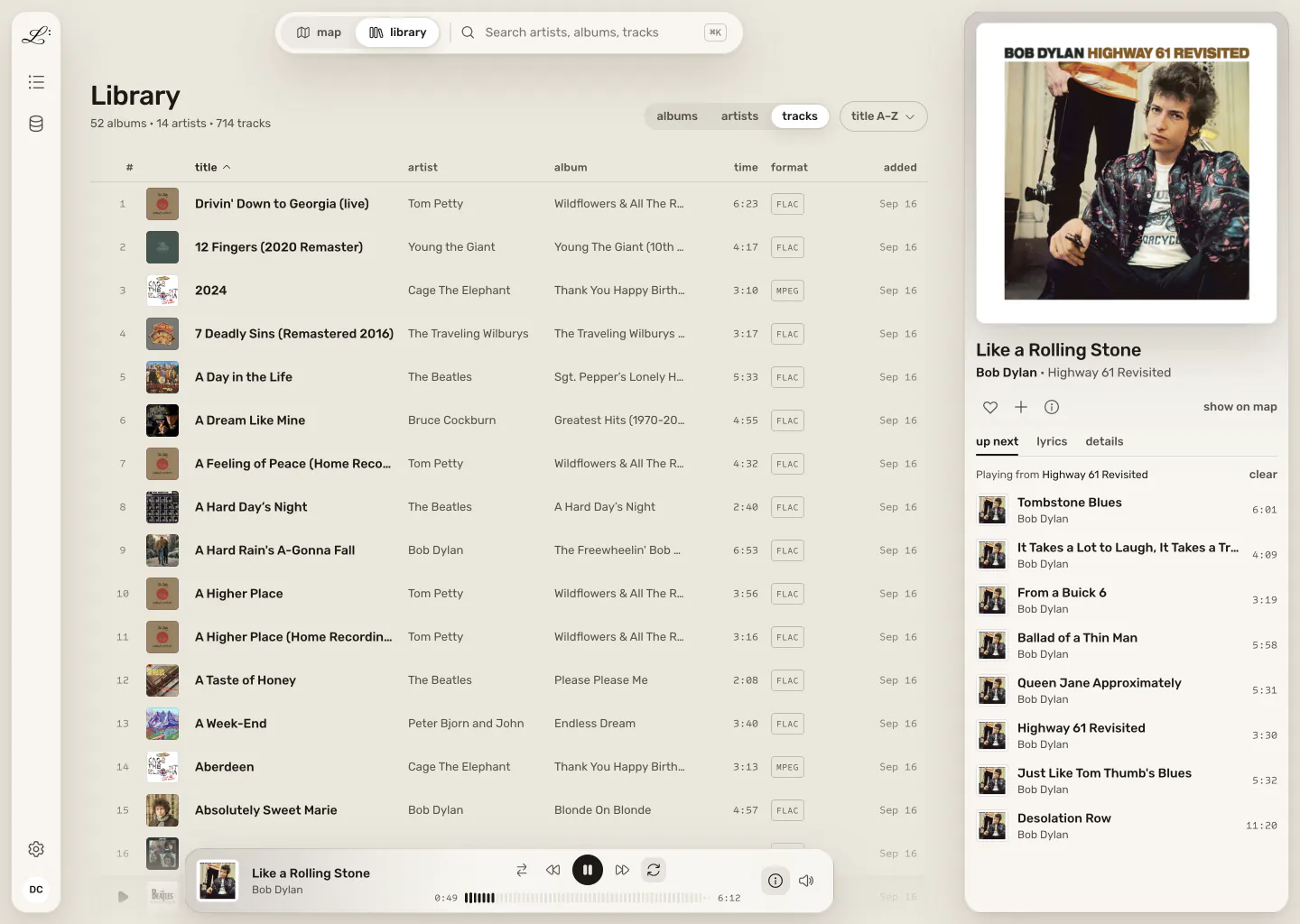
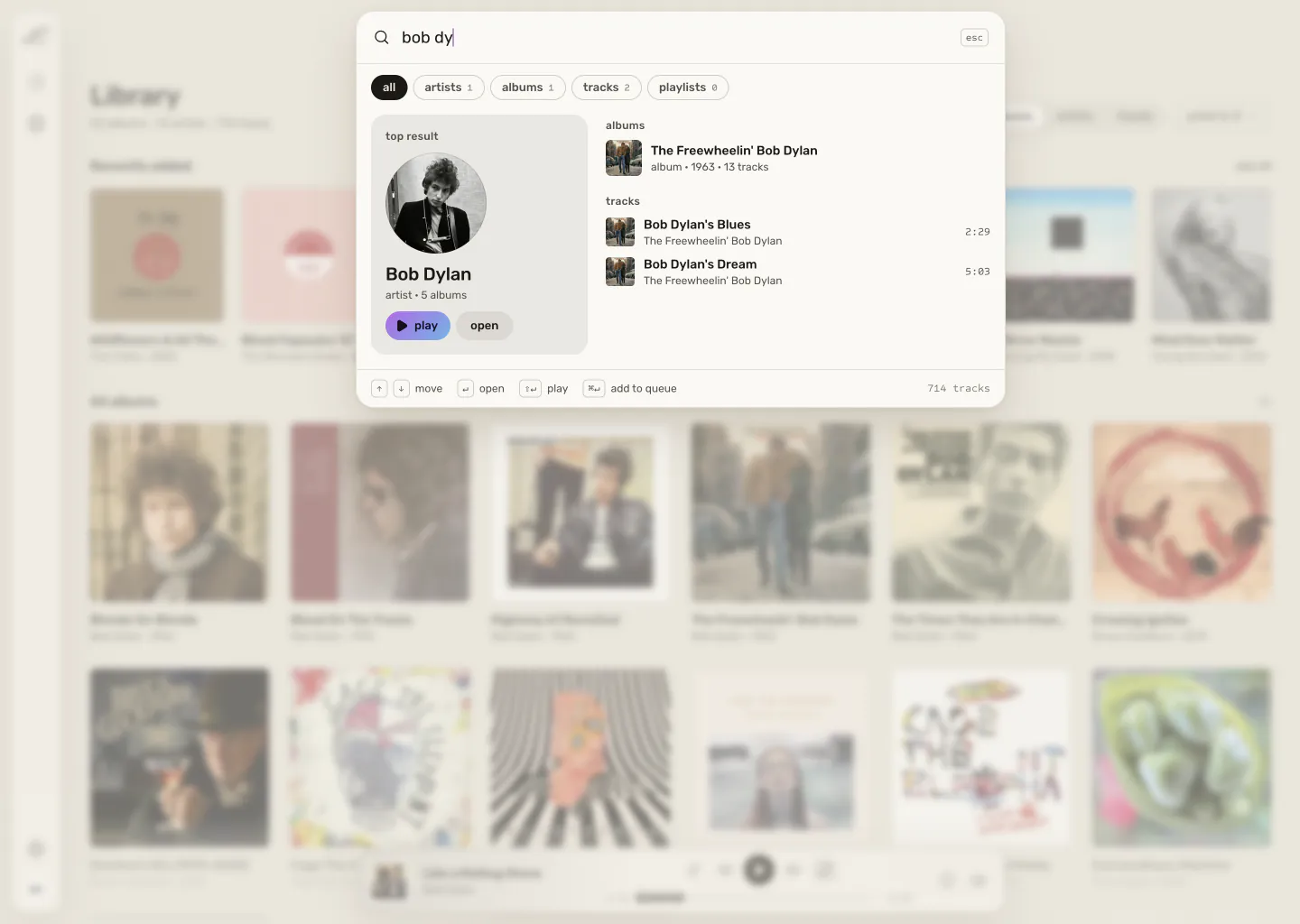
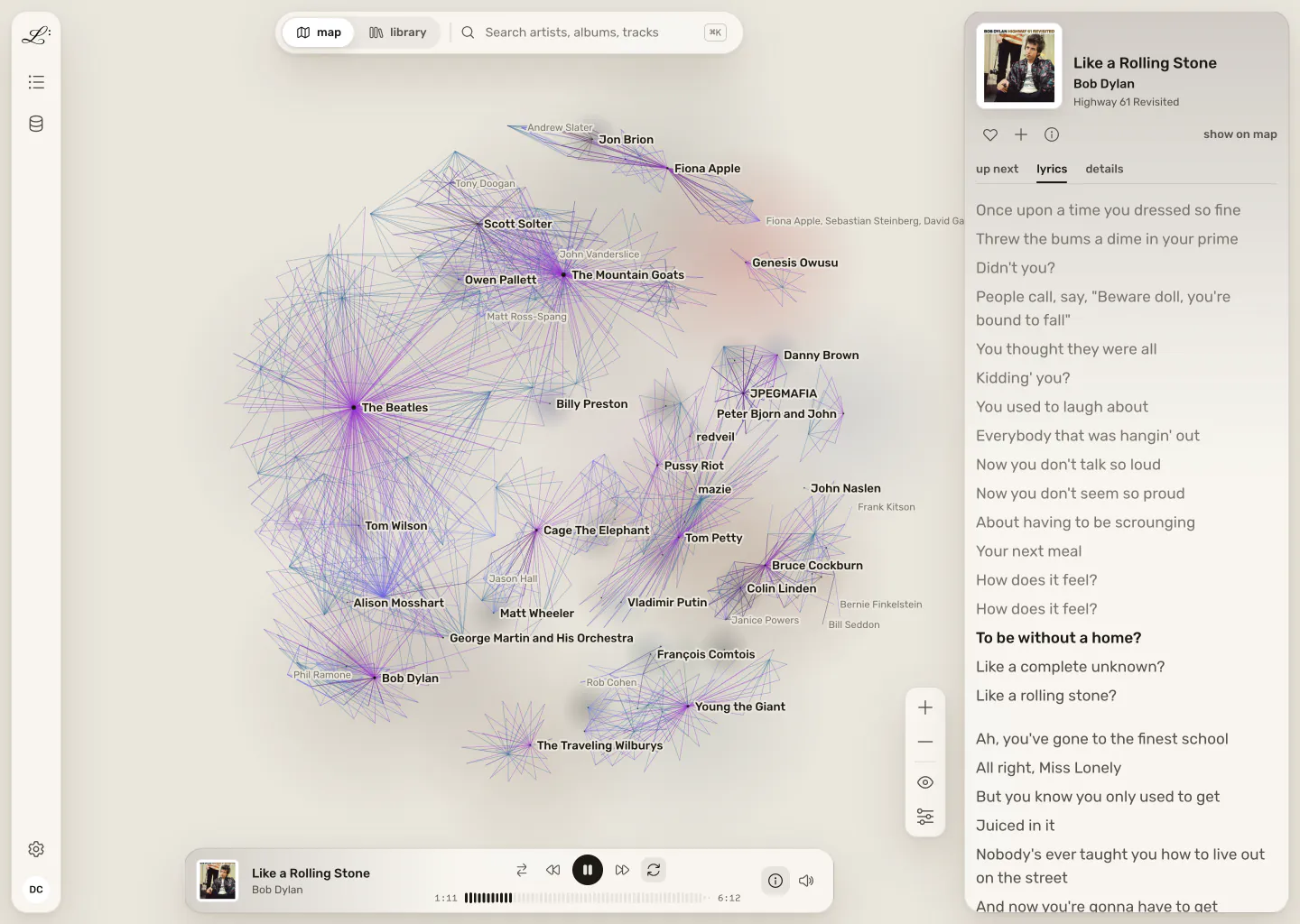
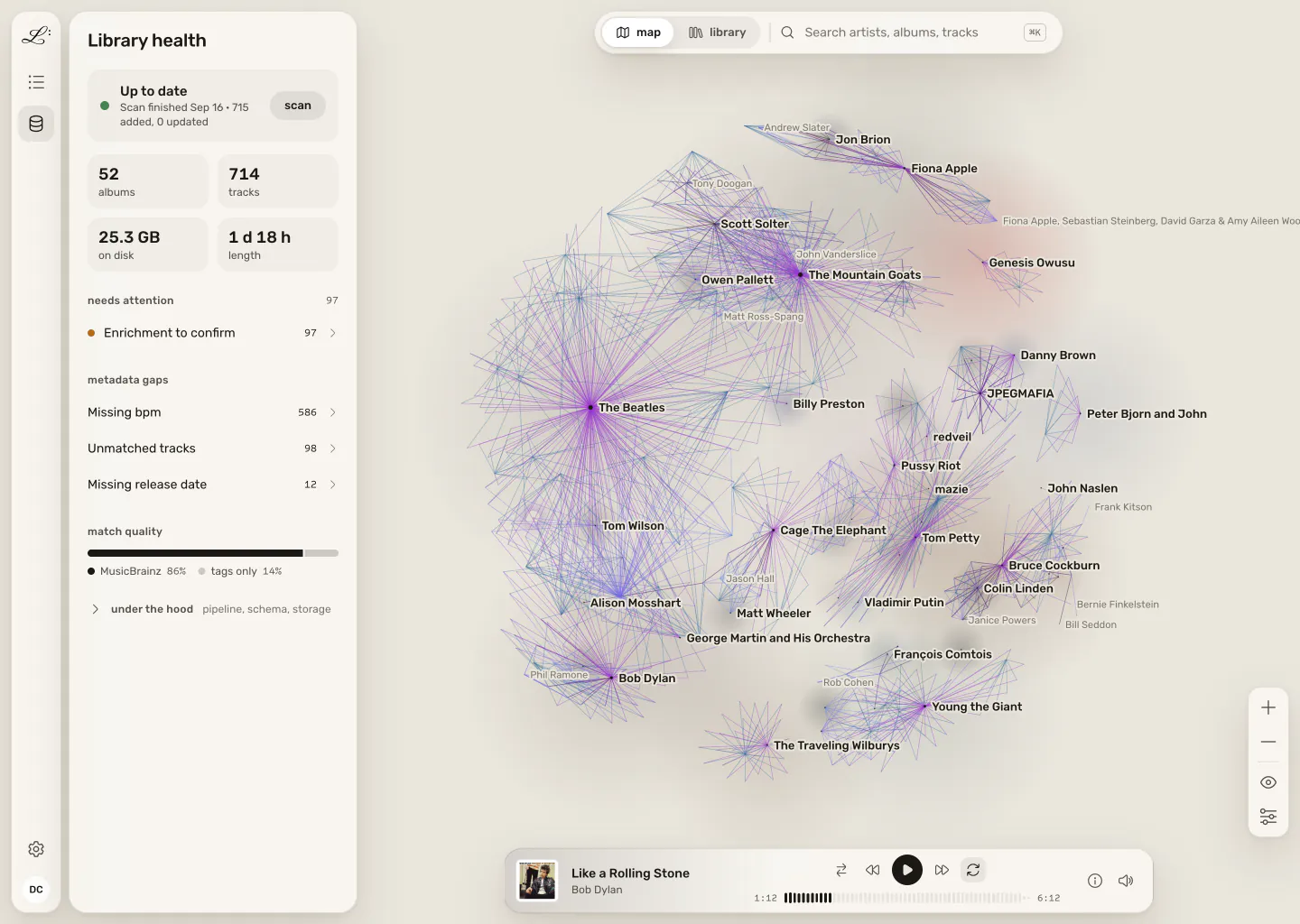
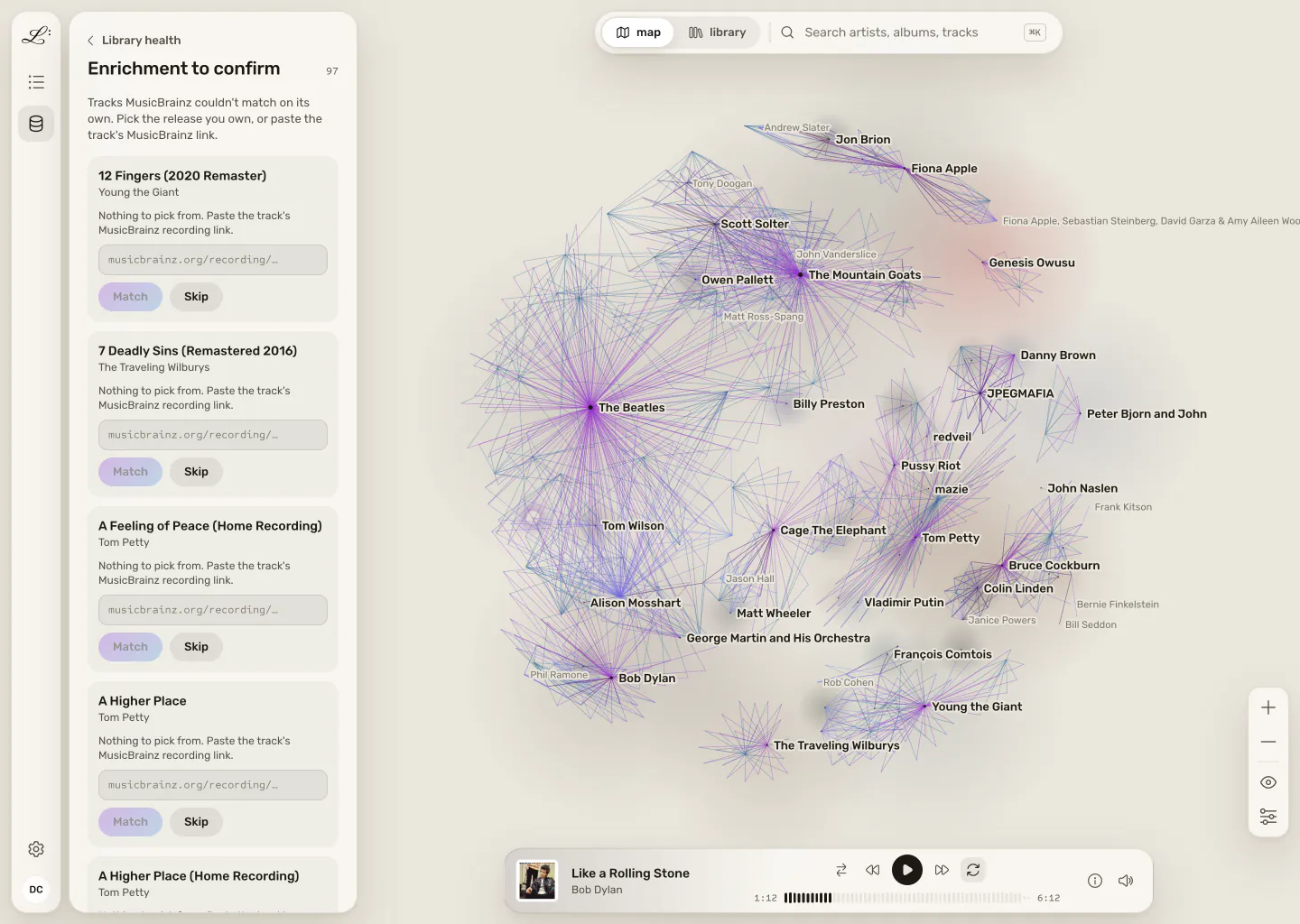
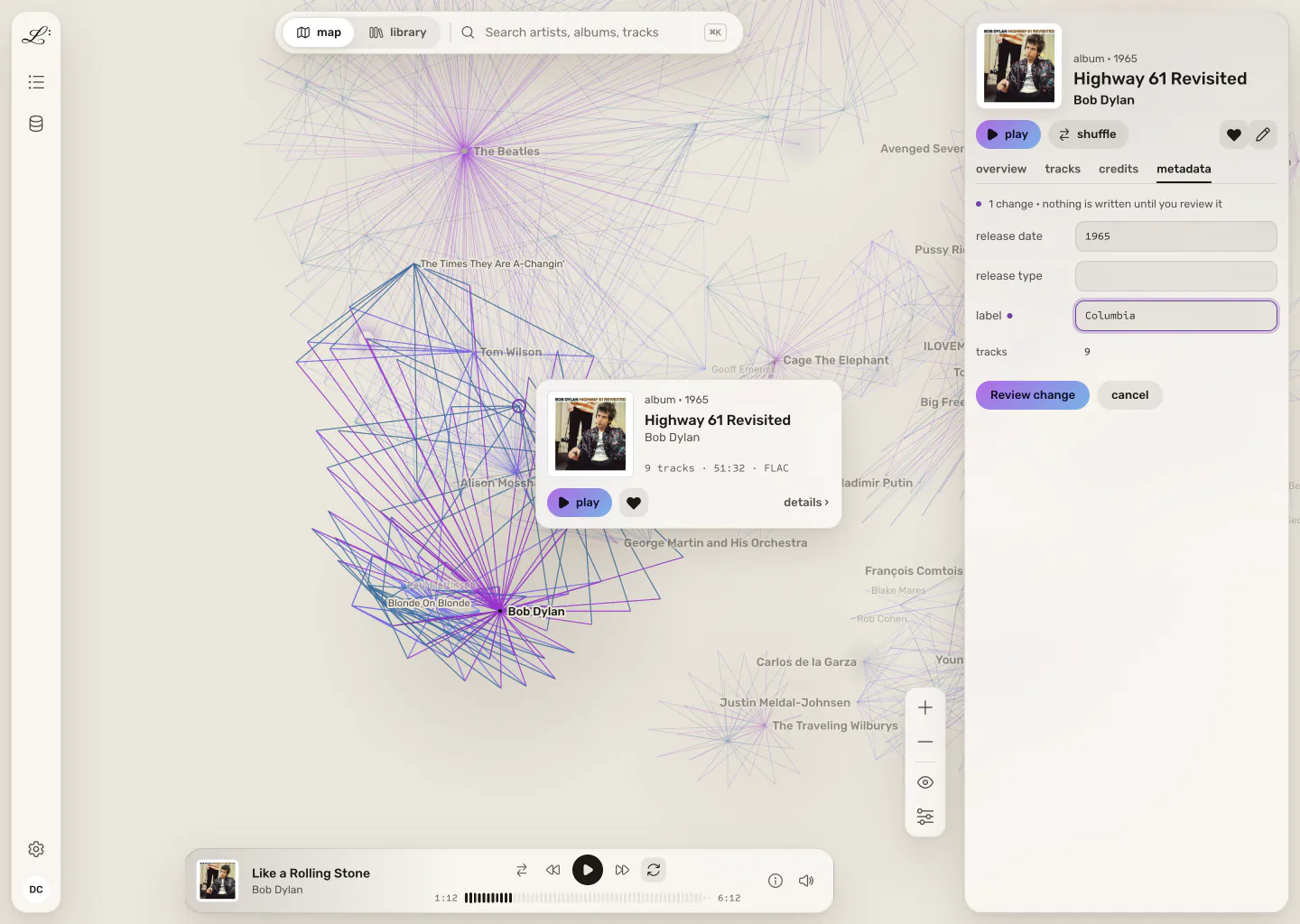
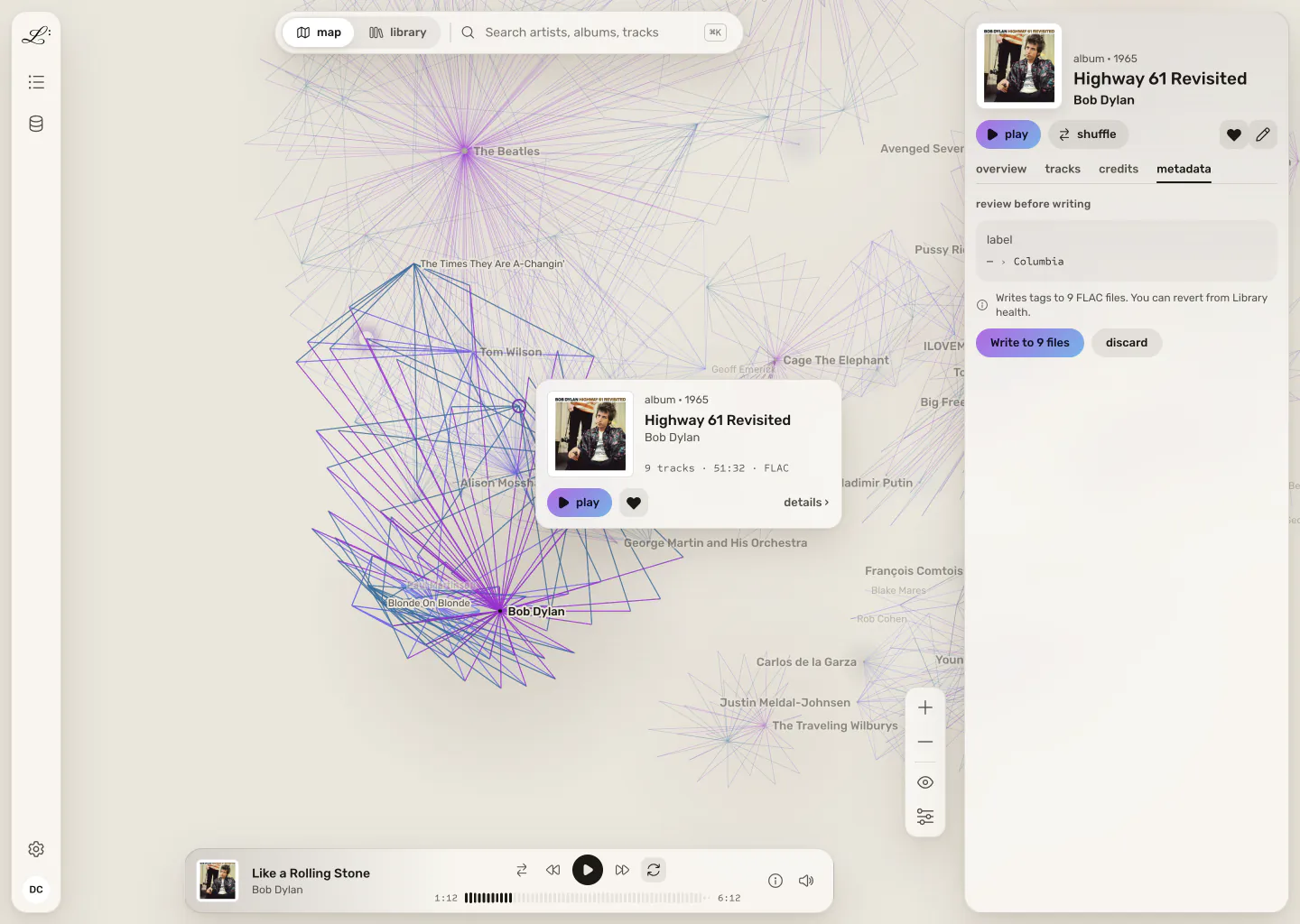
The dark theme you see here, plus a light one modelled on sheet music: warm off-white paper and pen-ink black. Every text and edge colour passes WCAG AA contrast. Pick one or follow your system setting.

The same map and article in the ink theme, on the left of the divider. The same map and article in the paper theme, on the right of the divider.
Drag to compare.

ways in

Start wherever your music already lives

on a home server

For the NAS in the closet

Docker, Synology Container Manager, Unraid, or a one-line install on Linux. First boot shows a short claim code; after that any device on your network can open Legato in a browser, no desktop session required. Built for six-figure FLAC libraries, with a scan you can pause and resume.

on your computer

For the library on your laptop

A signed desktop app for Mac (Apple Silicon and Intel), Windows, and Linux. It finds your music folders, plays gaplessly through native audio, and can keep serving your library from the menu bar after you close the window, so your phone still reaches it.

in a browser

For people who own no files at all

A free legato.fm account turns your Spotify playlists into a map of your taste. Play tracks through a friend's Legato server when they invite you, or hand them off to Spotify. Nothing to install, and running your own library stays an option for later.

On your phone, Legato installs from the browser at launch, with lock-screen controls. Native mobile apps follow.

how it works

Free and local, forever.
Pay only to leave your LAN.

Legato

$0

  • Runs entirely on your own machine
  • Your library never leaves your disk
  • Full map, playback, and hygiene tools
  • No account, no subscription

legato.fm account

$0

  • Legato in any browser, nothing to install
  • Import your Spotify playlists as a map
  • Join friends' servers when they invite you
  • Optional. A home install doesn't need one.

Legato Relay

paid· coming later

  • An always-on bridge from your phone to your own home library
  • Off-LAN access, Plex/Jellyfin-style
  • Lossless at home, sized to the connection when you're out
  • Relays your audio without storing it
  • The only thing Legato ever charges for

status

Legato isn't out yet.

The app runs today against real libraries, and every screenshot on this page is the v2 app running against one. It isn't packaged for public download yet. The beta opens in three waves: home servers first, then the Mac and Windows desktop app, then the browser and Spotify path. Join the waitlist below to hear when your wave opens.

get notified

Join the waitlist

One email when Legato is ready to install. No newsletter.

Goes straight into the waitlist, nothing else. See why.