The home server beta is open v0.4.0

Most music apps treat your library as a list. Legato treats it as a graph.

A local-first music player that gives every recording, artist, album and label its own article, linked to everything else you own. The home server is in public beta: run it on your NAS, open it in any browser, and put it on your phone.

free · open source · docker, synology, unraid, linux, macos

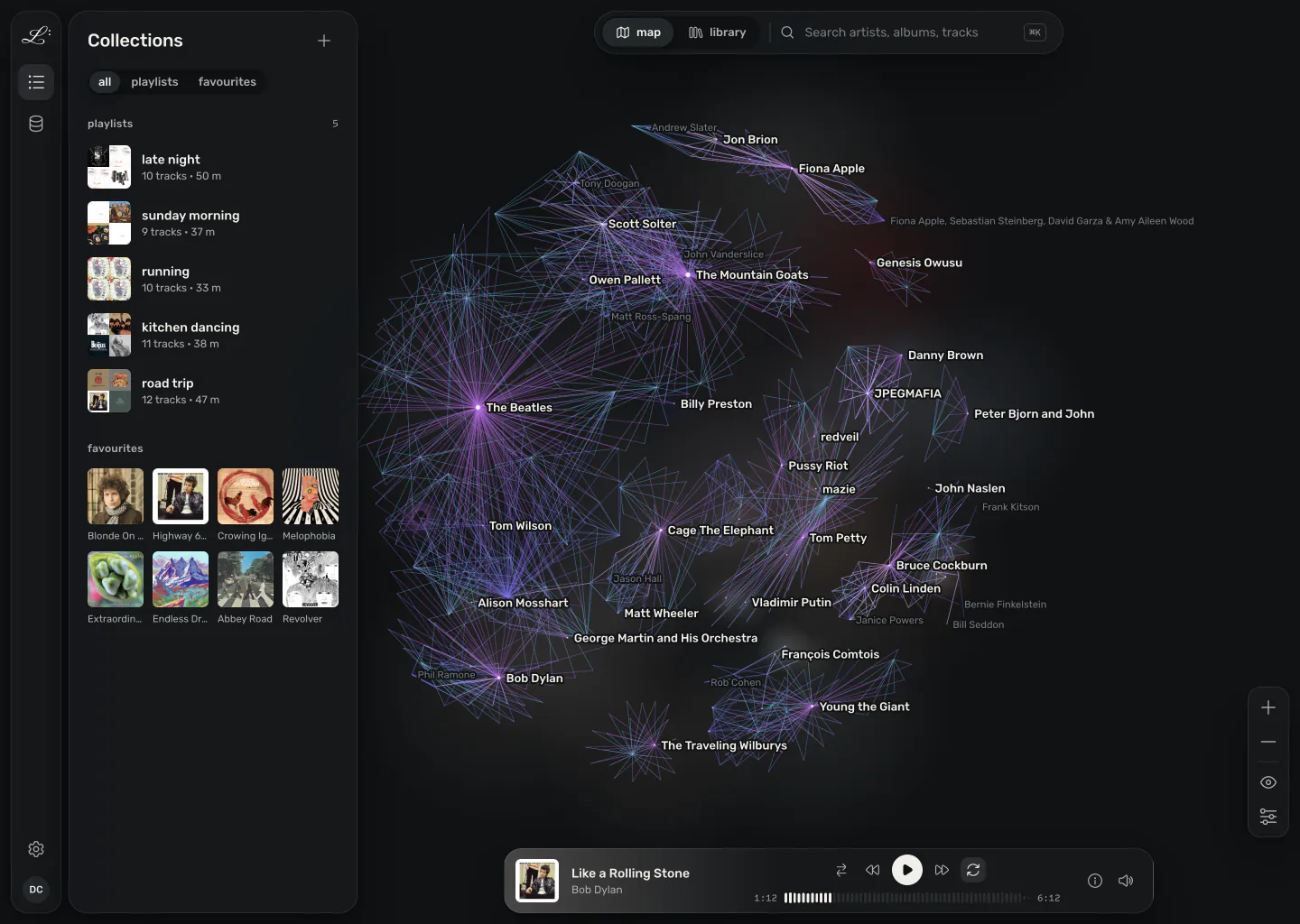
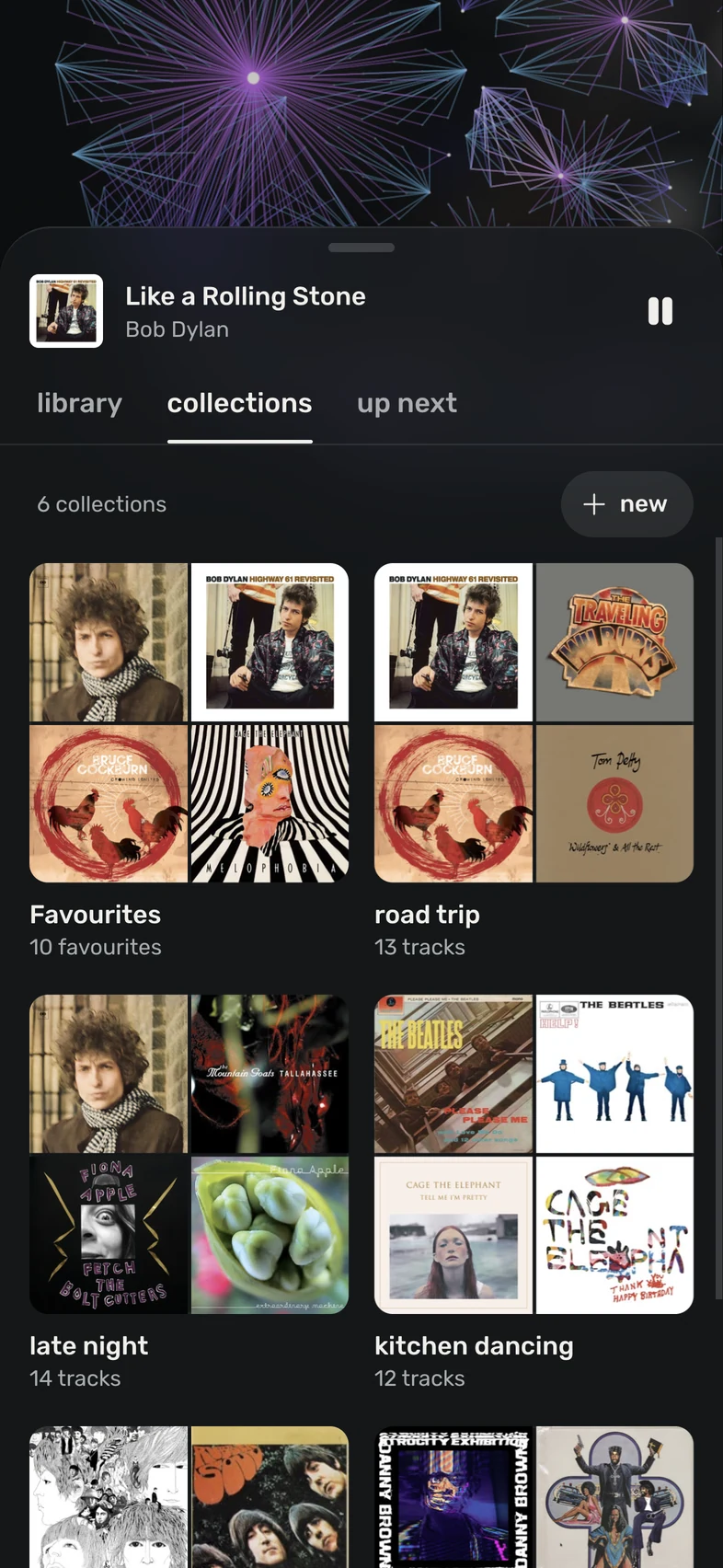
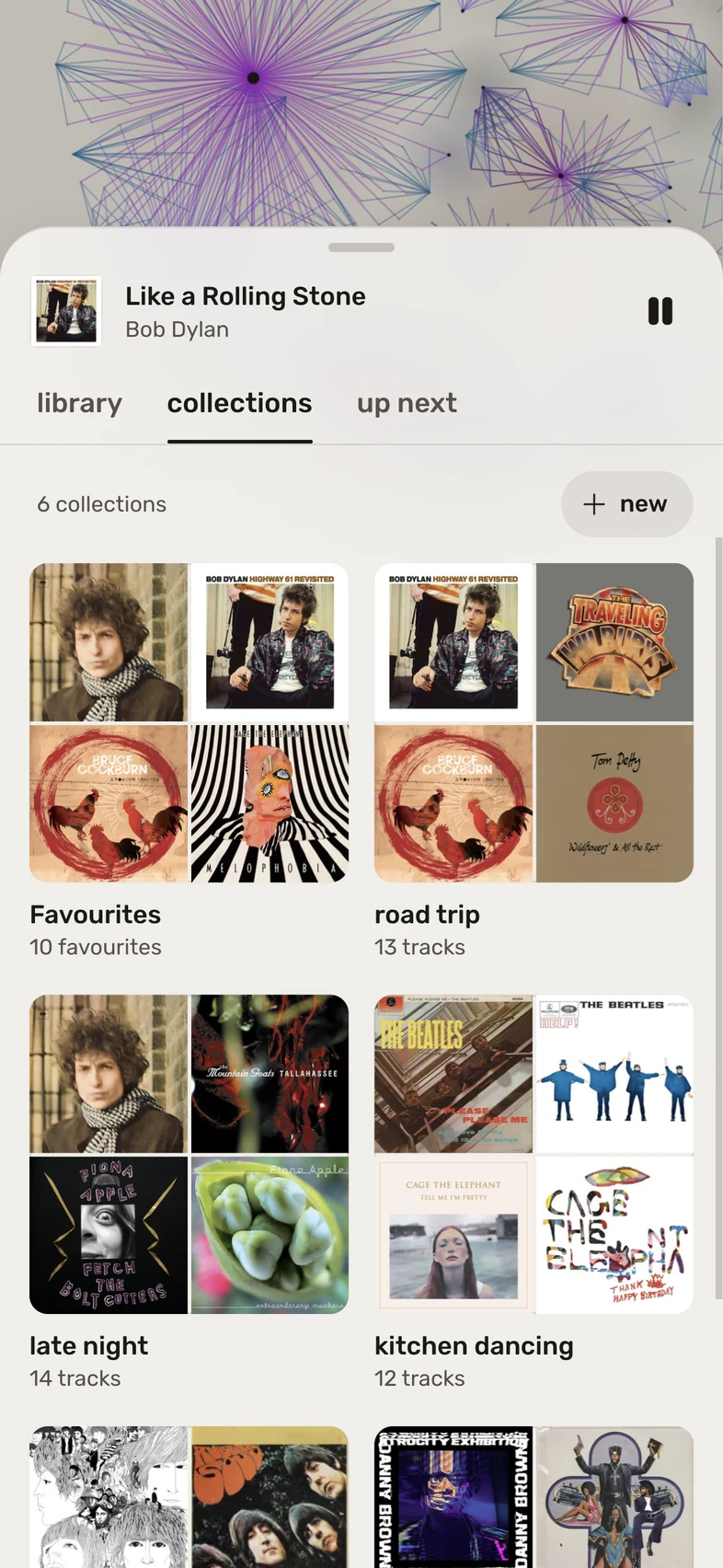
The collections tab on a phone: favourites and playlists as cover mosaics. The collections tab on a phone: favourites and playlists as cover mosaics.
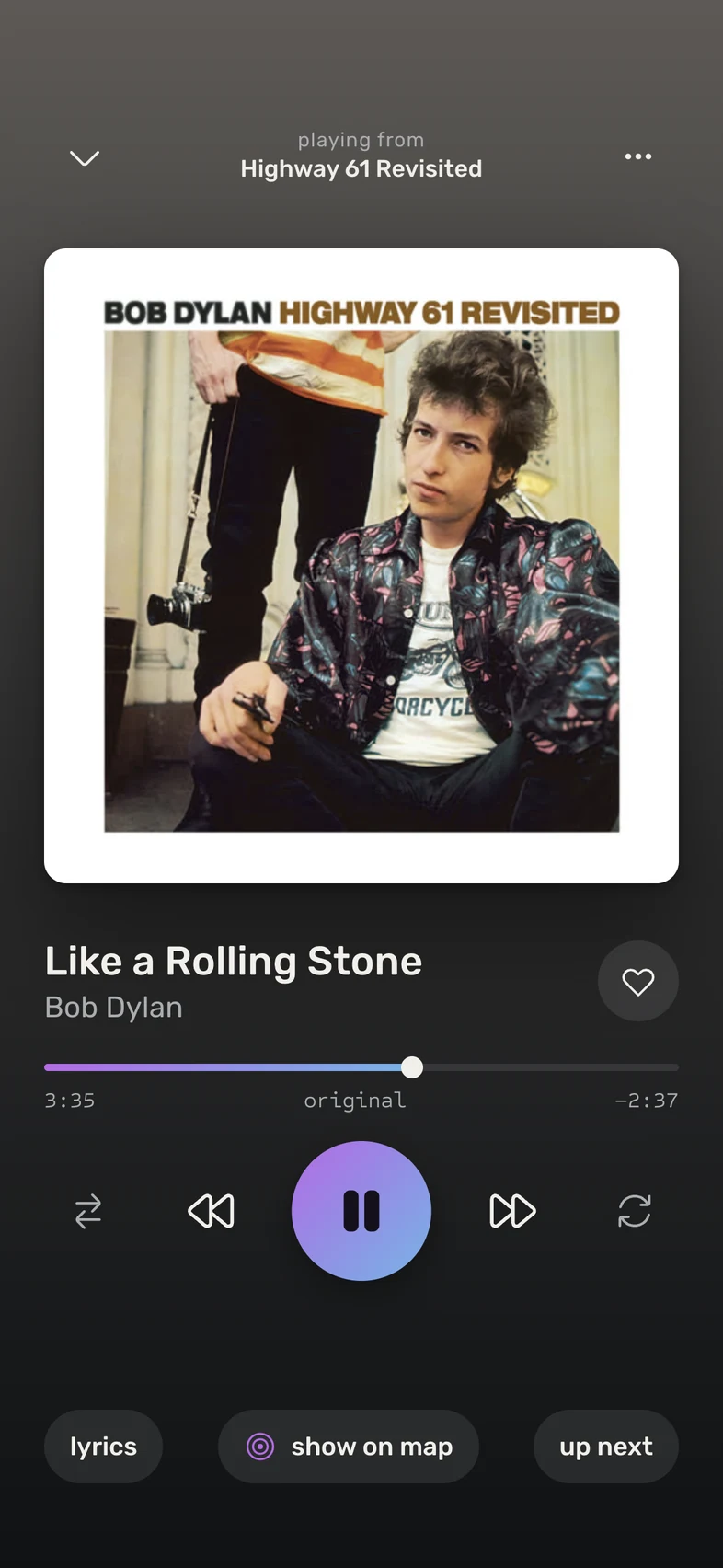
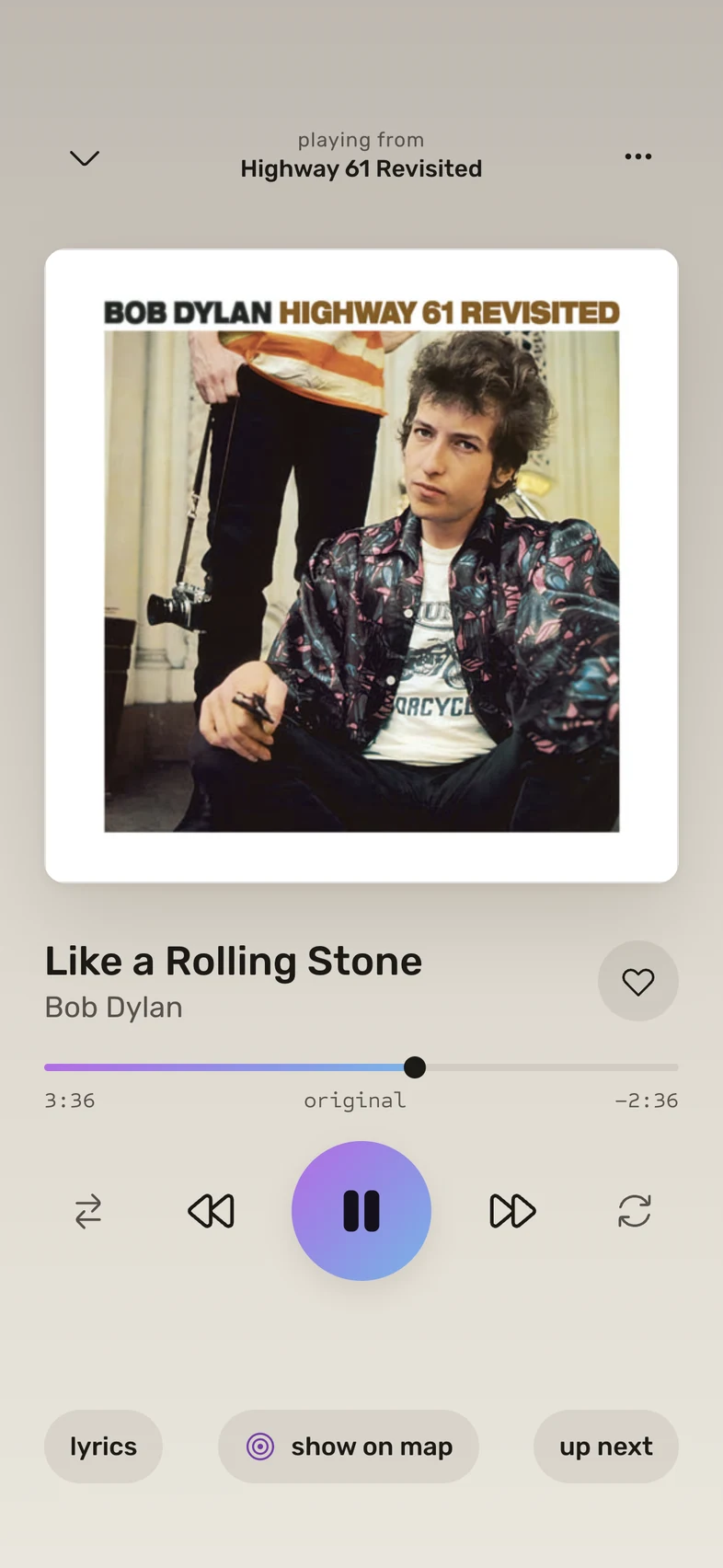
Like a Rolling Stone playing in the phone app, over the album's cover. Like a Rolling Stone playing in the phone app, over the album's cover.
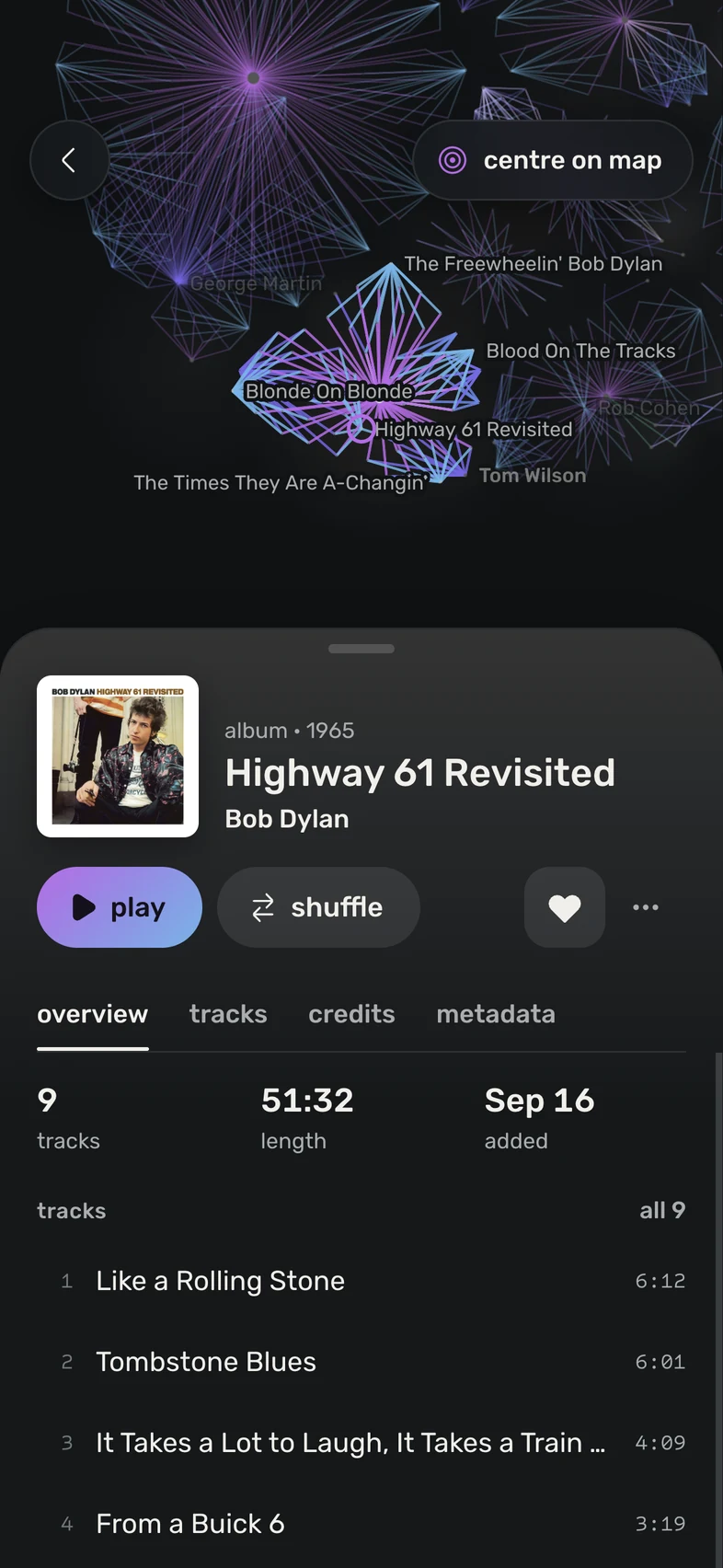
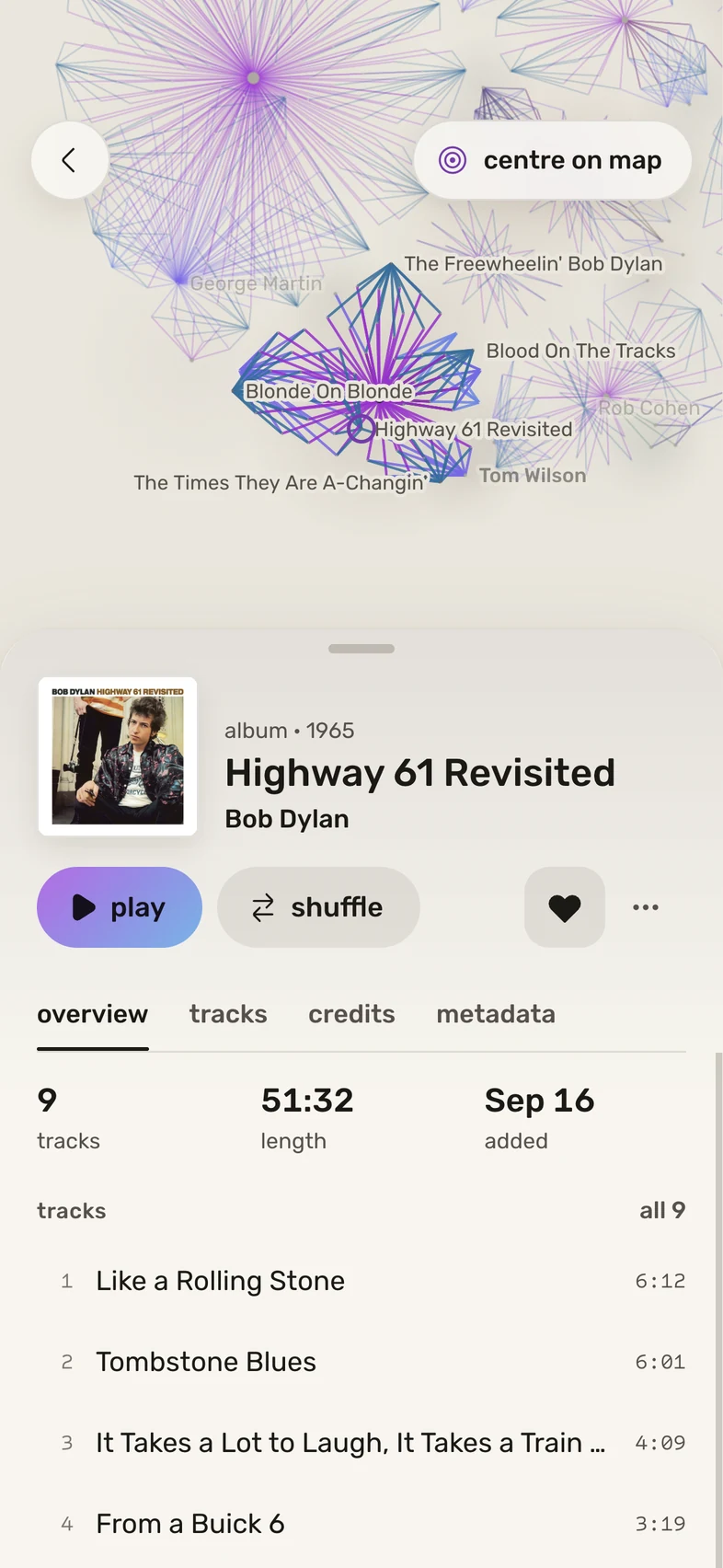
Highway 61 Revisited's page on a phone, with its tracks, and its corner of the map above it. Highway 61 Revisited's page on a phone, with its tracks, and its corner of the map above it.
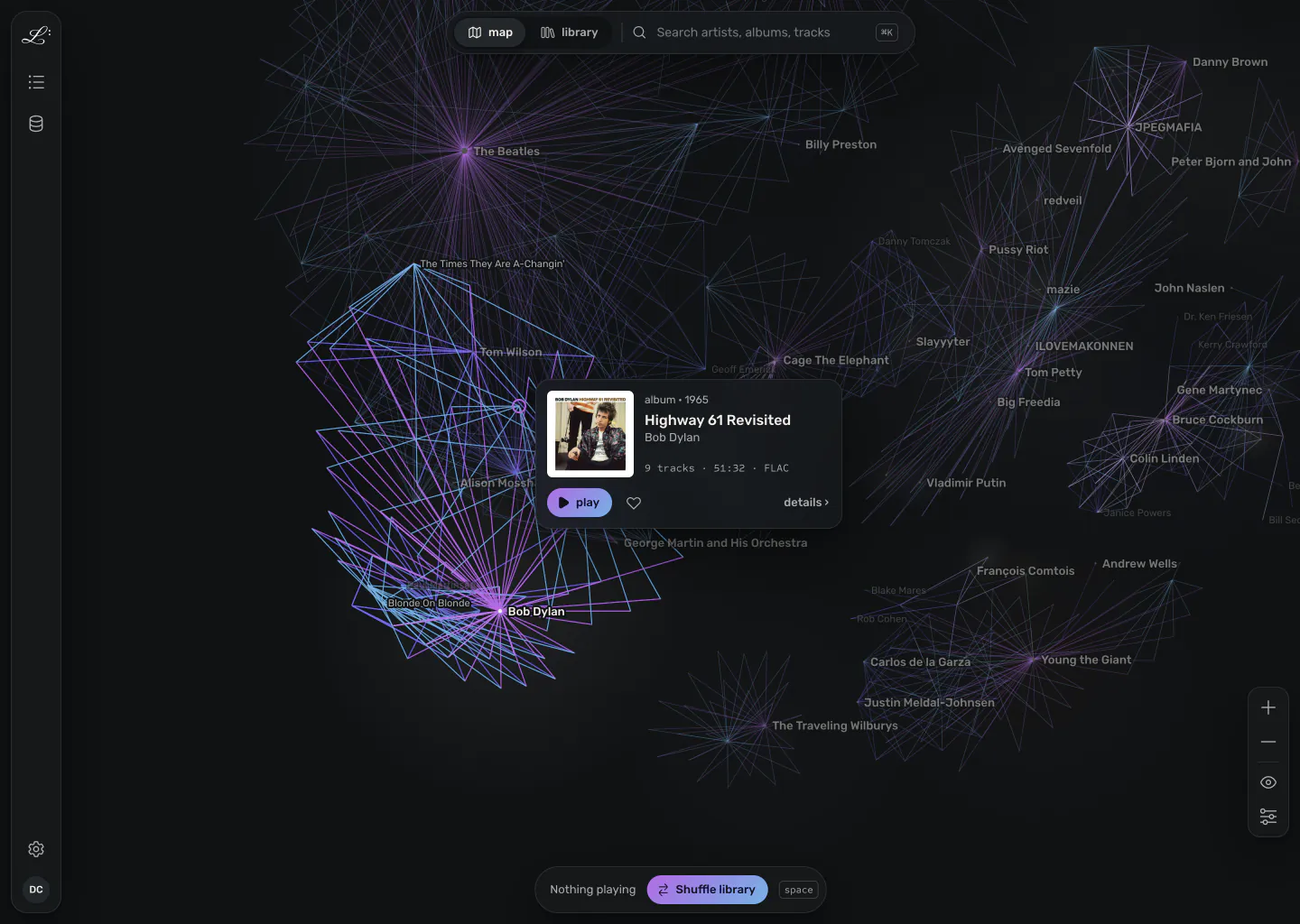
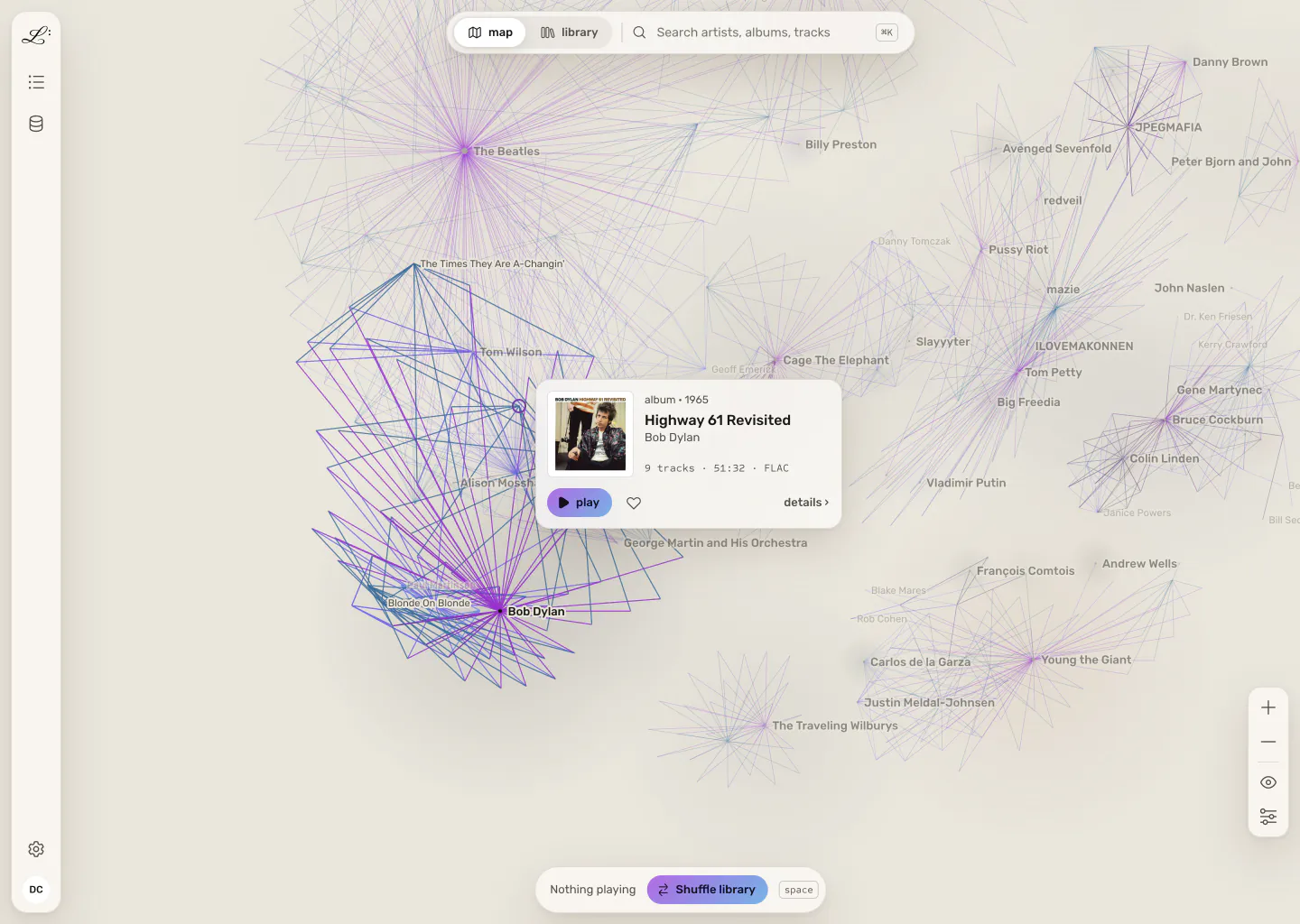
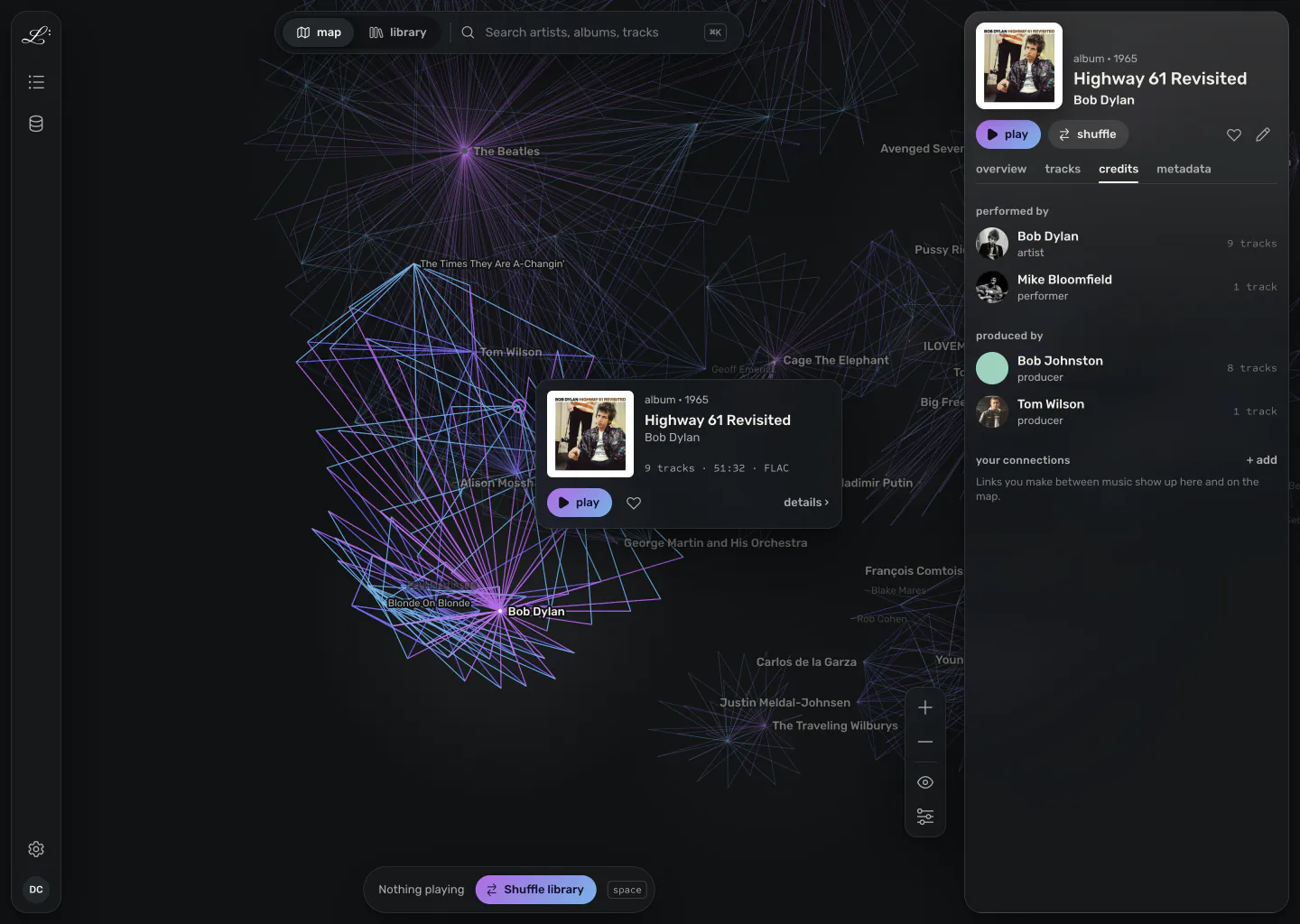
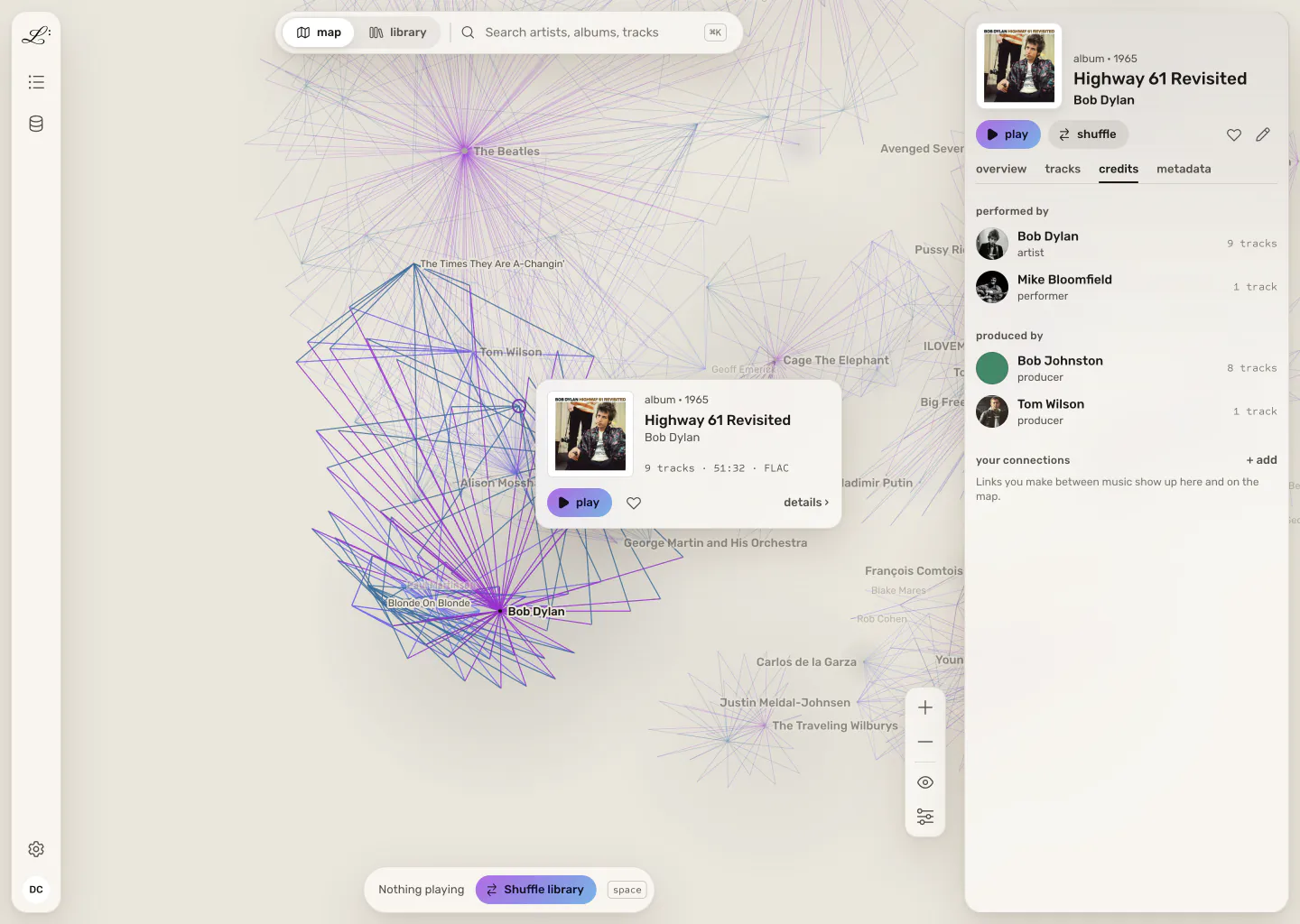
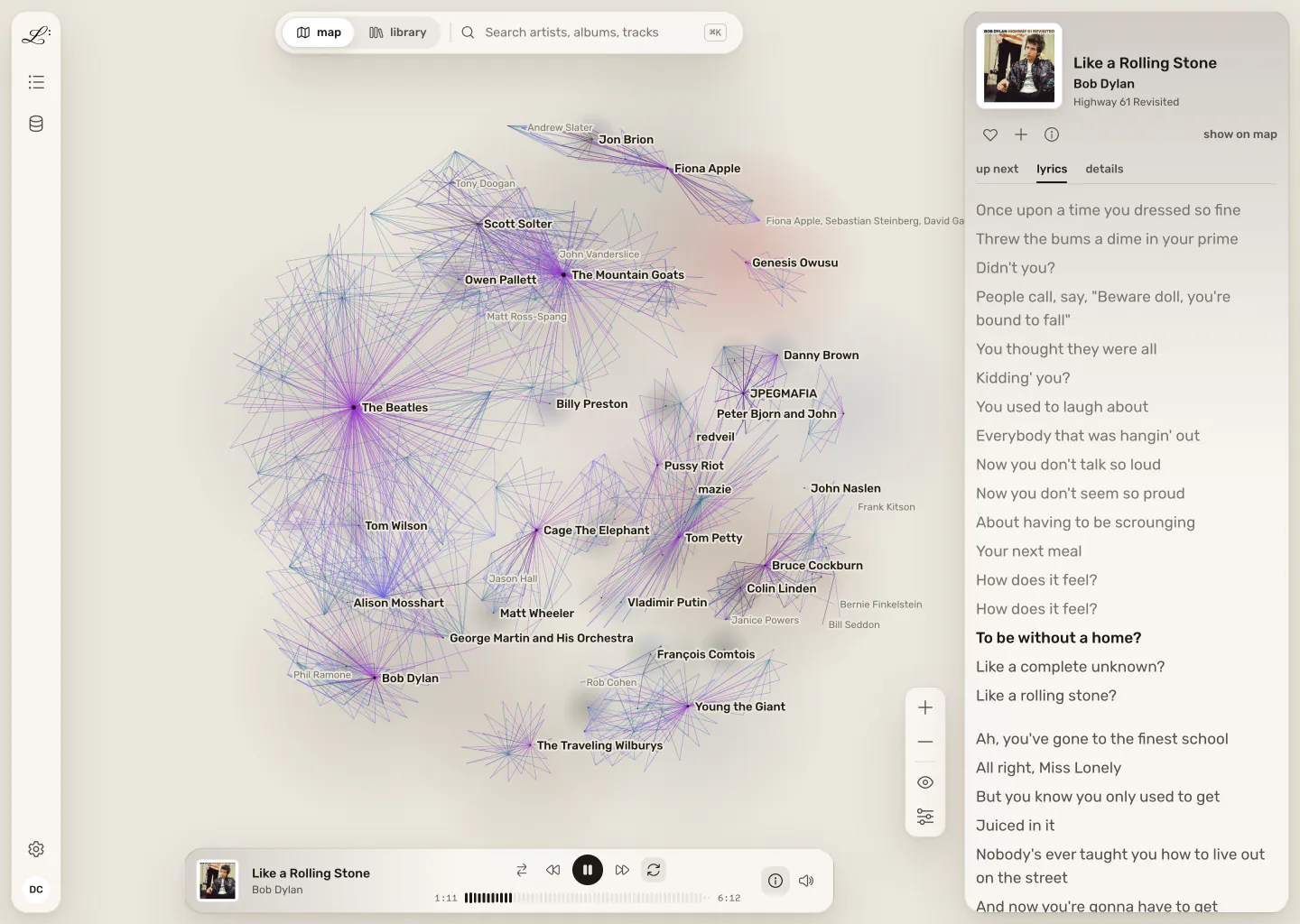
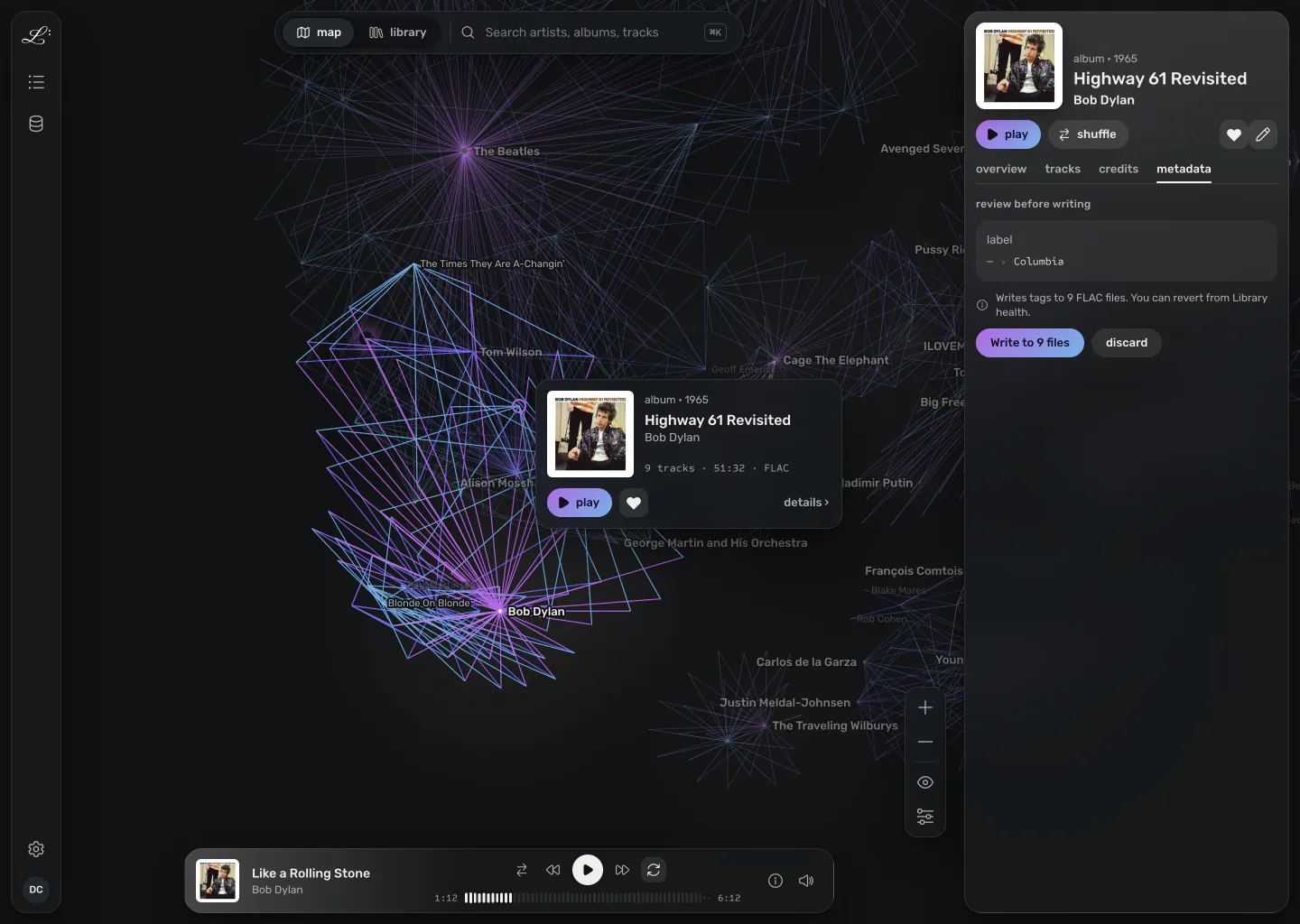
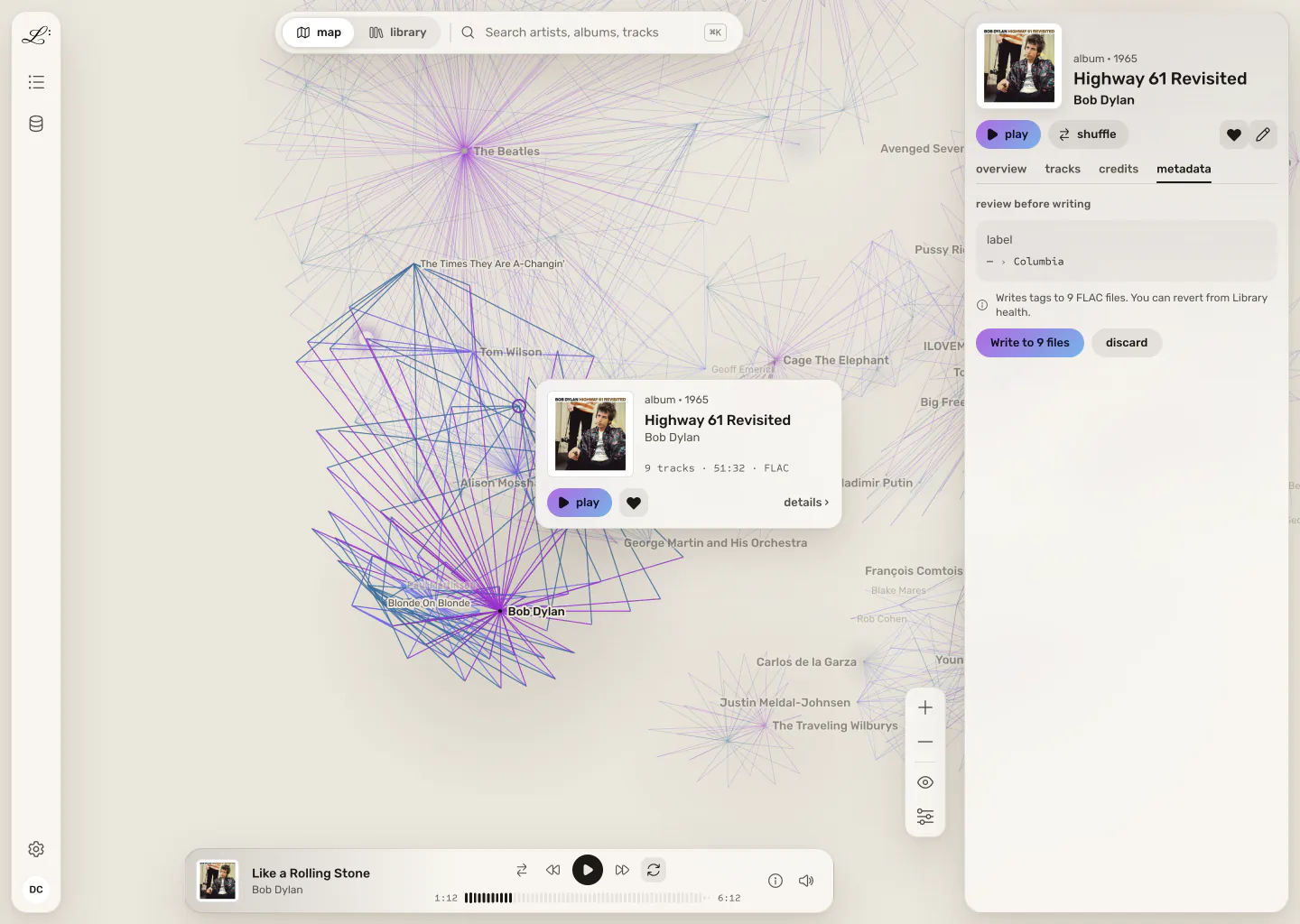
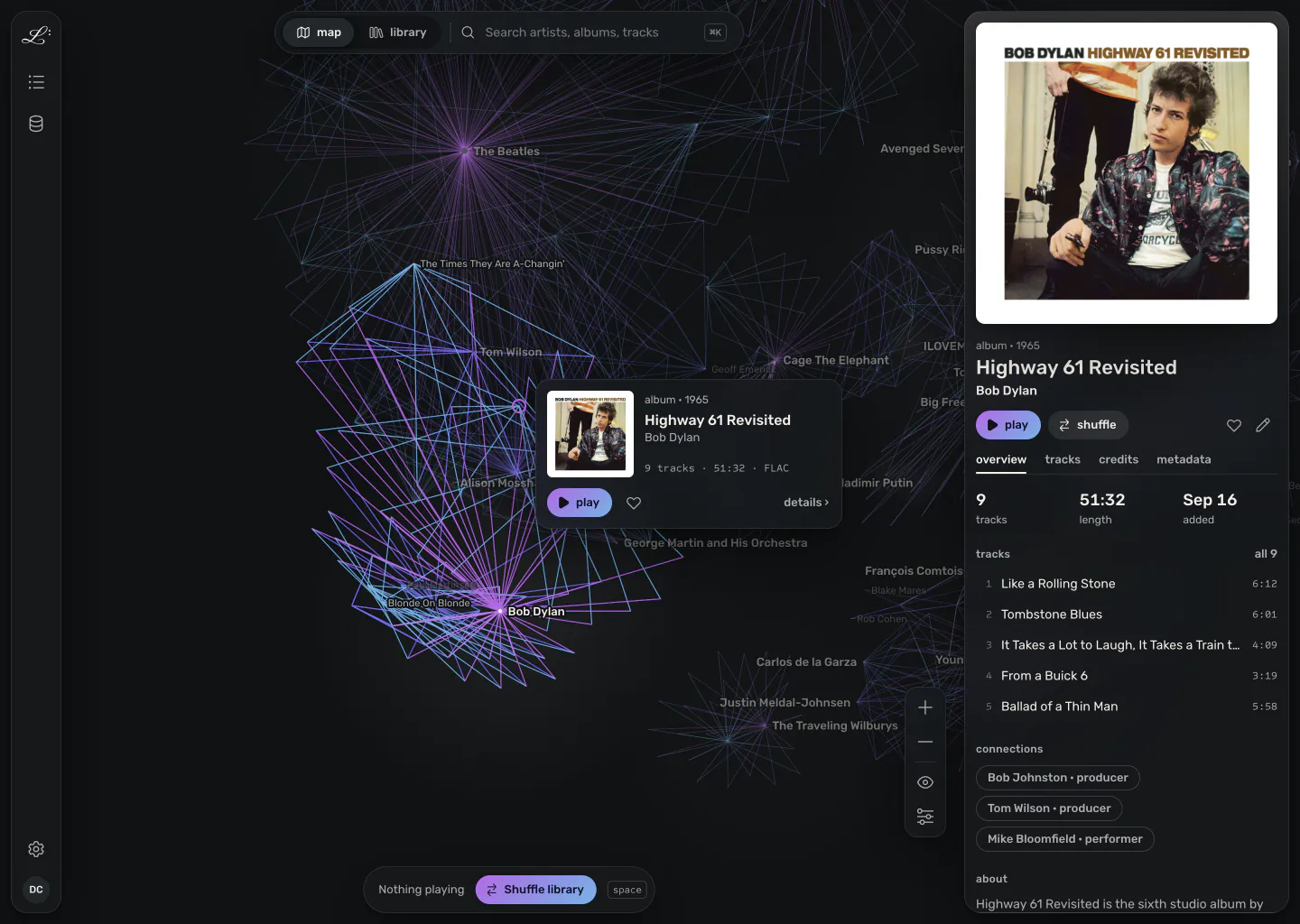
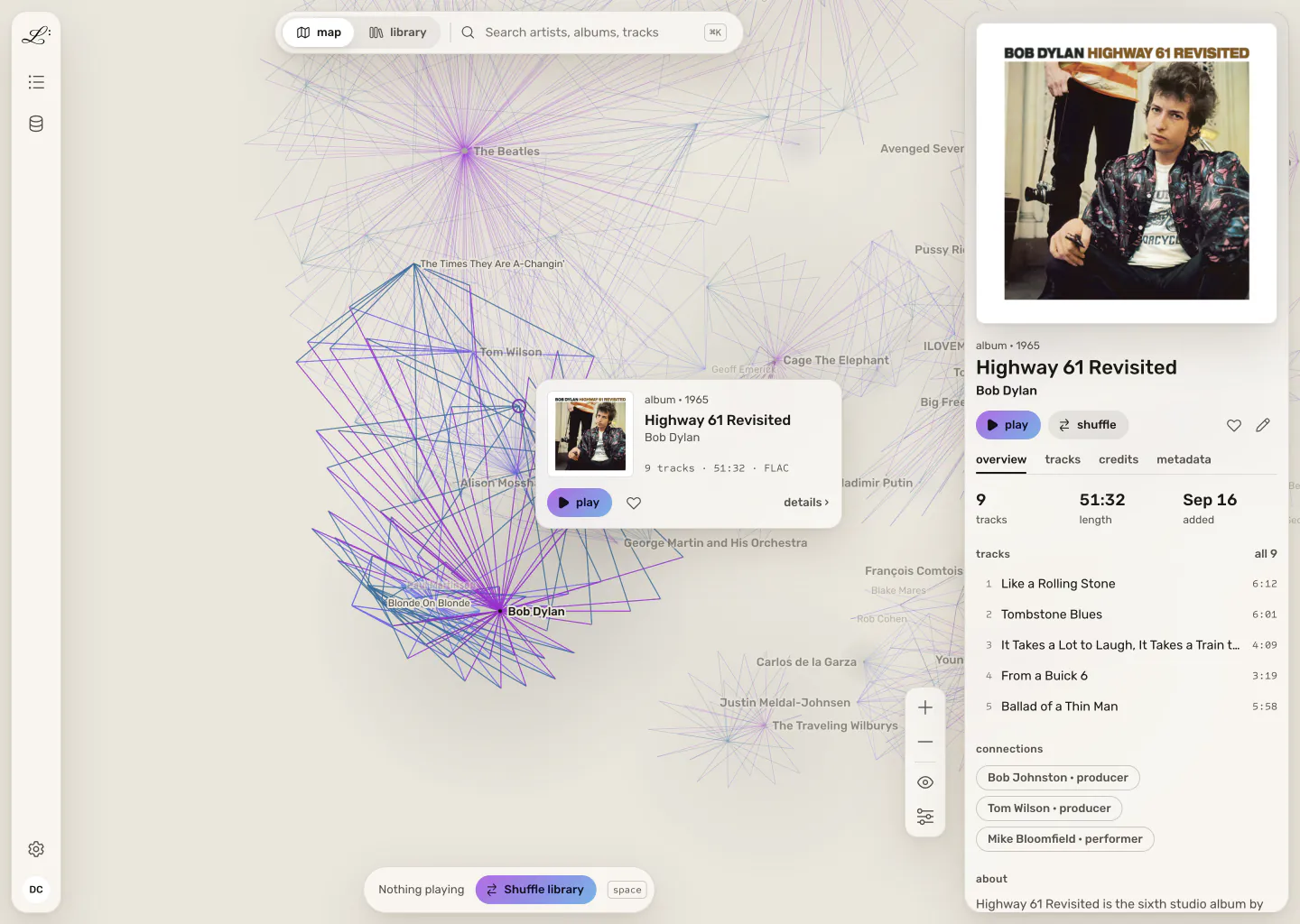
Legato's map with Highway 61 Revisited selected: its connections lit on the graph, a preview card beside it, and its article open on the right. Legato's map with Highway 61 Revisited selected: its connections lit on the graph, a preview card beside it, and its article open on the right.
Like a Rolling Stone playing in the phone app, over the album's cover. Like a Rolling Stone playing in the phone app, over the album's cover.

where legato is

  1. now · public beta

    Home server

    v0.4.0, out 9 November. Docker, Synology, Unraid, Linux and macOS, with the web app on your phone.

  2. next · early builds

    Desktop app

    For Mac, Windows and Linux, with gapless native playback, in every release from v0.4.0. Until it's signed, ahead of the public launch, macOS and Windows warn the first time you open it. Latest release · install guide

  3. later

    In a browser

    A free legato.fm account that starts from your Spotify playlists, for people who own no files.

new · the phone app

On your phone, without an app store

Legato's phone app is its web app. Open your server's address in Chrome or Safari, sign in, and add it to your home screen. It keeps playing with the phone locked, answers your headphones' buttons, and lets you drag the queue into a new order.

Away from home, Tailscale gets you there without opening a port on your router, and standard quality at 160 kbps goes easy on mobile data.

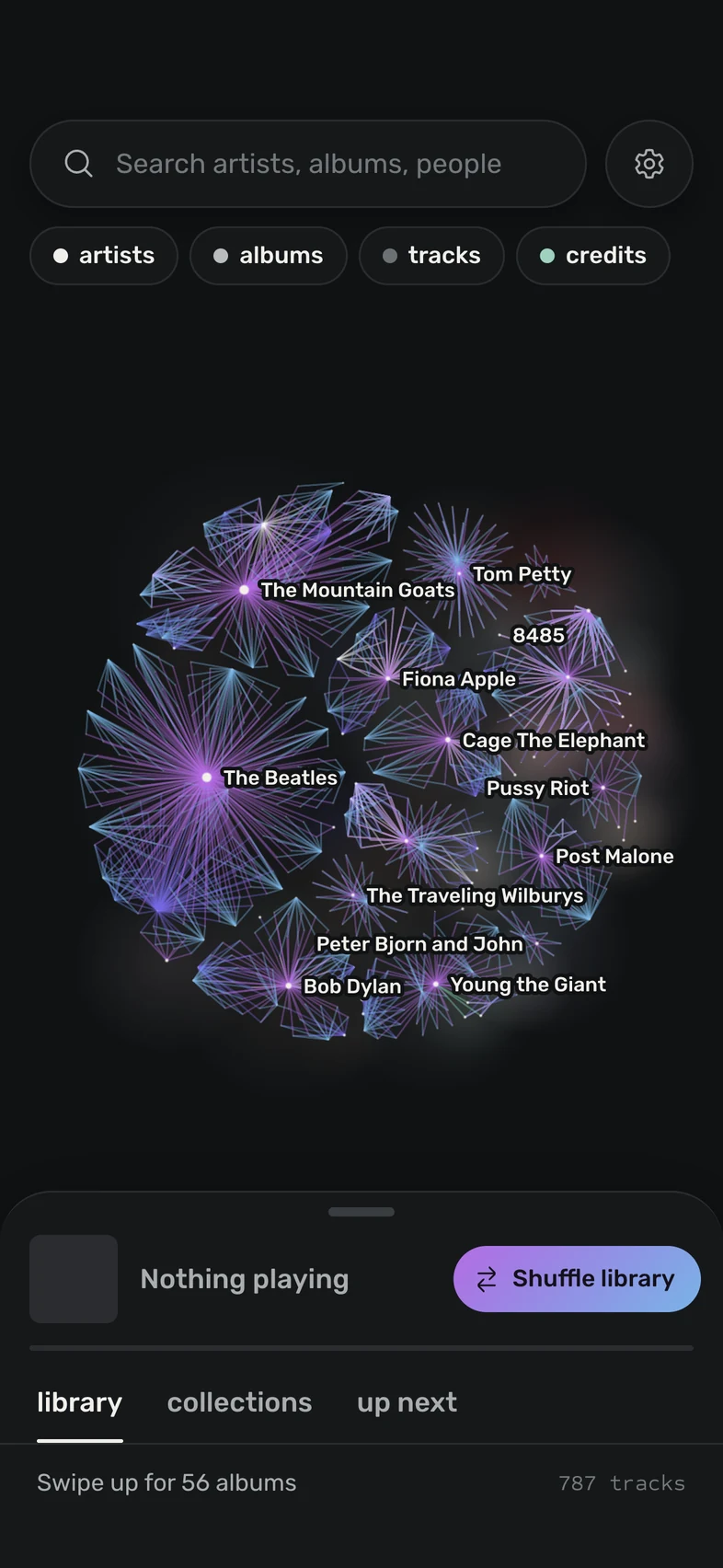
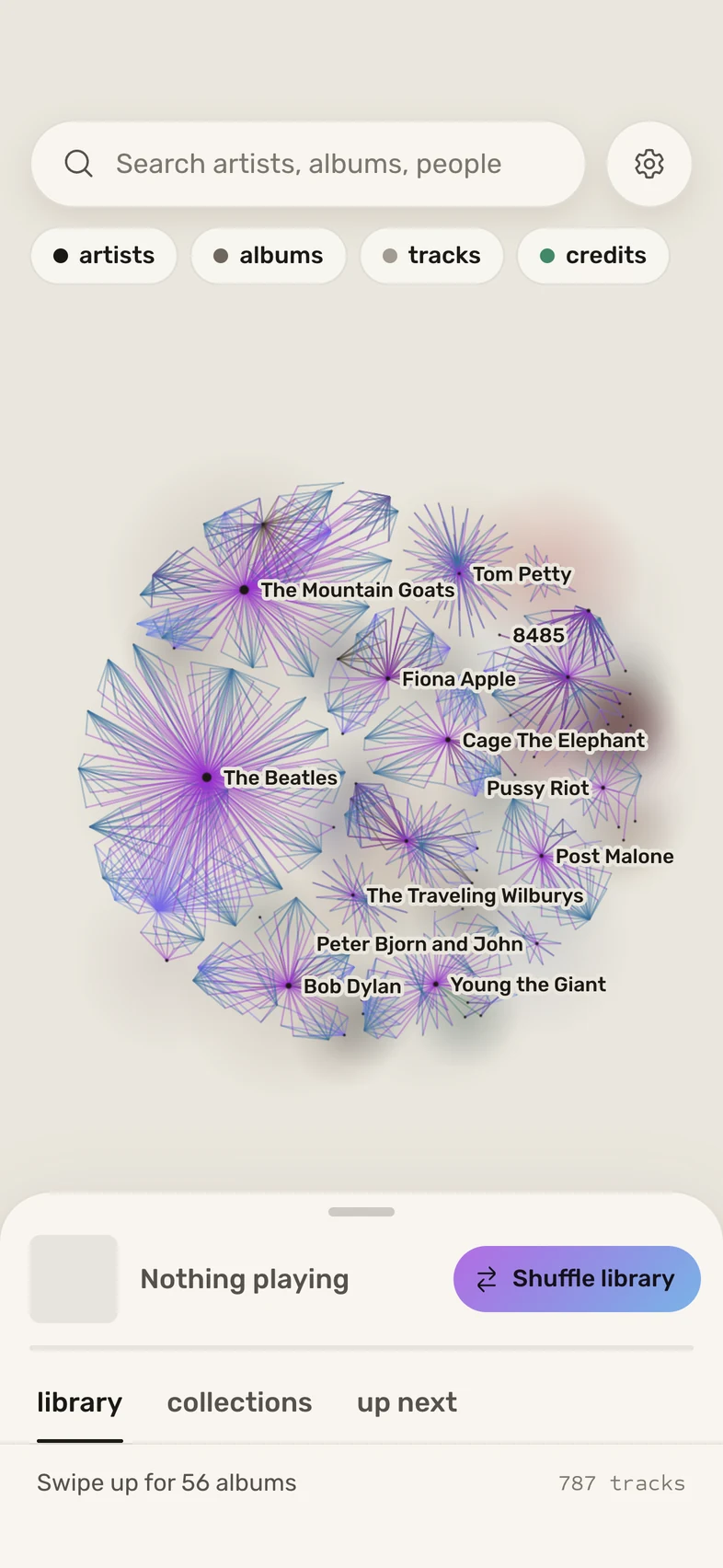
The phone app's map at its starting overview, with the player sheet at peek. The phone app's map at its starting overview, with the player sheet at peek.
the map
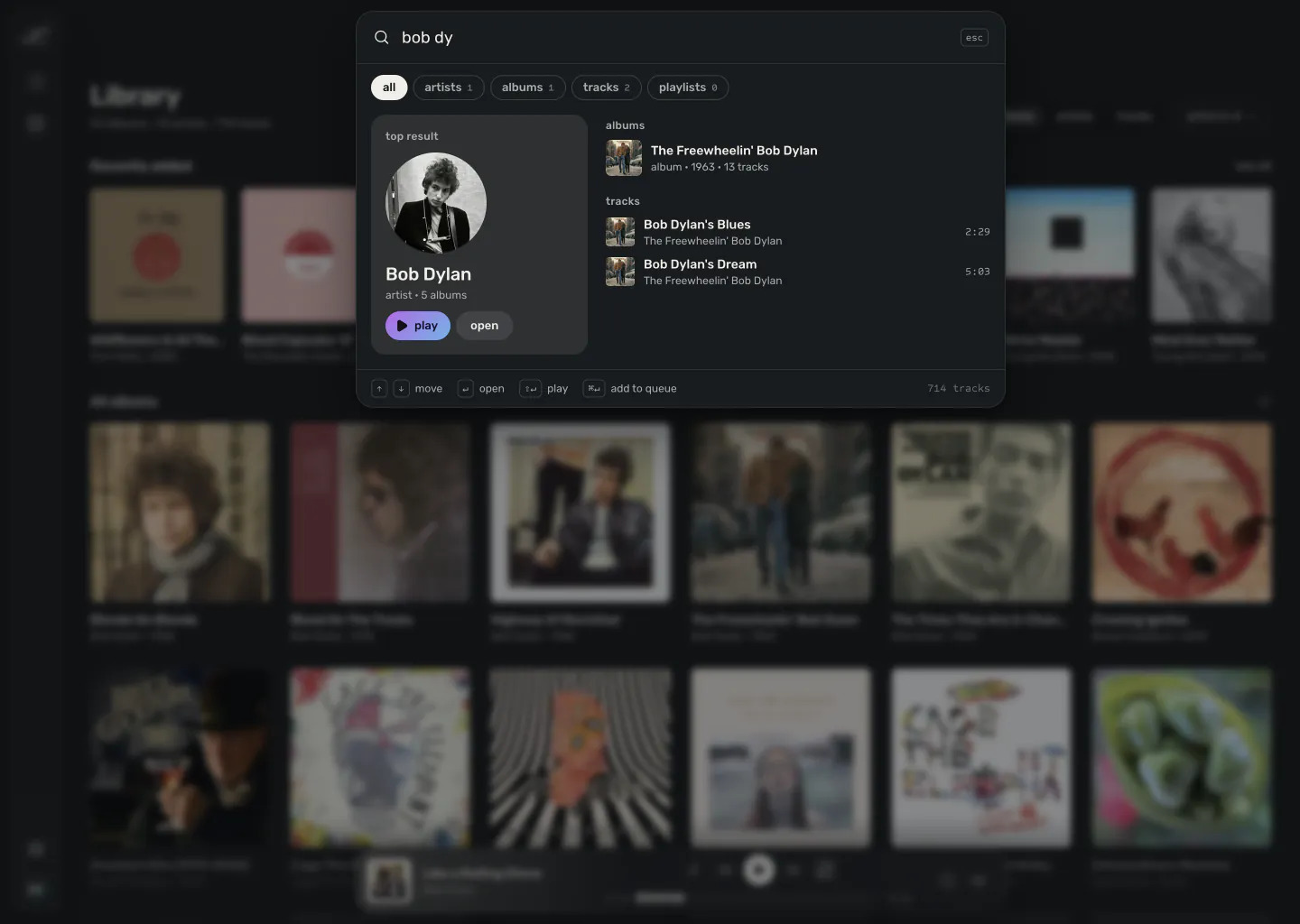
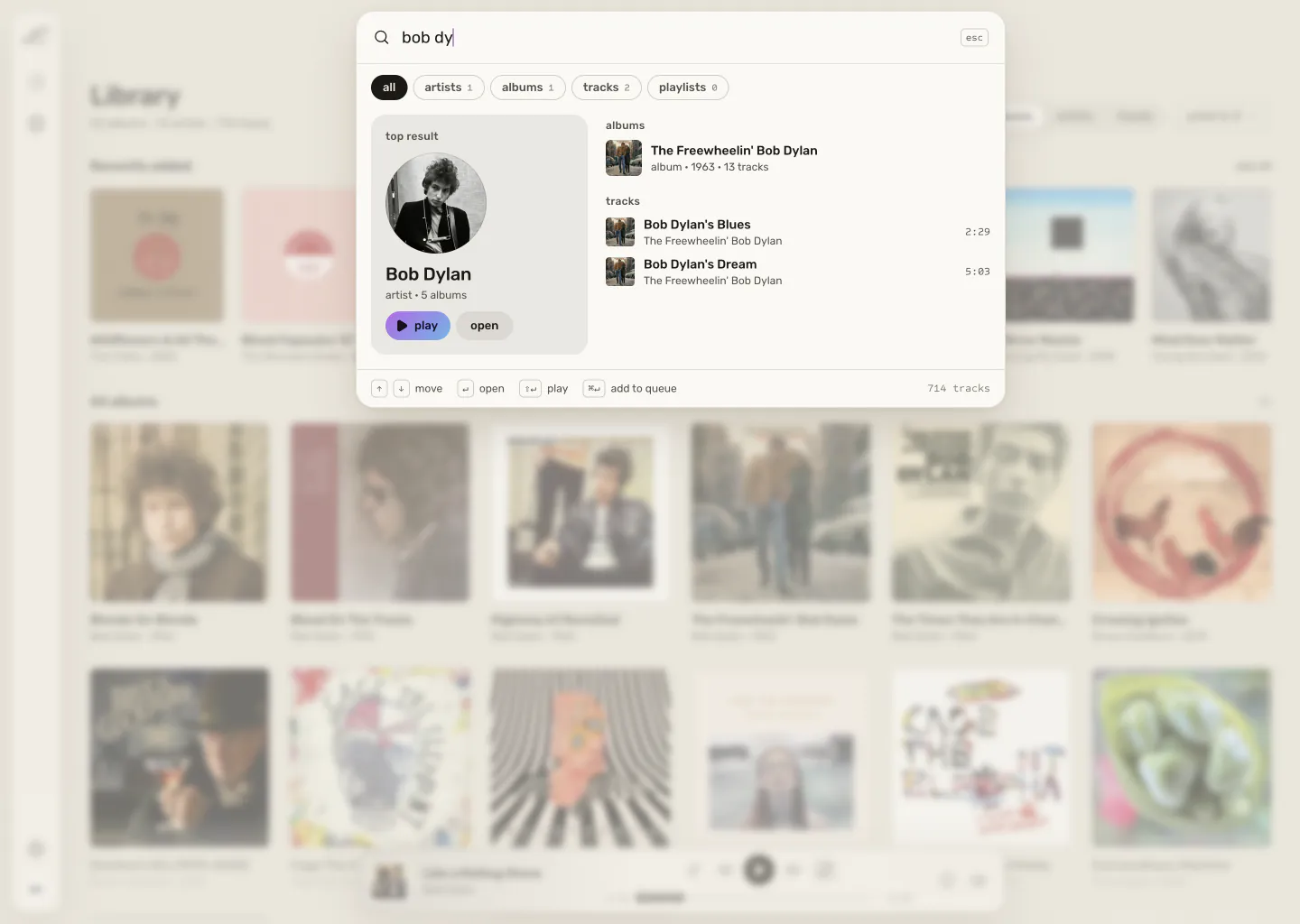
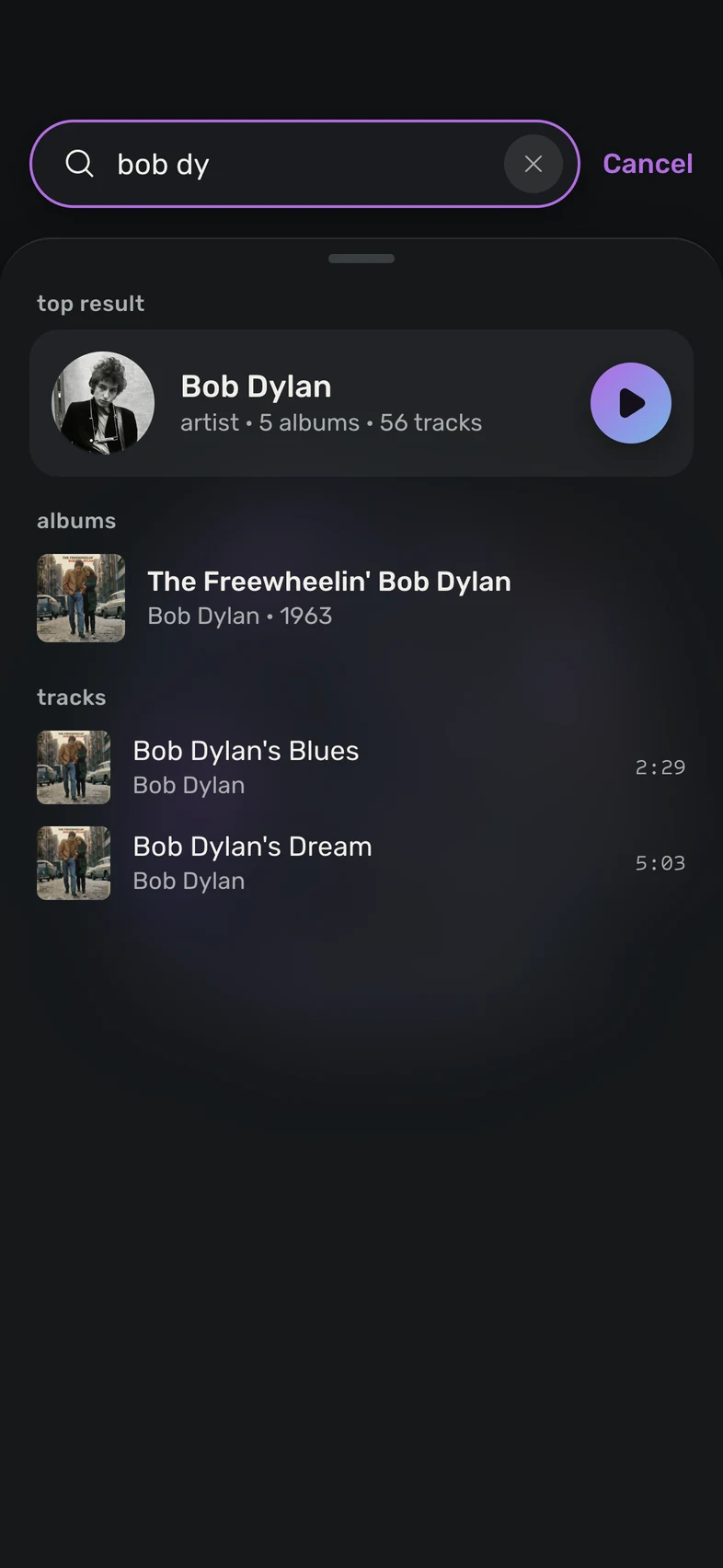
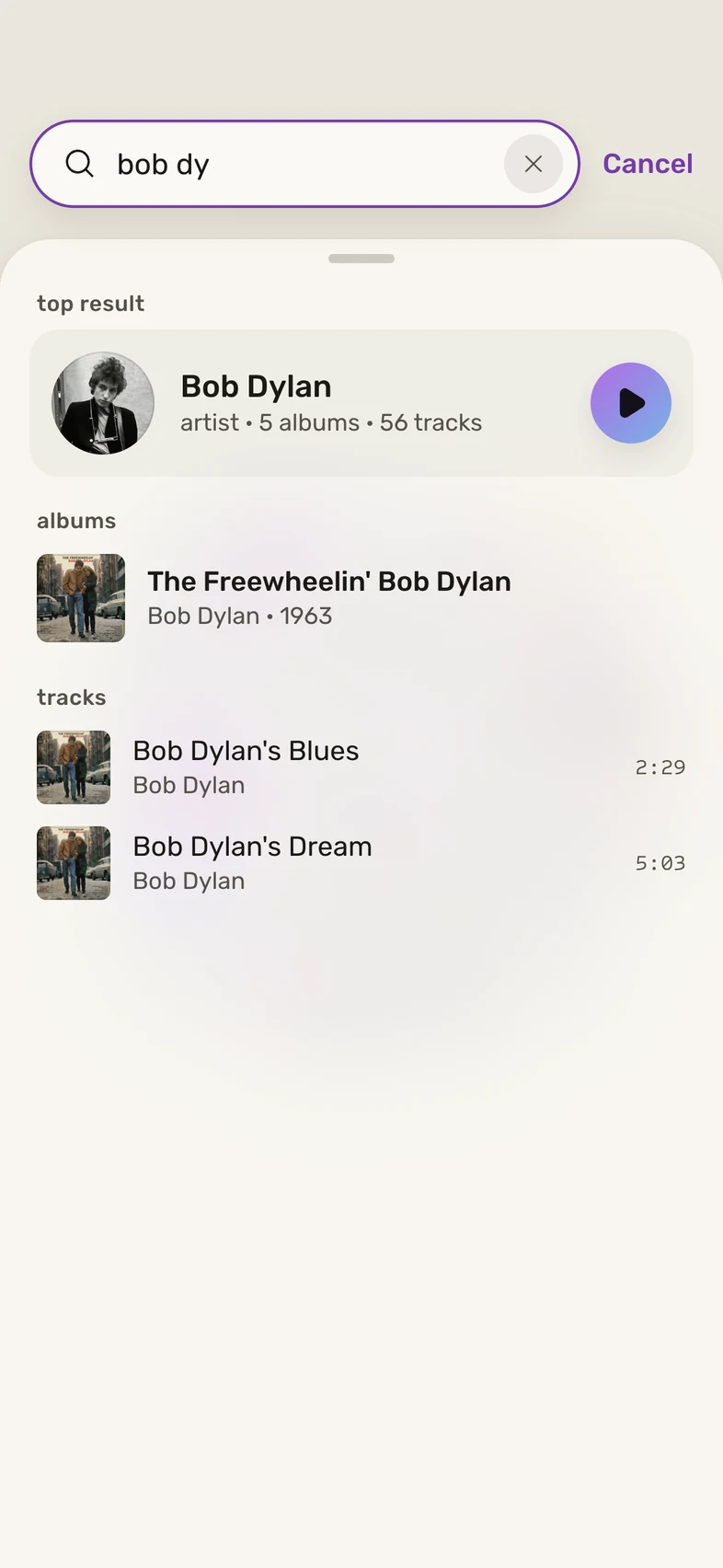
Search on a phone for “bob dy”: Bob Dylan as the top result, then an album and tracks. Search on a phone for “bob dy”: Bob Dylan as the top result, then an album and tracks.
search
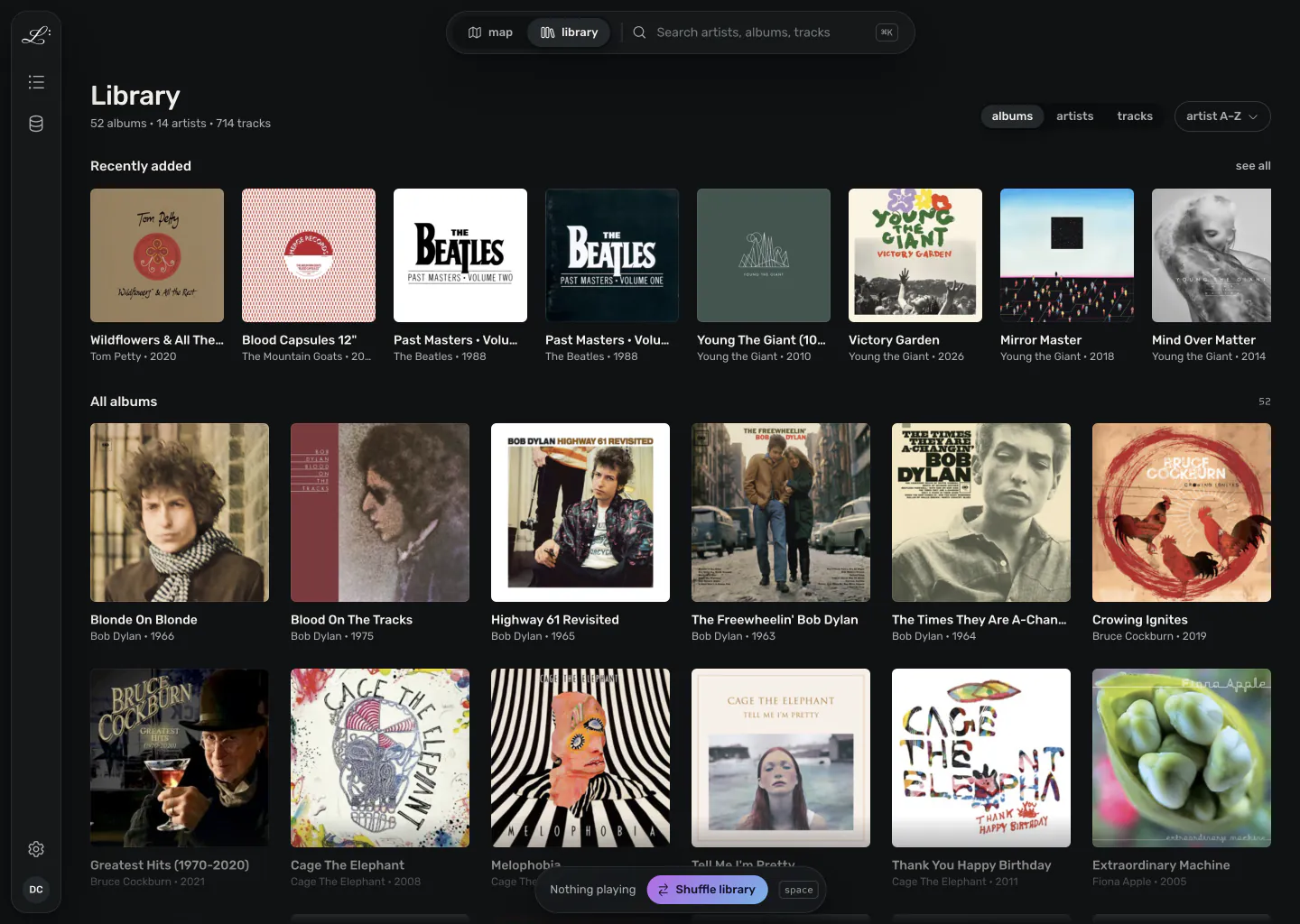
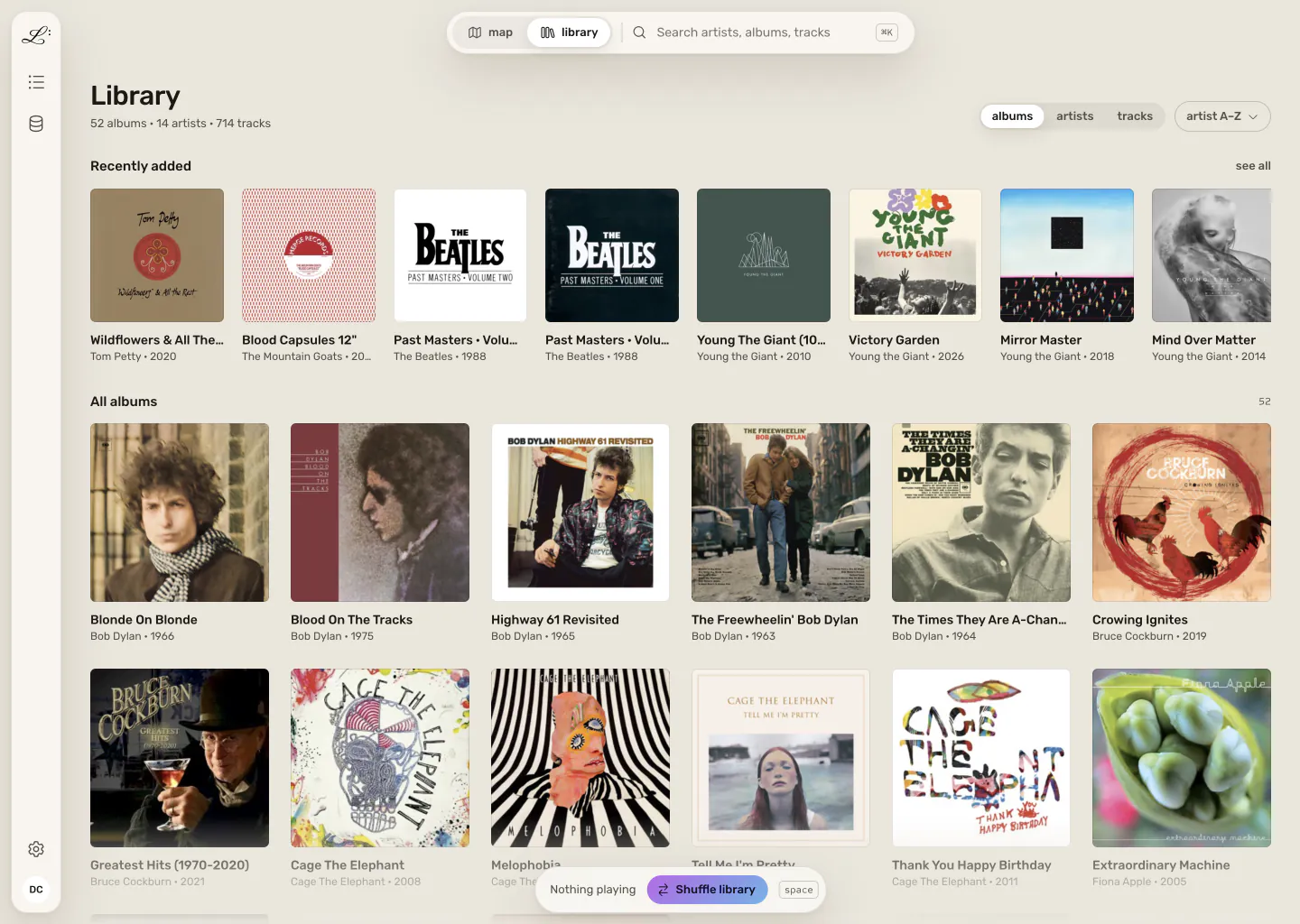
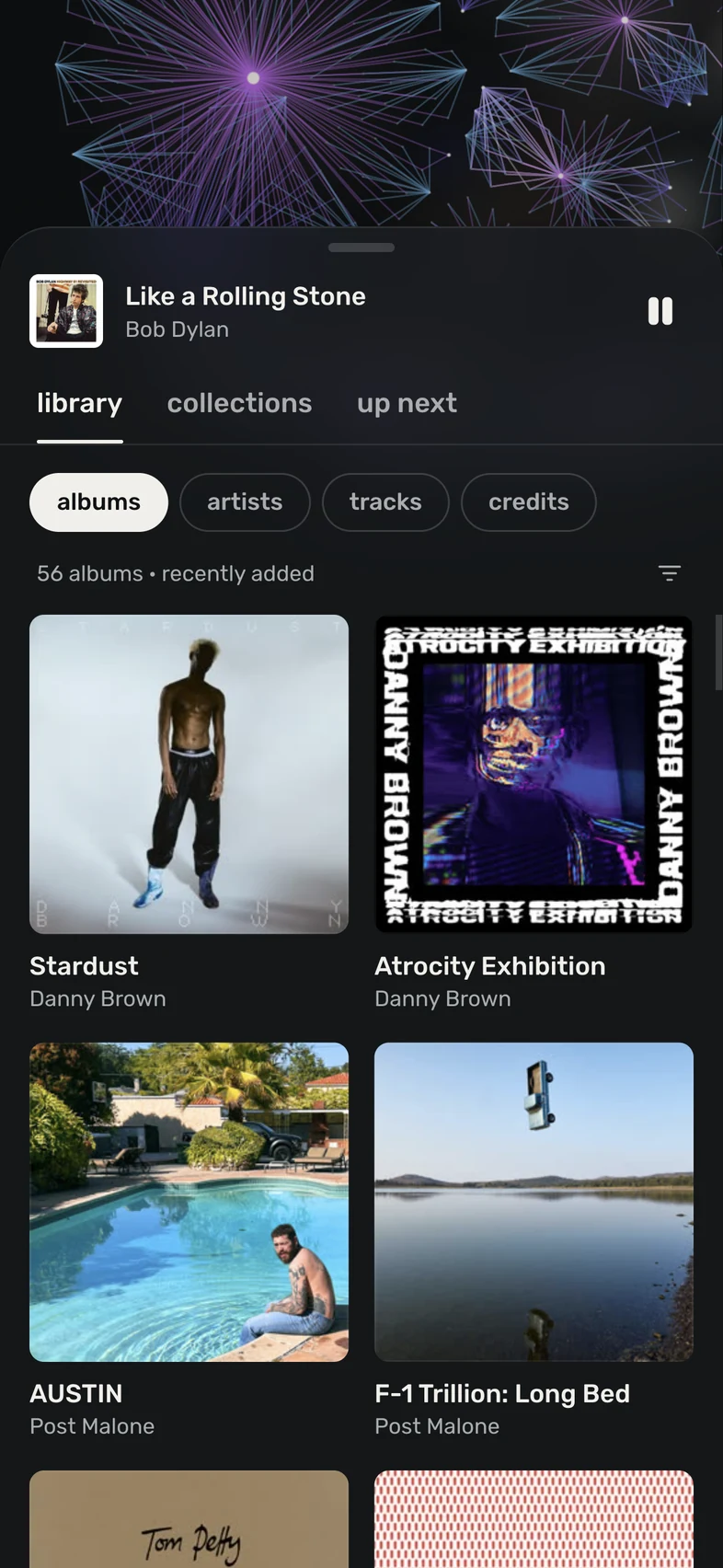
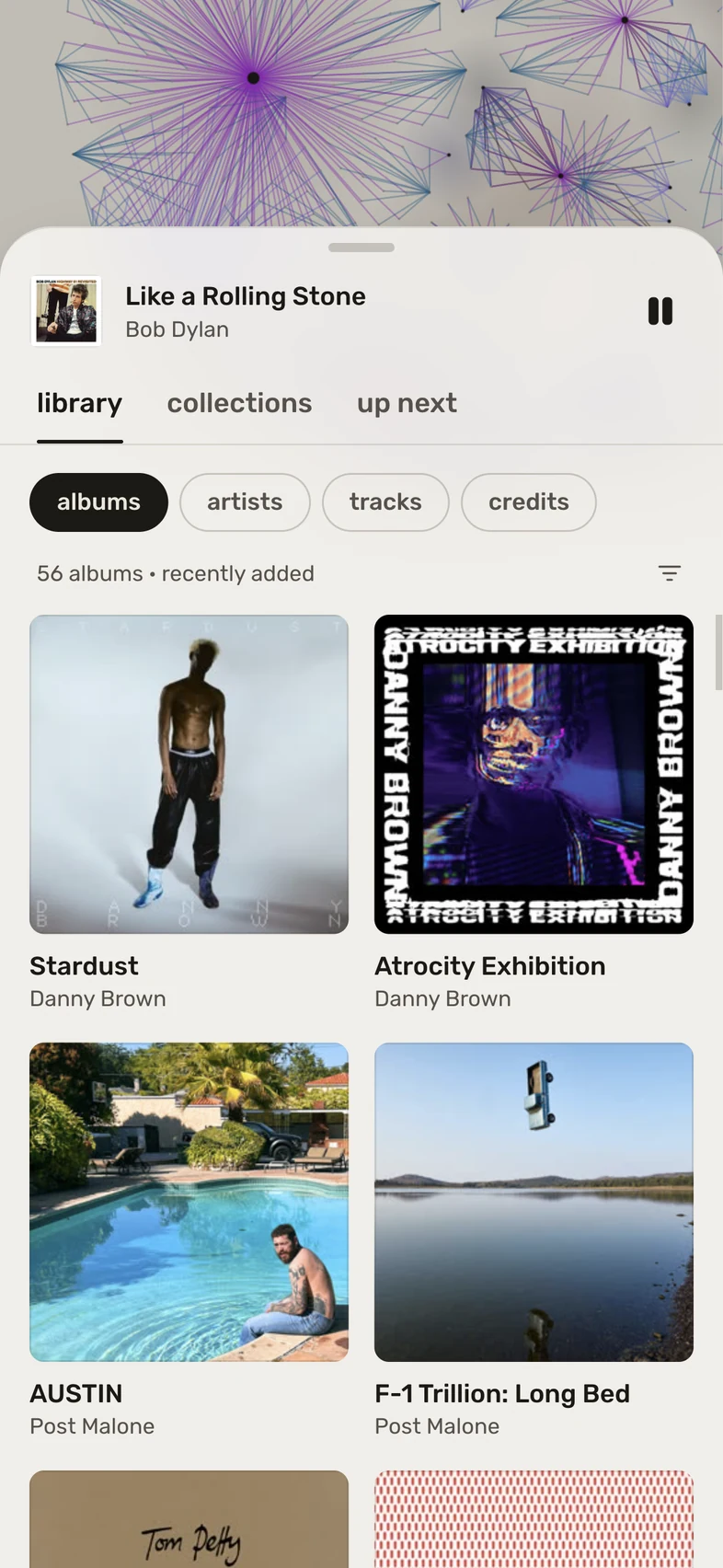
The library tab on a phone: the album grid, starting with the recently added. The library tab on a phone: the album grid, starting with the recently added.
the library
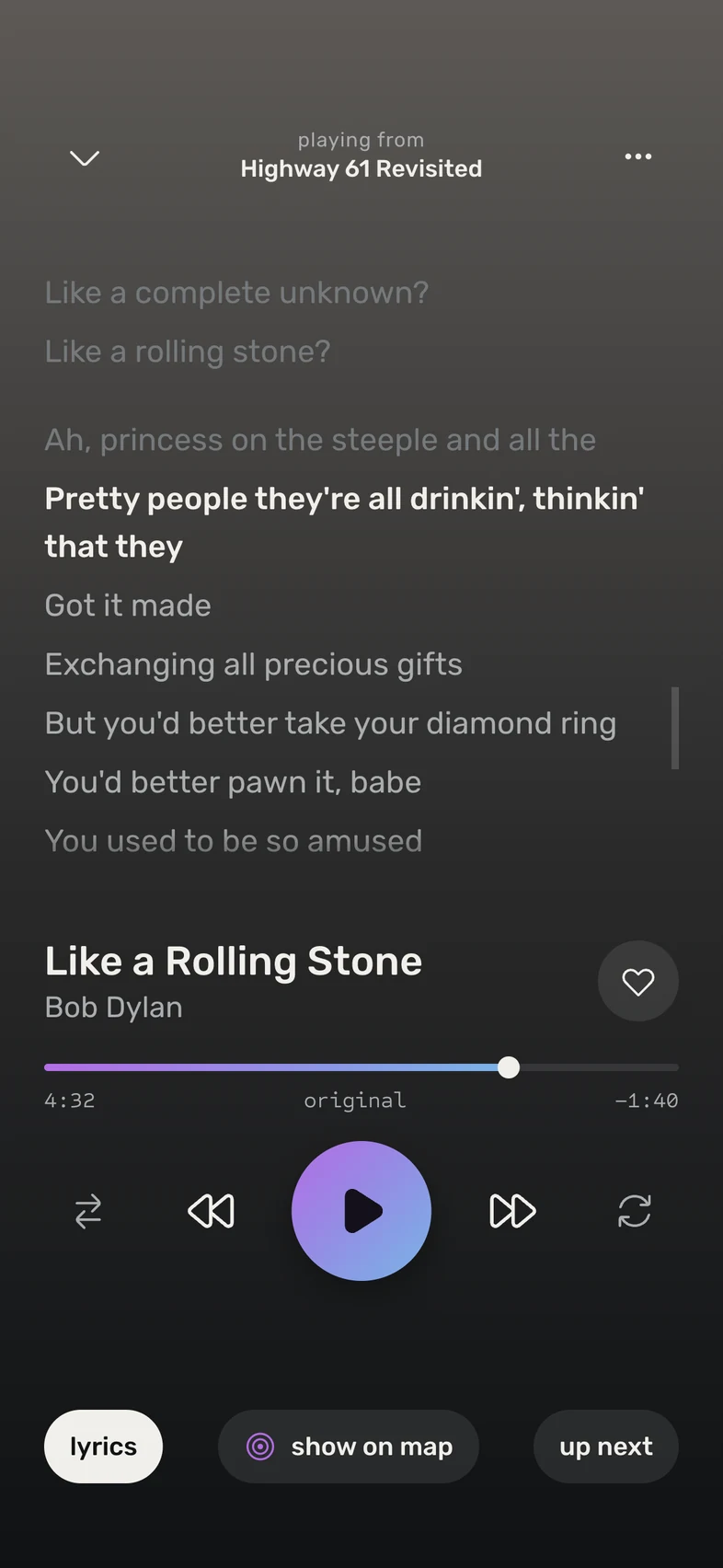
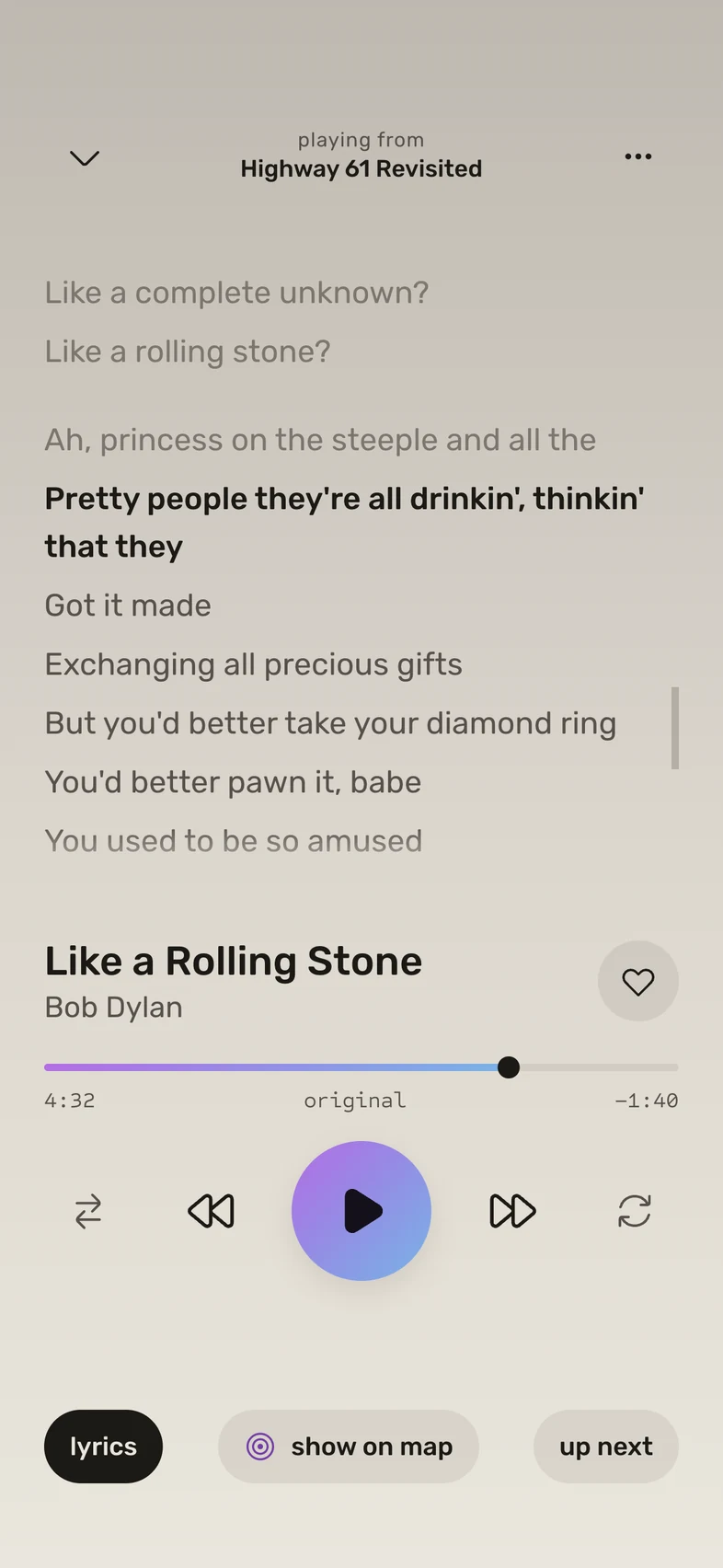
Now playing on lyrics, with the sung line of Like a Rolling Stone highlighted. Now playing on lyrics, with the sung line of Like a Rolling Stone highlighted.
lyrics
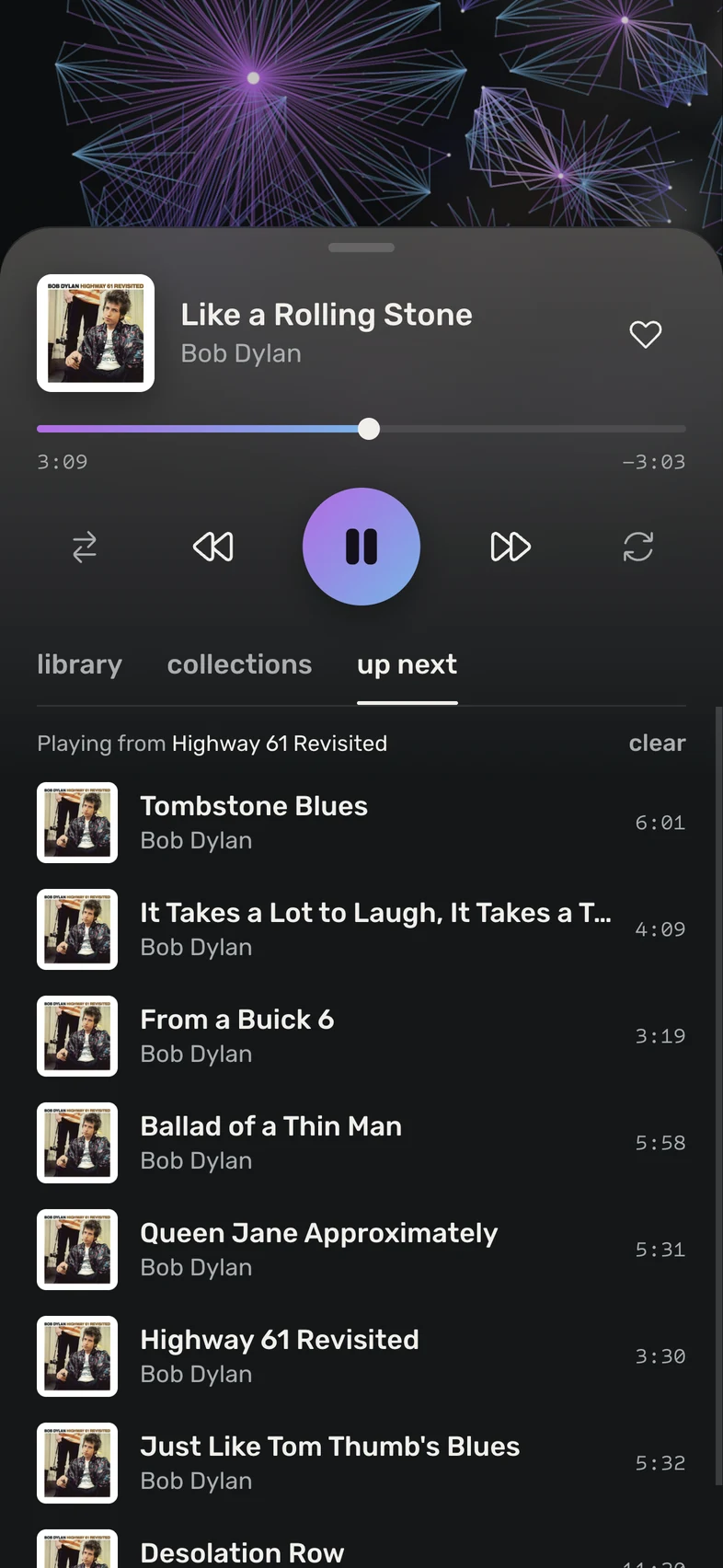
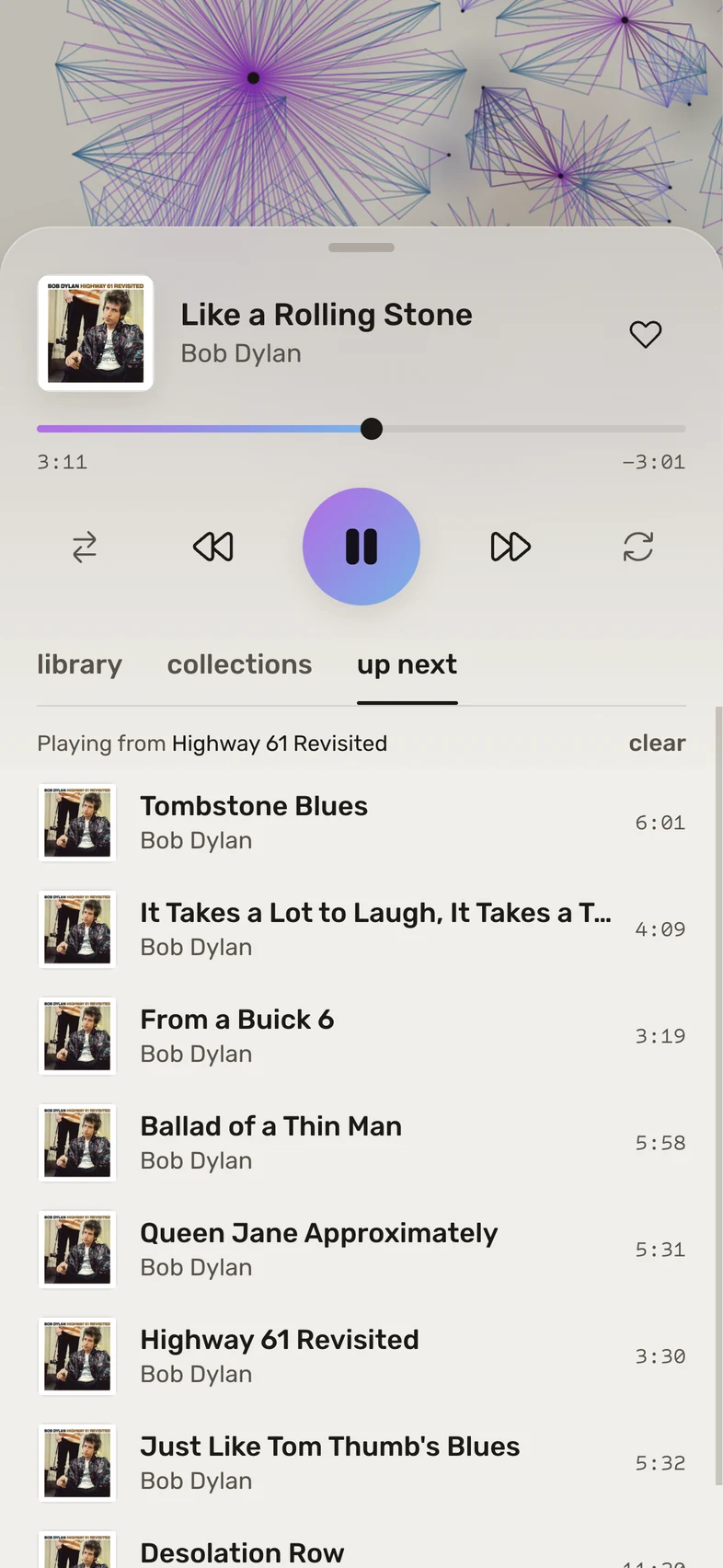
Up next, with the full transport above the queue from Highway 61 Revisited. Up next, with the full transport above the queue from Highway 61 Revisited.
up next

Installing it as an app needs an https address. The tester guide does it in four steps with Tailscale.

the beta so far

In testers' hands

This is the first time people outside the project are installing Legato. Testers are running v0.4.0 on their own NASes and phones, against their own libraries, and what they find decides what gets fixed before a wider release.

v0.4.0 · 9 nov 2026

New since v0.2.0

  • The desktop app, for Mac, Windows and Linux. It carries its own server, plays your files gaplessly, answers media keys, and offers each update in the app.
  • Insights: who links your artists, which bands share members, and the shortest way between any two artists.
  • Edit a track's, album's or artist's tags from its details panel, with every change shown before it's written.
  • Choose an album's cover from the Cover Art Archive, Deezer or an image of your own. Nothing is written into the files.
  • Import Apple Music's playlists, play counts and ratings, with any tracks that are only in the cloud listed.
  • A multi-disc set or a compilation stays one album, and two artists' Greatest Hits stay apart.
v0.3.0 · 8 nov Everything above but the desktop app and the Apple Music import. Release notes on GitHub →
from the tester guide

Testers are checking

  • Every Synology step, on real NAS hardware
  • The first scan, and new albums showing up on their own
  • Whole albums without a stutter, and no gaps in Safari
  • The installed app on Android and iPhone: the lock screen, headphone buttons, half an hour locked
  • Playing away from home over Tailscale, on mobile data
  • Updating, with the library, account and playlists all still there afterwards
  • The desktop app's first launch: Open Anyway on a Mac, Run anyway on Windows, and a real Linux desktop
  • The desktop app's in-app update: one restart, and it opens on the new version and plays

no need to report

Known issues

  • iPhone: tapping the playing track on the lock screen can open a different home-screen web app. It's an iOS bug; open Legato from its icon.
  • Chrome and Android can leave a short gap between tracks. Gapless is Safari's and the desktop app's for now.
  • No AirPlay from the web app yet.
  • Fixing tags writes to FLAC, MP3 and M4A files only, and only if you give Legato write access.
  • The desktop app isn't signed yet, so macOS and Windows warn the first time you open it. The install guide says how to get past it.

the tour

Browse by association

Open a track and find out its engineer worked on three other records you own. Every screenshot here is v0.2.0, running against a real library on a Raspberry Pi.

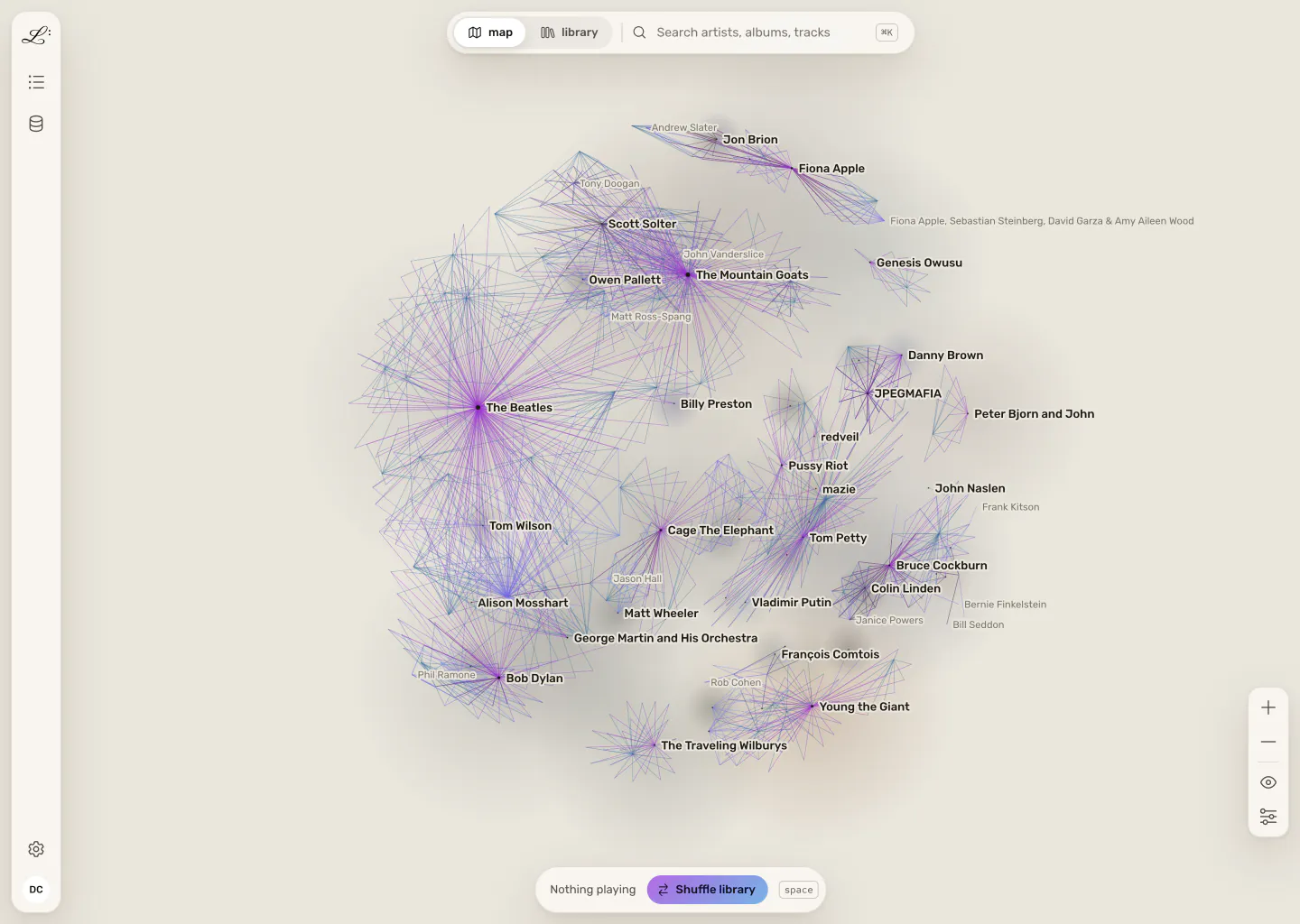
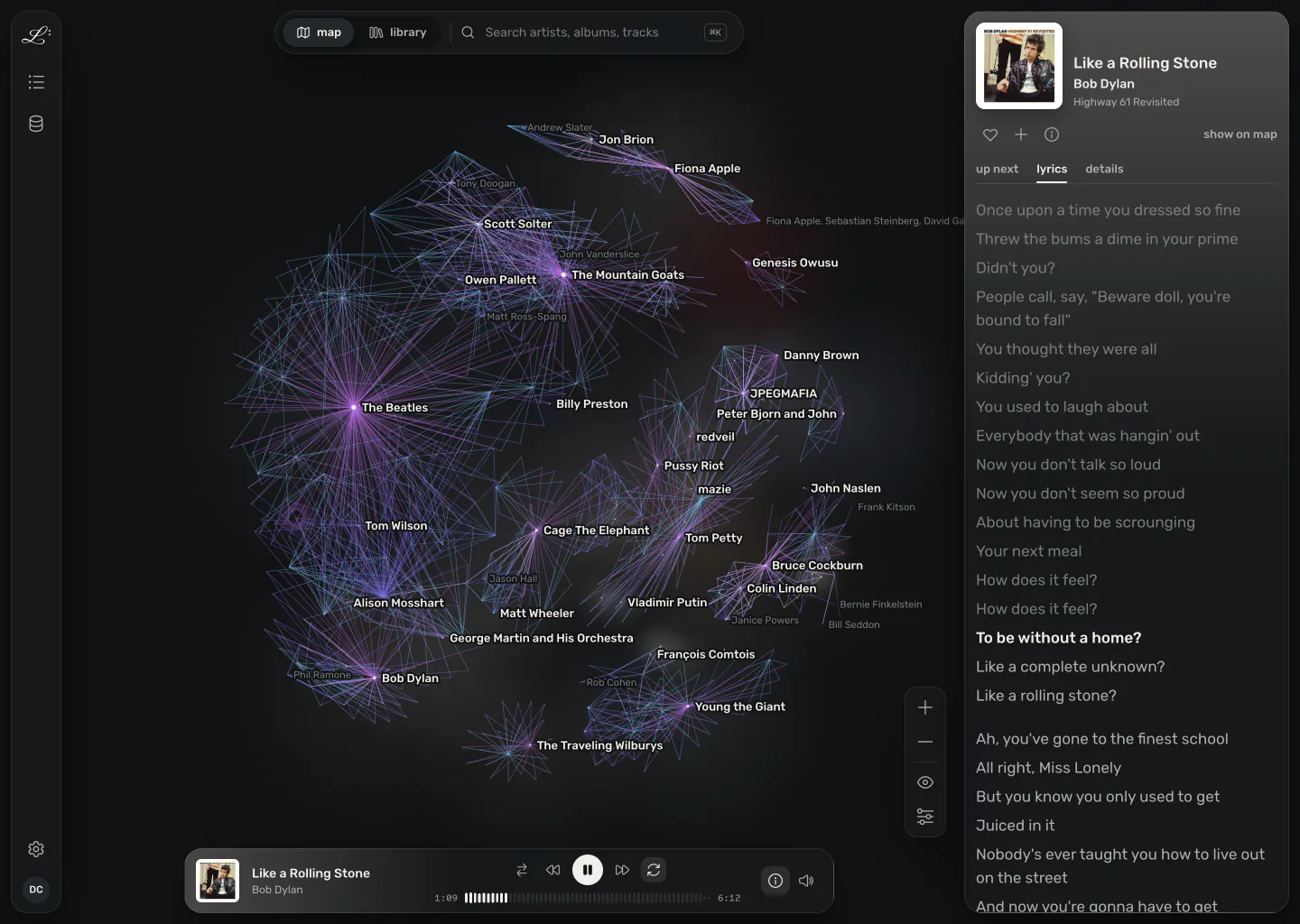
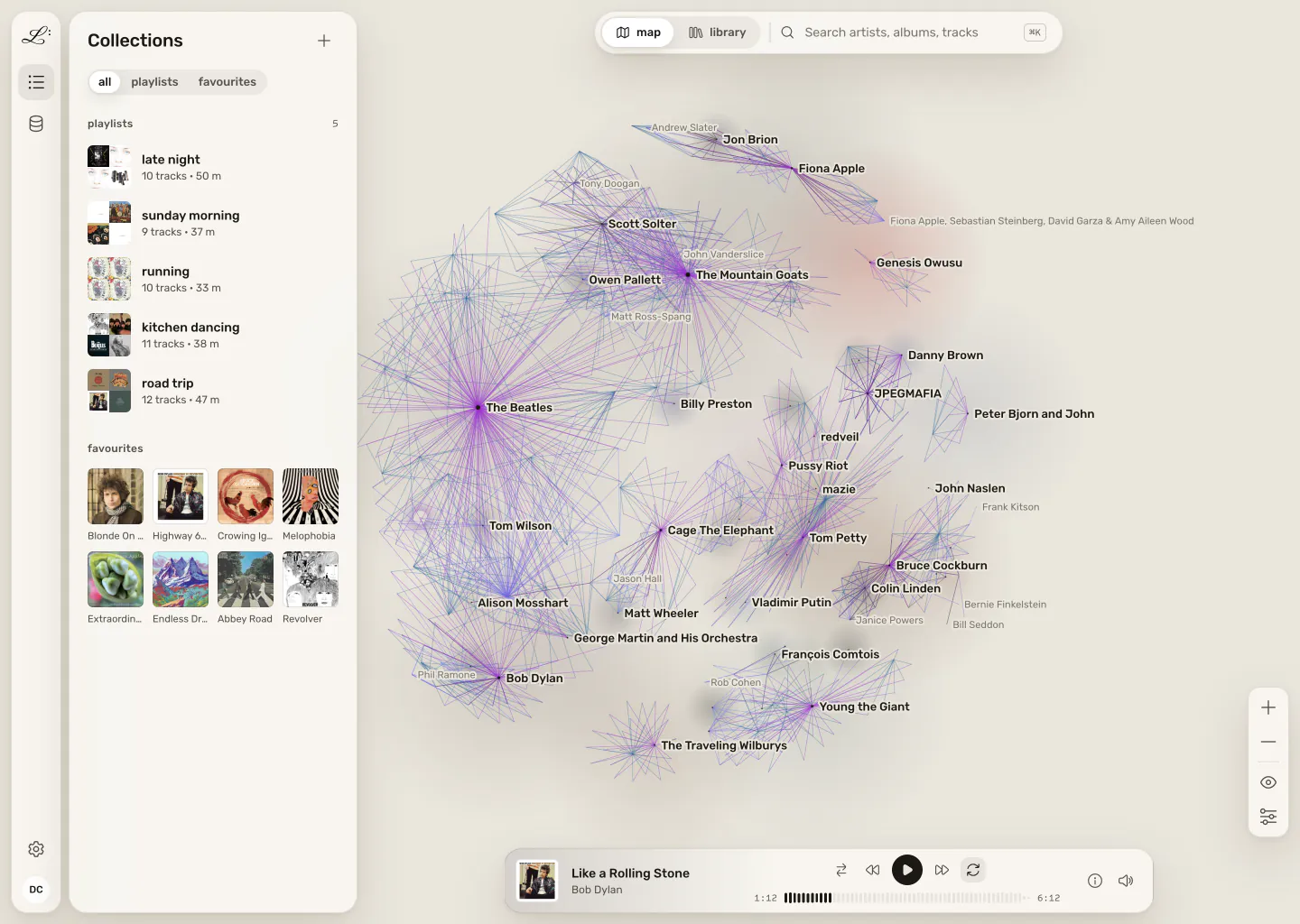
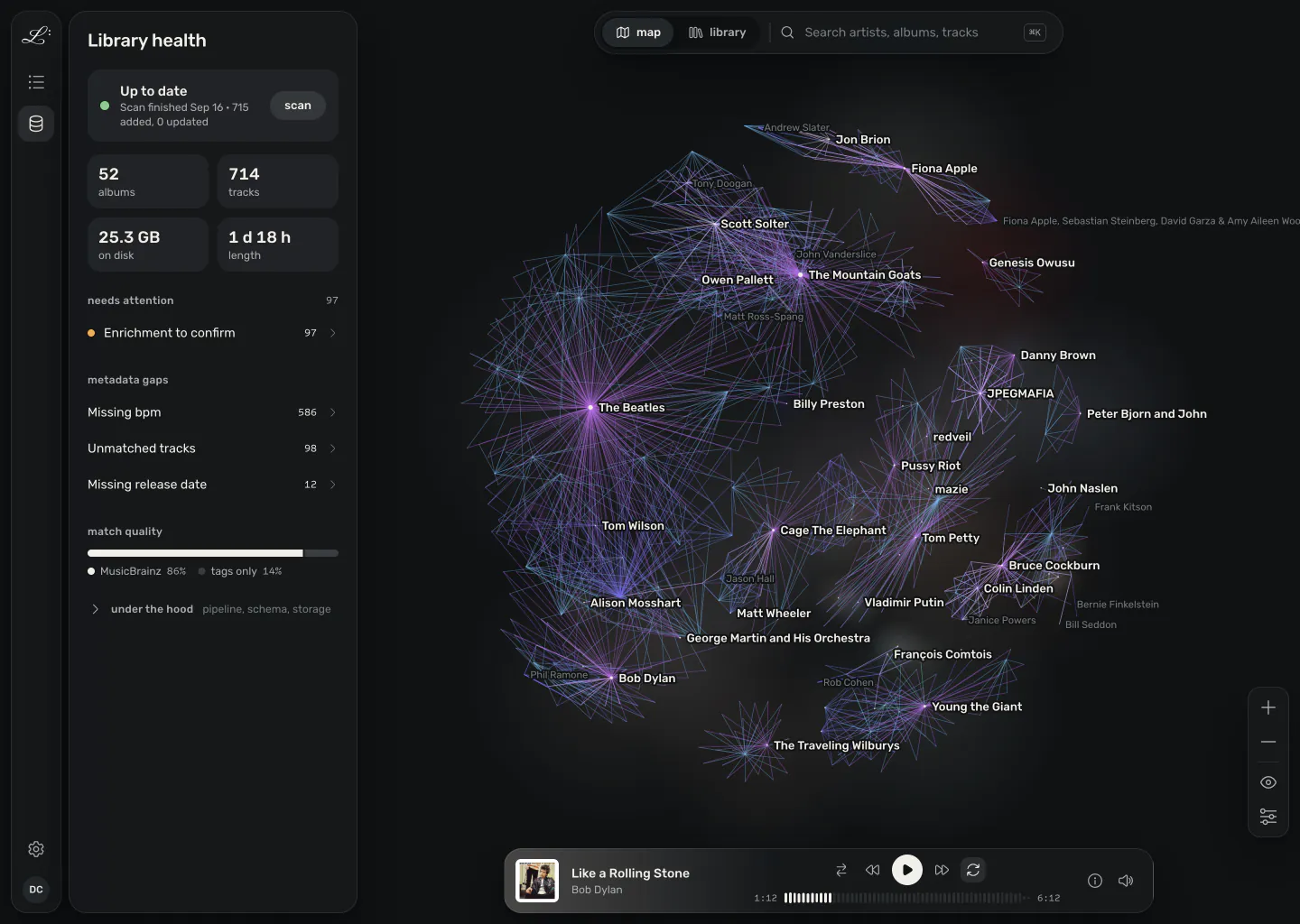
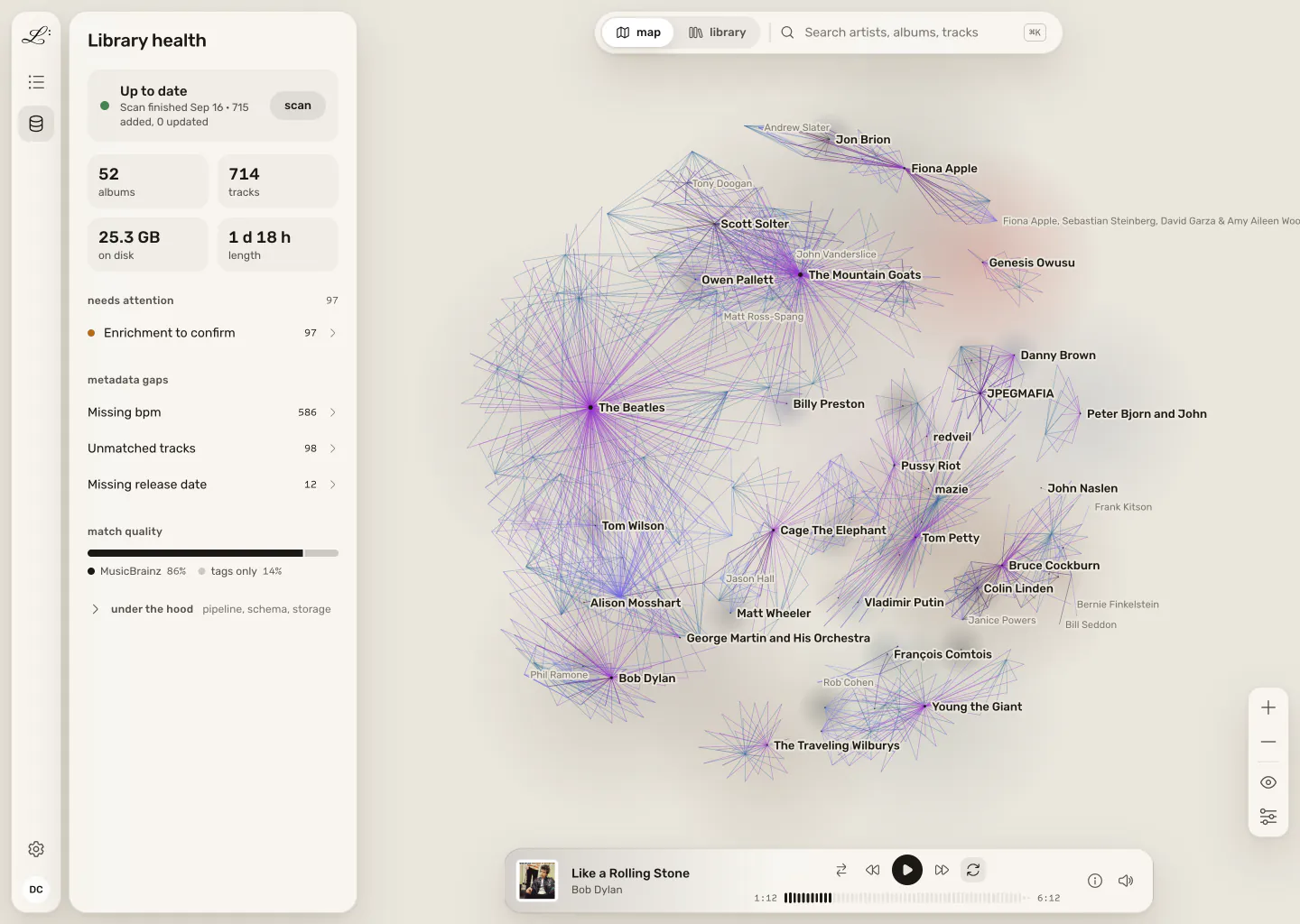
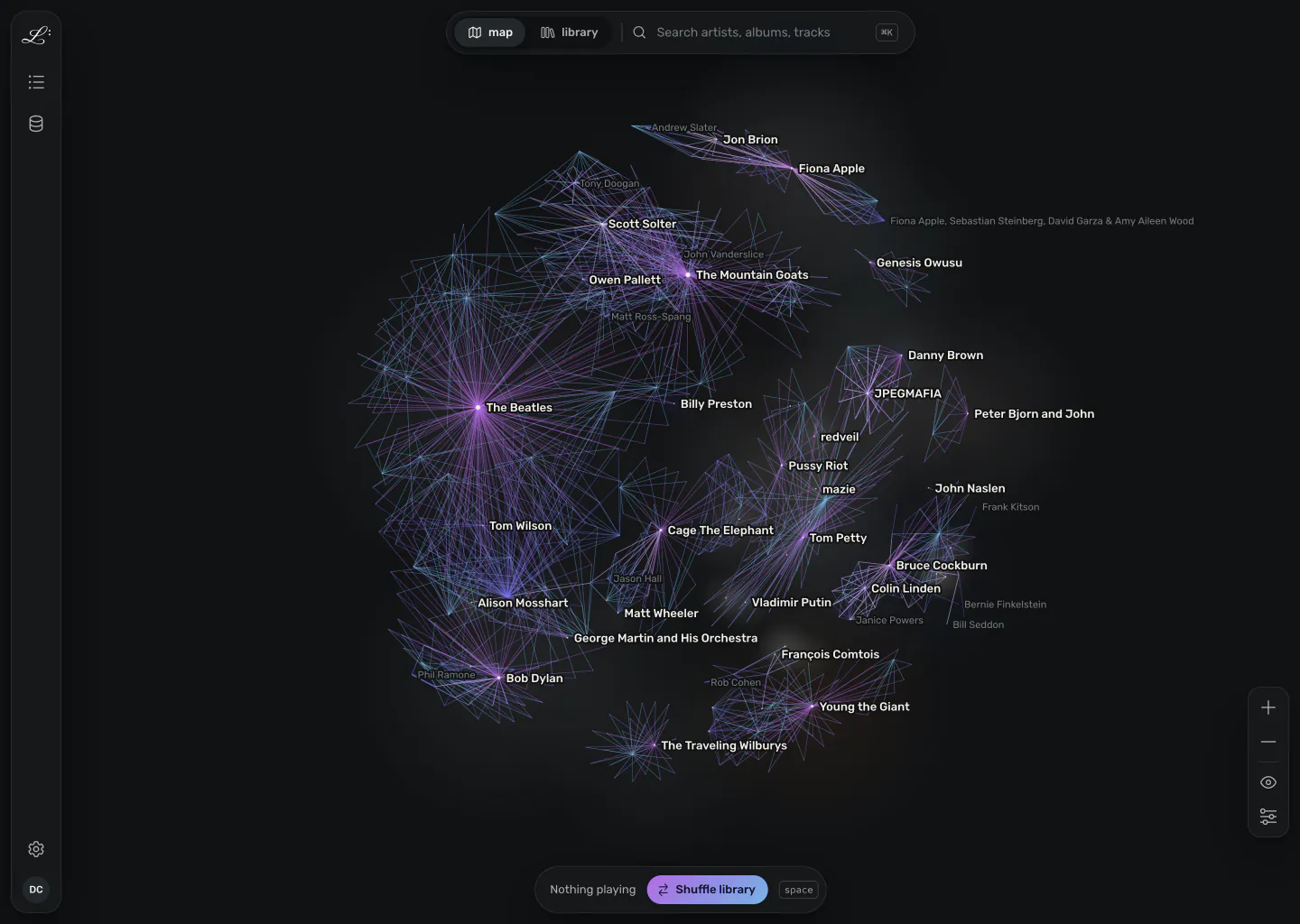
The whole map at rest: each artist at the centre of a cluster of their releases and recordings, with producers and players between them. The whole map at rest: each artist at the centre of a cluster of their releases and recordings, with producers and players between them.
01 / 09
The map A live, force-directed graph of your library. Recordings, artists, releases, labels and producers sit where their connections pull them.

install

Install the home server beta

It's free, and it only ever reads your music. Pick where it runs. The first scan starts on its own, and you can browse and play while it does.

Synology, through Container Manager

dsm 7.2 or later · about 20 minutes

Everything happens in DSM's web interface, with no SSH needed. Legato runs as its own ordinary user, with your music mounted read-only.

  1. 1Install Container Manager from Package Center.
  2. 2Make a legato user that can read your music folder, and note its two id numbers.
  3. 3Create a project from Legato's docker-compose.yml, with those ids and your music folder's path.
The Synology guide, step by step →

then, from a computer on your network

  1. 1

    Open the setup page

    Go to http://<server>:8899/setup. On a Synology, that's your NAS's address with :8899/setup on the end.

  2. 2

    Create your account

    A name and a password. It stays on your server, works without an internet connection, and signs you in from every browser and phone.

  3. 3

    Add your music

    Choose your music folder, which is /music in Docker. Albums appear as the first scan reaches them.

pricing

Free and local, forever.
Pay only to leave your LAN.

Legato

$0

  • The server, the web app and the phone app
  • Every feature: the map, playback, library health
  • The desktop app, for Mac, Windows and Linux
  • No account, no subscription

Legato Relay

paid· coming later

  • Reach your home library from your phone, anywhere
  • No port forwarding, no VPN to set up
  • Passes your audio through without storing it
  • Its code is in the repo: read it, or run your own

Your data

local

  • Music, metadata, playlists and play history stay on your hardware
  • Your server looks details up itself, in MusicBrainz, Cover Art Archive, LRCLIB, Deezer and Wikipedia
  • The server and the desktop app check GitHub once a day for a new release. You can turn off the server's check, not yet the app's
  • Nothing about your library is sent to us. Privacy

what's next

The signed desktop app is next, then Legato in a browser.

Early desktop builds for Mac, Windows and Linux are on every release now: get the latest release and follow the install guide. The signed app comes next, without the first-launch warning, then Legato in a browser, starting from your Spotify playlists. Leave your email for one message when your wave opens. No newsletter.

Goes straight into the waitlist, nothing else. See why.